slicer.dev
Copy as prompt
Export to
Lovable
Bolt
Cursor

Stop describing UI to AI.
Just point at it.

copy any component from any website and paste into Claude Code, Cursor, or Lovable as a prompt

5.0
Chrome Web Store
+2000slices extracted
slicer.dev - Copy interactive web components as AI prompts | Product Hunt

Copy any component from any website

Open Slicer on any site, hover a component, and copy it — styles, animations, and interactions all preserved.

Real components,
copied in one click

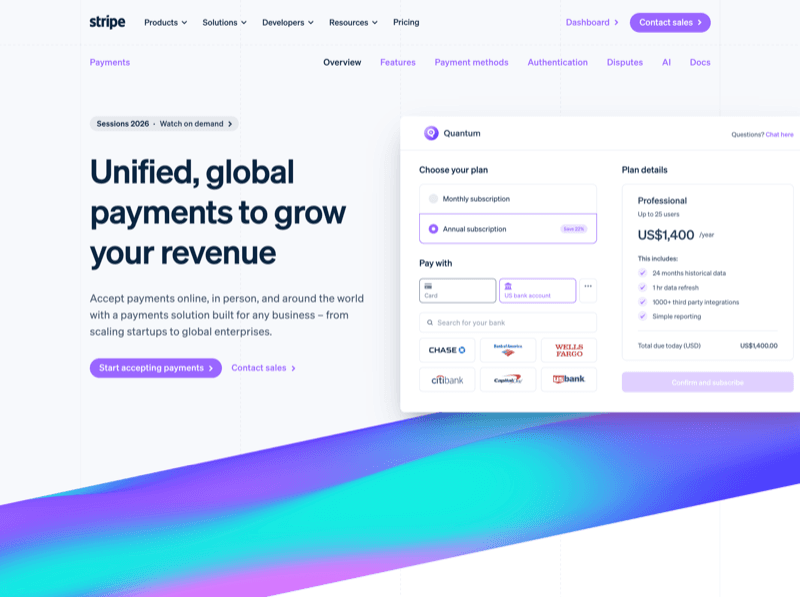
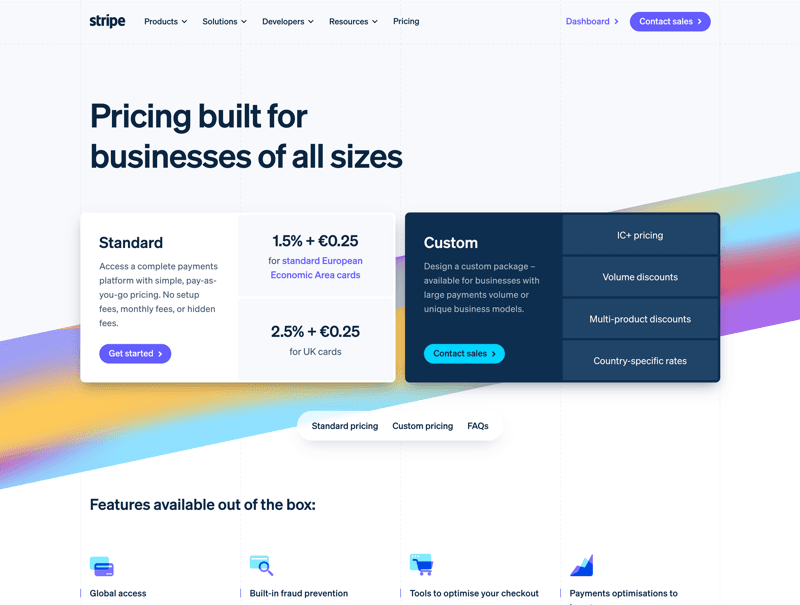
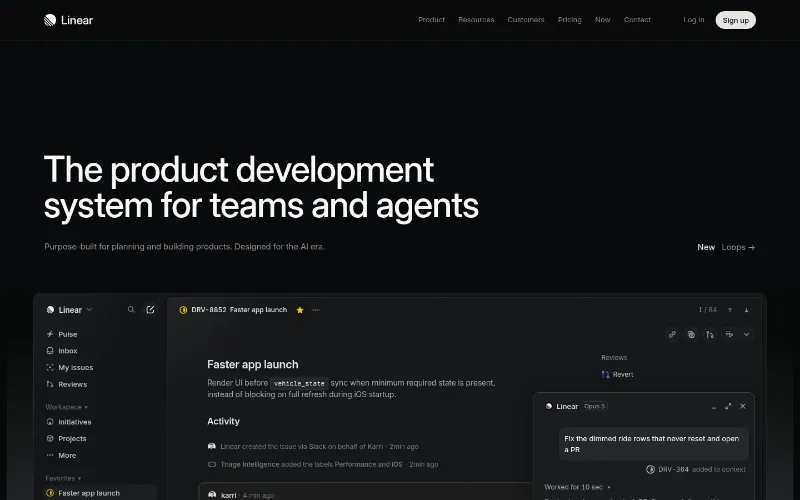
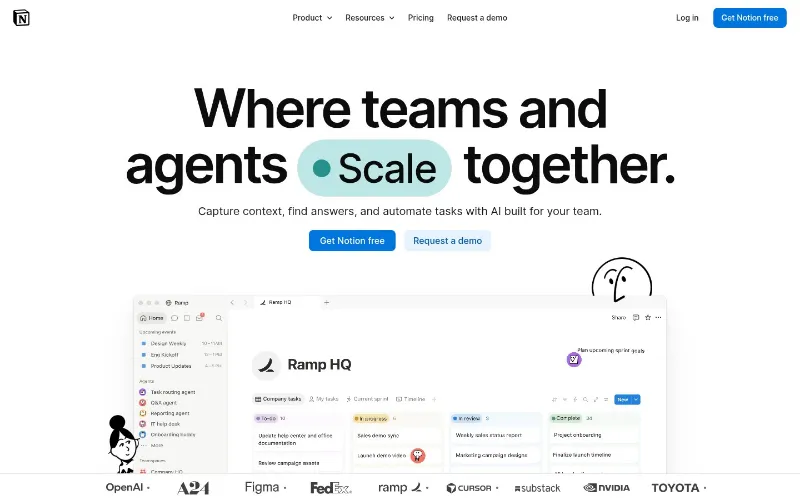
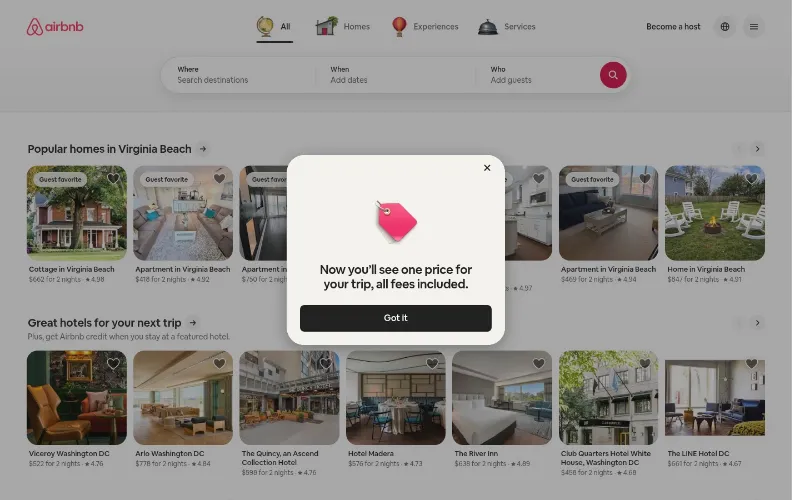
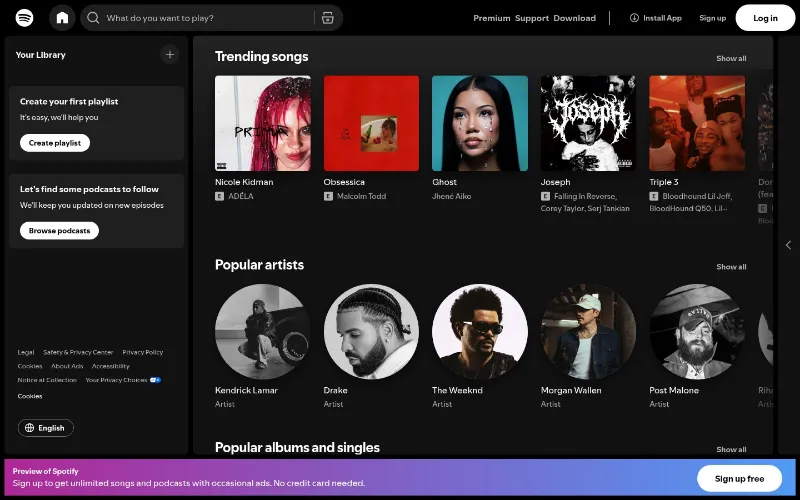
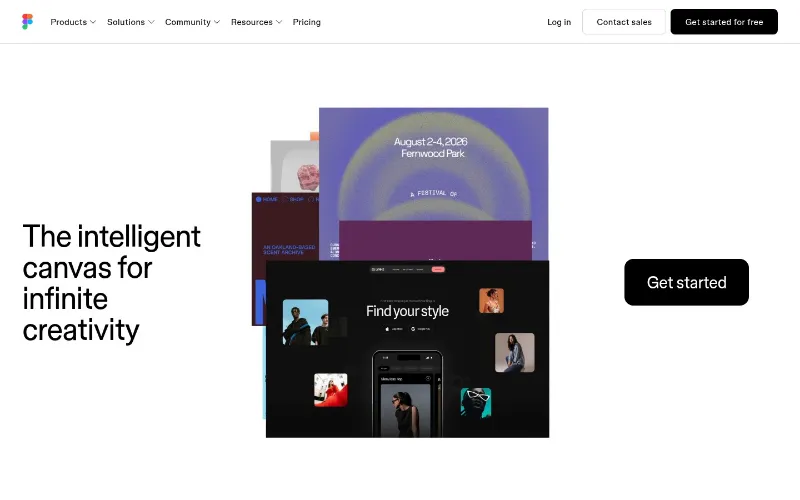
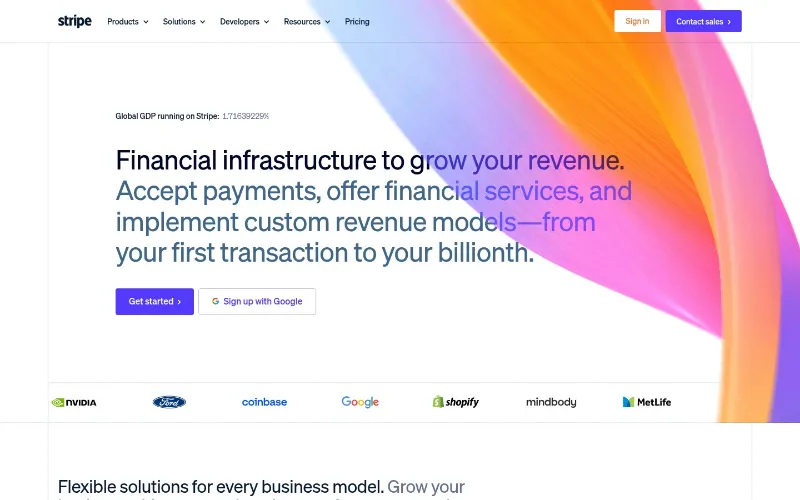
Every component below was extracted from a live website using slicer.dev browser extension

Notion AI use cases

Notion AI use cases

312

Use case grid with icons and links

Flow testimonials

Flow testimonials

189

Testimonial marquee — dark theme

Customer case study tabs

Customer case study tabs

276

Tabbed case studies with logo tabs

Startup customer carousel

Startup customer carousel

147

Logo overlays — Lovable, Supabase

Notion AI use cases

Notion AI use cases

312

Use case grid with icons and links

Flow testimonials

Flow testimonials

189

Testimonial marquee — dark theme

Customer case study tabs

Customer case study tabs

276

Tabbed case studies with logo tabs

Startup customer carousel

Startup customer carousel

147

Logo overlays — Lovable, Supabase

Notion AI use cases

Notion AI use cases

312

Use case grid with icons and links

Flow testimonials

Flow testimonials

189

Testimonial marquee — dark theme

Customer case study tabs

Customer case study tabs

276

Tabbed case studies with logo tabs

Startup customer carousel

Startup customer carousel

147

Logo overlays — Lovable, Supabase

Browse the slice library

Slicer Canvas: Restyle extracted components

Combine slices, apply your brand, and restyle with AI — all on an infinite canvas.

Open Slicer Canvas
Merge components into oneApply visual styleRebrand any componentDebrand & neutraliseGenerate new variantsRemix & rearrangeExport prompt or ReactVisual iteration history
NewBeta

Map out and audit your product flows

Slice copies one component into code. Journey Audit records a whole flow — signup, checkout, onboarding — as a live board, then runs an AI UX audit with findings pinned to each page.

Learn about Journey Audit
The Journey Audit board: captured pages connected by the clicks between them, with the AI audit panel showing a UX score and findings

One extension. Two superpowers.

Slice copies a single component. Journey Audit maps a whole flow. Separate tools for separate jobs — pick the one that matches yours.

Slice

Point at one component — a hero, pricing card, navbar — and copy it with every style, hover state, and animation. Export as an AI prompt or clean React code.

Best for

Building UI — turning real components into your code.

You're looking at it

Journey Audit

Beta

Browse a flow while Slicer records every page as a live preview. Get a board that maps the whole journey, then run an AI UX audit on it. No code — it's for understanding, not copying.

Best for

UX research, product reviews, competitor analysis.

Learn about Journey Audit

Hover, click, copy.

Stop screenshotting UI for reference. Slicer extracts any component from any live site - animations, states, and all - as a ready-to-paste AI prompt.

slicer.dev
Slicer extension

What developers are saying

Hear from the builders using Slicer every day

MD
Marco DelgadoFrontend Engineer

I grab UI patterns from competitor sites every week. Slicer cuts what used to take an hour down to a single click.

PN
Priya NairProduct Designer

Finally a tool that bridges browsing for inspiration and actually using what you find. The Canvas remixing is magic.

JT
James ThorntonFounder

We build 4–6 client sites a month. Slicer is the first tool that actually speeds up the design-to-build handoff.

Hover over a component to select it

How slicer works

From any website to your project in 5 steps

01

Browse any website

Every page is a source of reusable components.

Browsing a website in Chrome
02

Open Slicer extension

Every component on the page becomes selectable - buttons, heroes, pricing tables, navbars.

Slicer extension activated
03

Copy any component

Click on a component to copy. All styles, animations, states, and interactions preserved.

Copying a component with one click
04

Remix on Canvas

Apply your brand style and design system. Transform components visually before exporting.

Canvas workspace with apply style
05

Export as prompt or code

Instantly get an AI-ready prompt or clean React component. Paste directly into Lovable, Bolt, v0, or Cursor.

Export options showing prompt and React code

Everything captured. Nothing left behind.

Every interaction, every animation, every state — captured automatically, works with any tool you already use

Hover States
transitiontransformopacitykeyframesease-in-outscalerotatetranslateYfadeInbouncecubic-bezierdelayinfinitespringtranslateXskewalternateforwardsorbittransitiontransformopacitykeyframesease-in-outscalerotatetranslateYfadeInbouncecubic-bezierdelayinfinitespringtranslateXskewalternateforwardsorbit
CSS Animations
Interactions
Responsive Layouts
<Button
variant="primary"
hover="scale-105"
animate="fadeIn"
>Get Started</Button>
Clean Output

Stop describing UI to AI. Just point at it.

Hover any element on any site. One click extracts it as a structured AI prompt or clean React code — with styles, states, and interactions intact. Paste straight into Cursor, Bolt, v0, or Lovable.

Copy any component as an AI prompt

AI-ready prompt for Claude Code, Cursor, Lovable, Bolt.new and more.

Lovable
Bolt.new
v0.app
Cursor
Claude Code
React code
Export slice to React and more

Simple, transparent pricing

Start immediately. Cancel anytime.

Free

Perfect for trying out Slicer

€0
  • 3 component copies / month
  • 1 journey audit / month (up to 5 screens)
Lite

For occasional building

€15/month
  • 30 component copies / month
  • 5 journey audits / month
Pro

For designers & developers who ship fast

€25/month
  • Unlimited component copies
  • 20 journey audits / month
Max

Everything Slicer does, uncapped

€35/month
  • Unlimited component copies
  • Unlimited journey audits

14-day money-back guarantee

Not happy in the first 14 days? We'll refund you in full, no questions asked.

Point at any UI.
Make it yours.

Whether you're a developer pasting into Cursor, a designer building design systems, an agency turning client references into components, or a founder shipping an MVP — Slicer gives you the same superpower.

Frequently asked questions

Quick answers about Slicer, exports, and plans.