Funnel case study
Inside BetterMe’s relationship quiz funnel
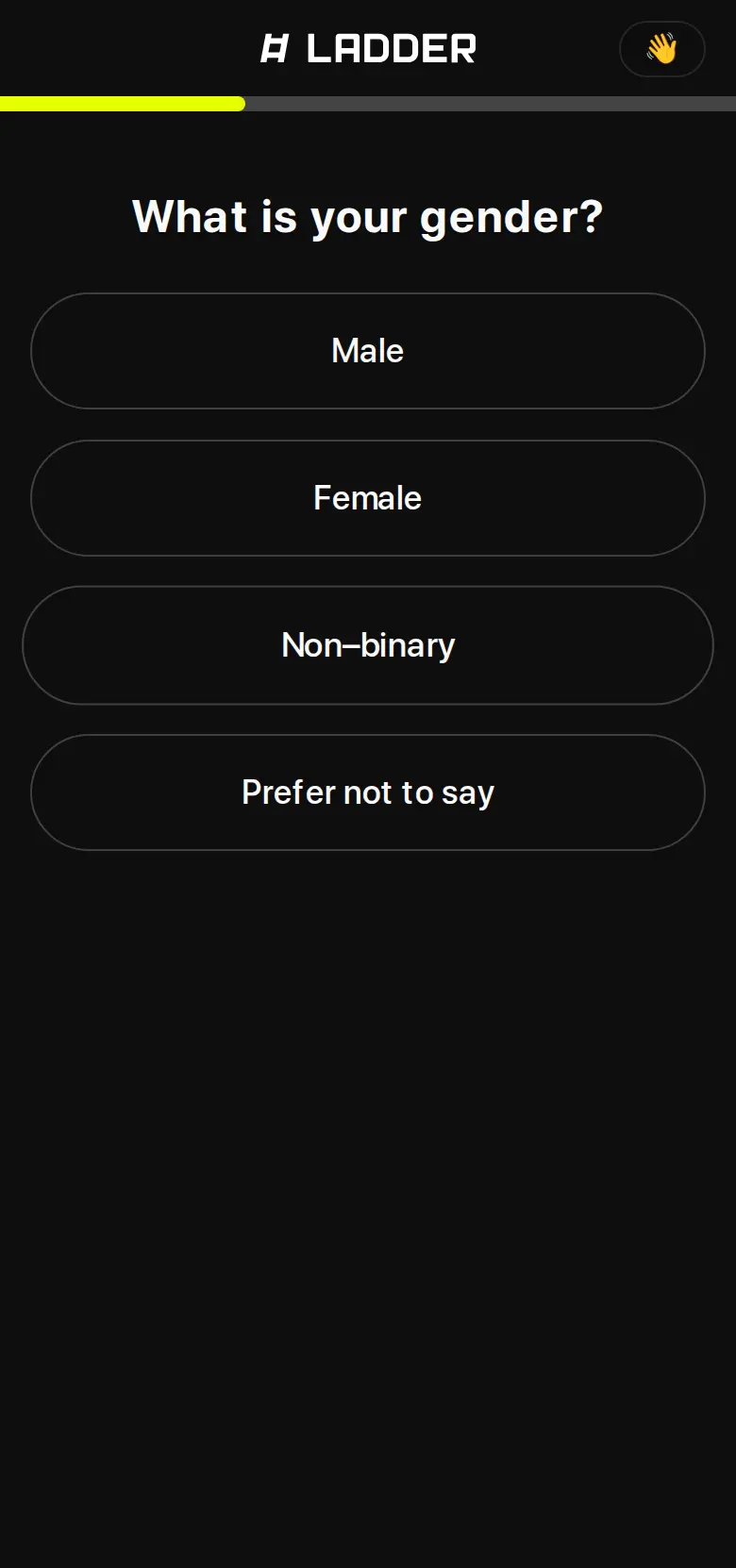
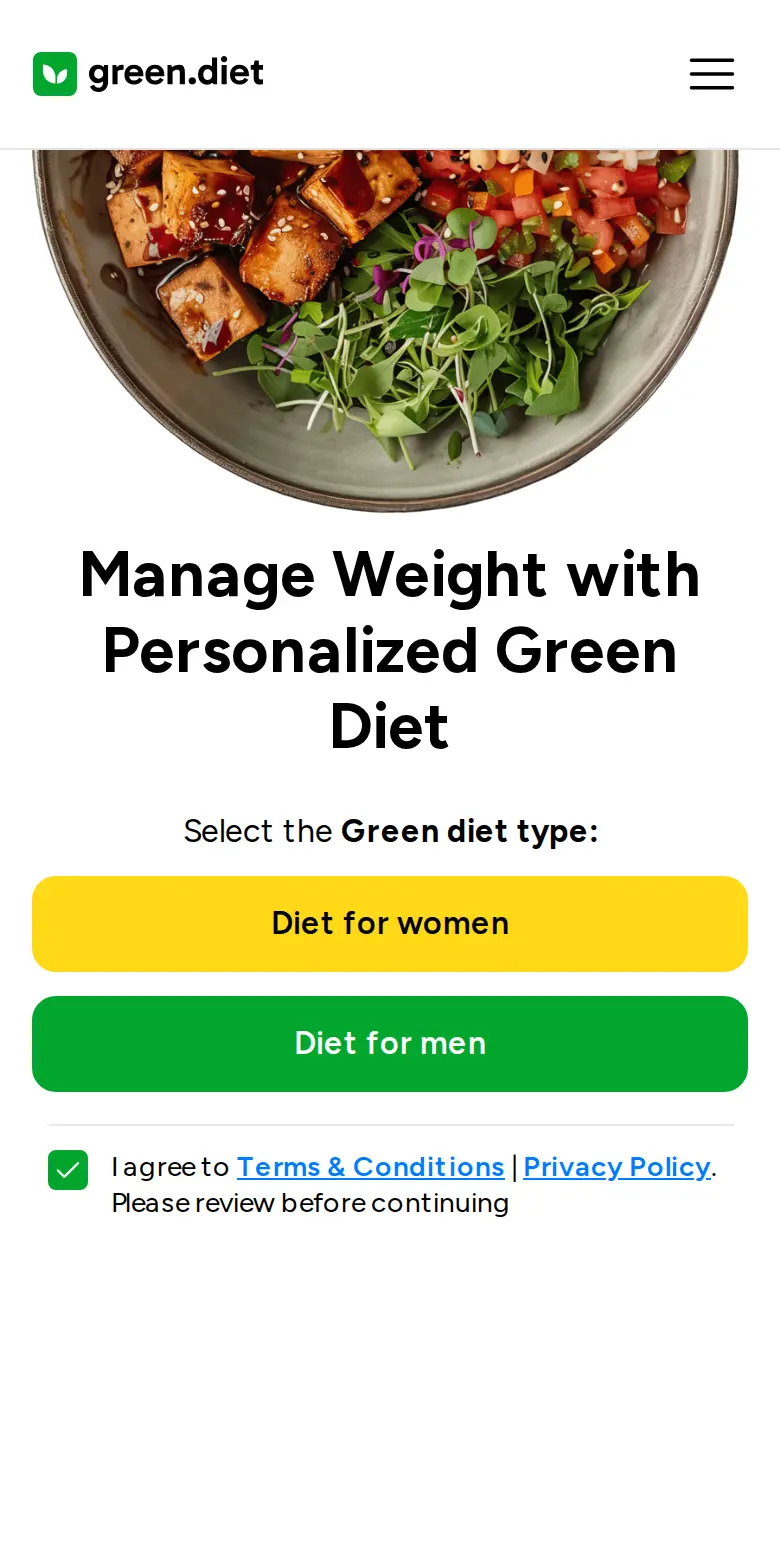
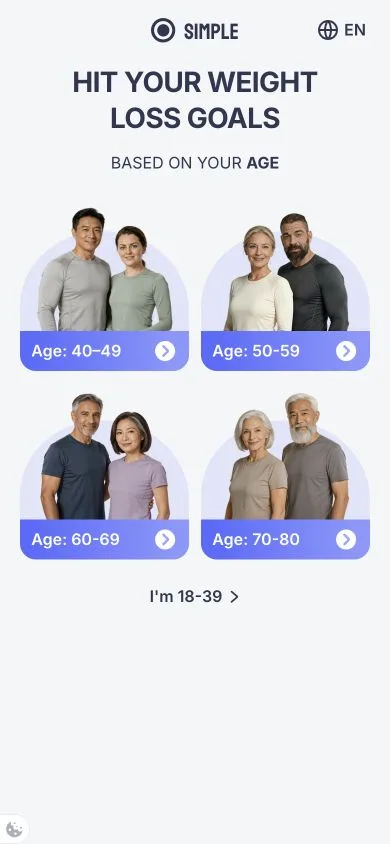
BetterMe gives visitors a personal result before asking for email, then turns their answers into a plan and a subscription offer.

BetterMe, in numbers
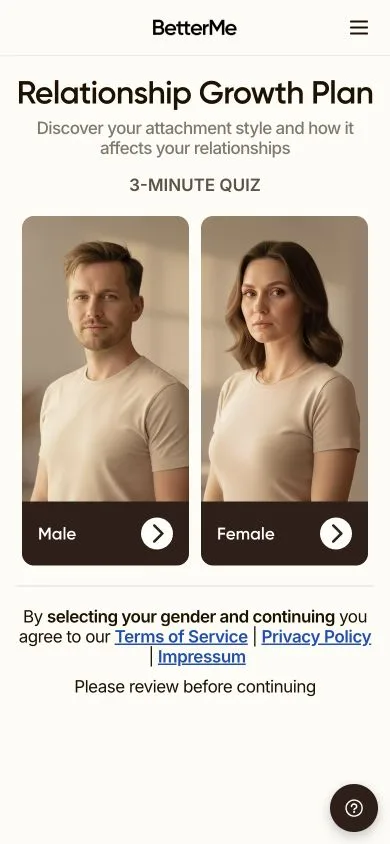
Relationship quiz
- Ads to this URL
- 1,334
- Active Meta ads
- ~7.4k
- 16+Across BetterMe products
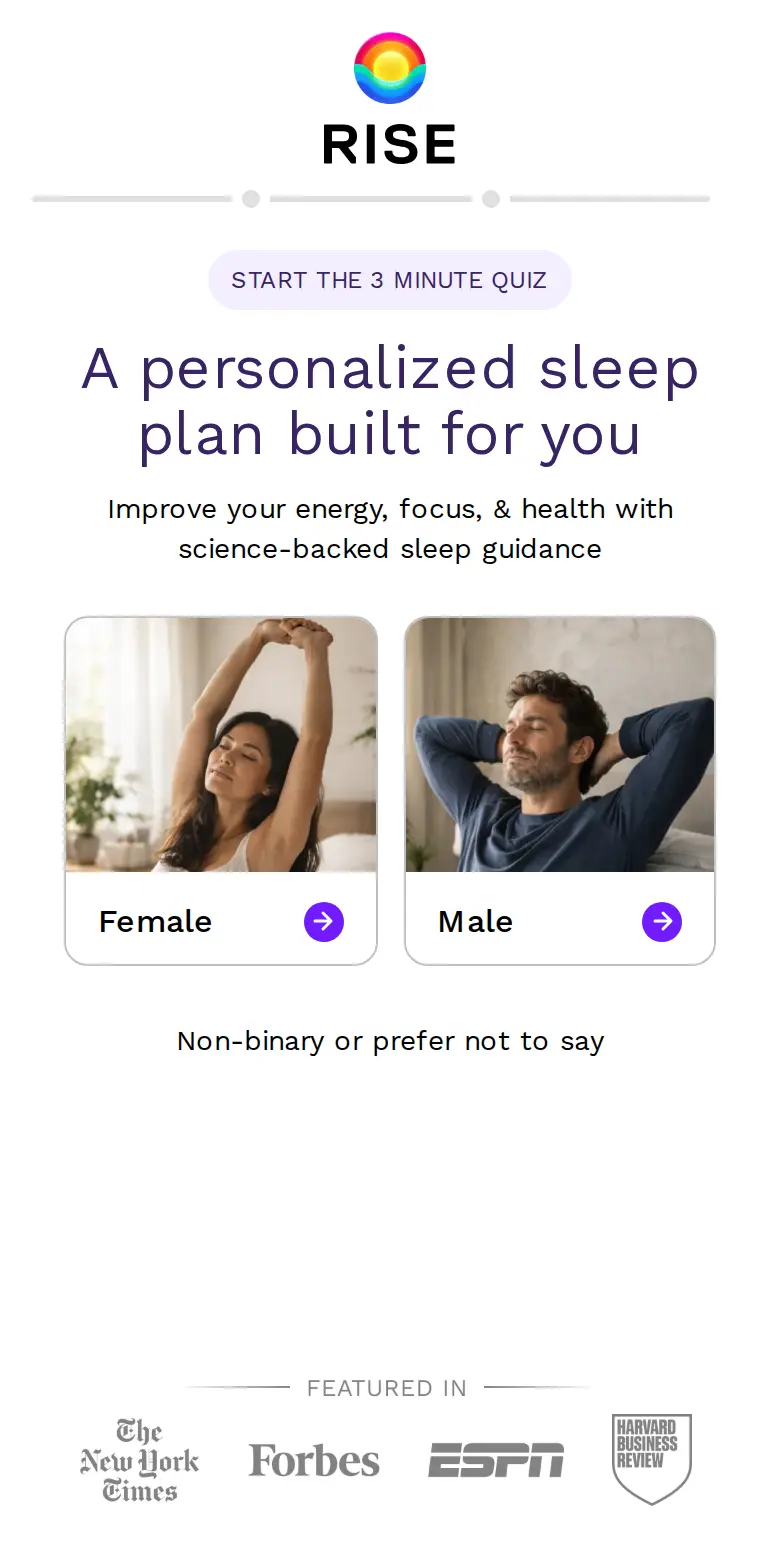
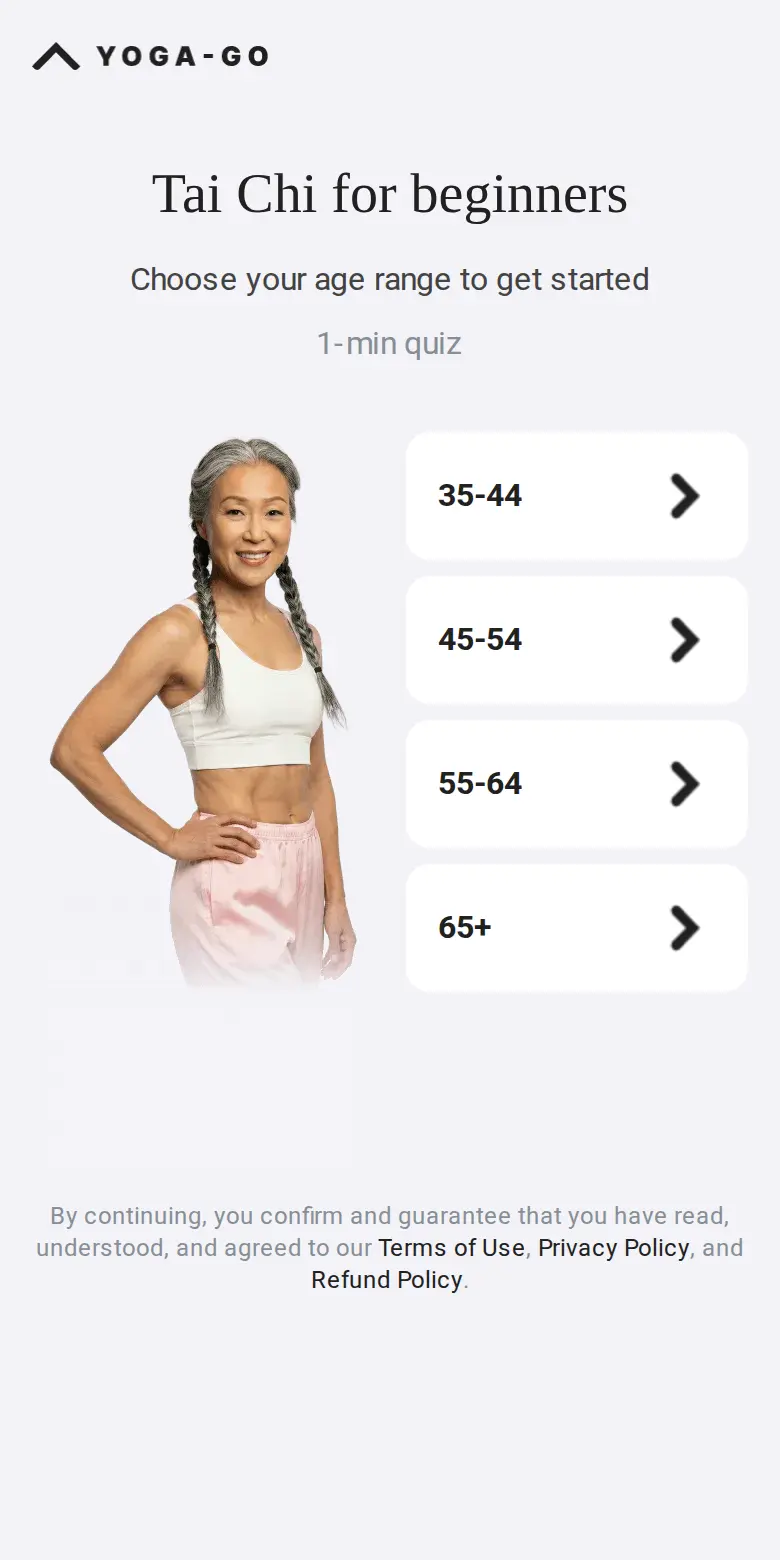
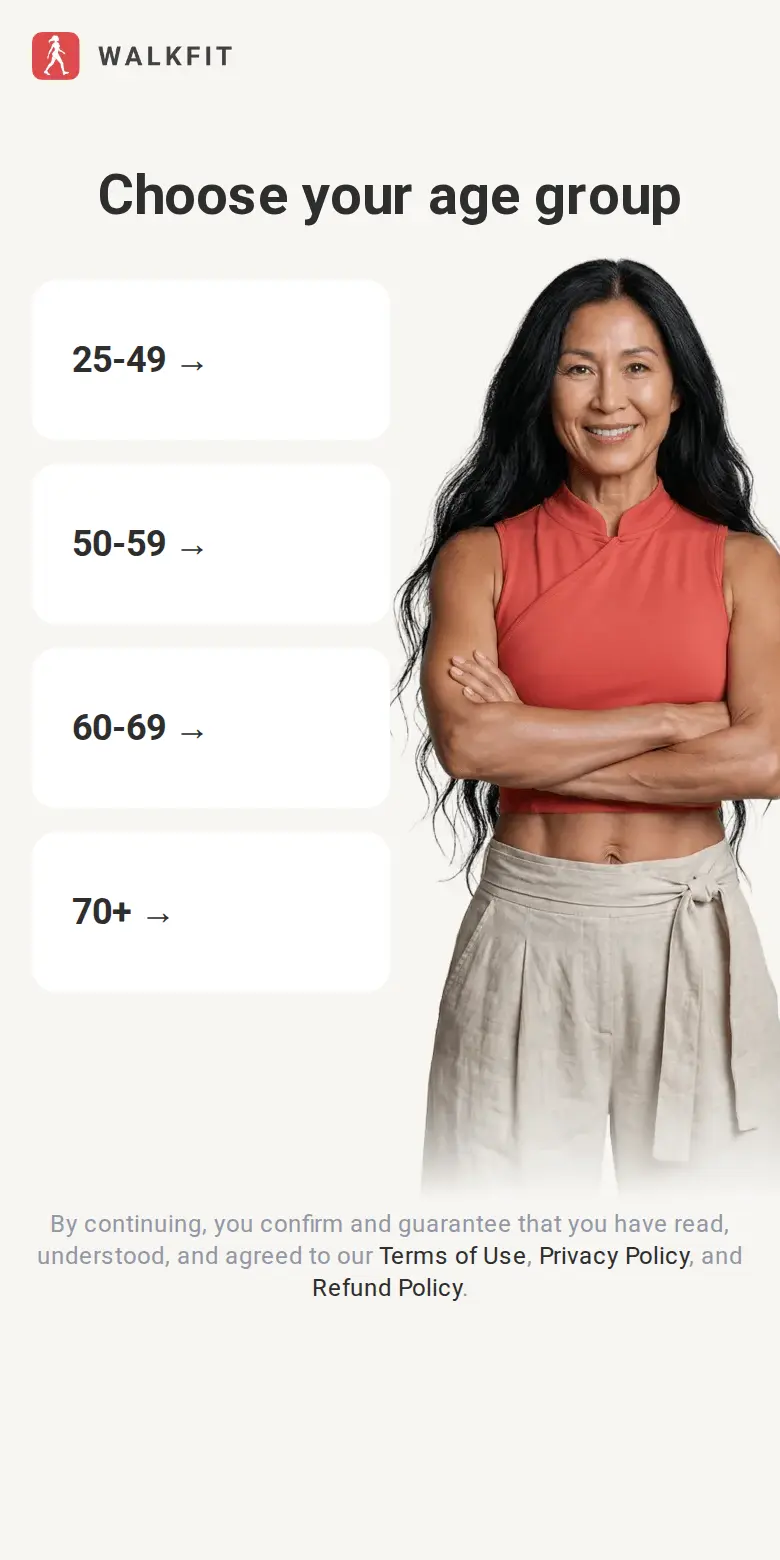
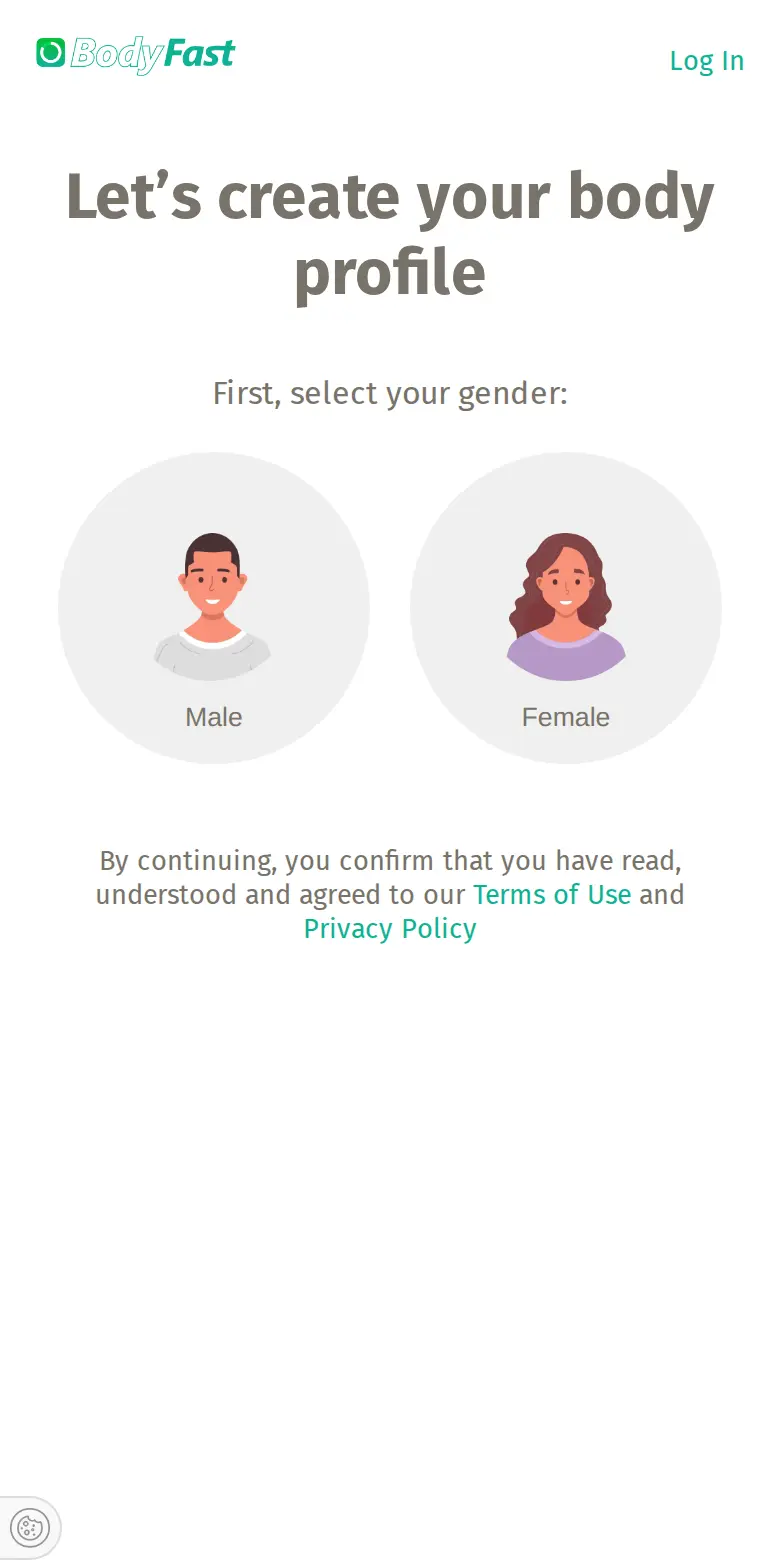
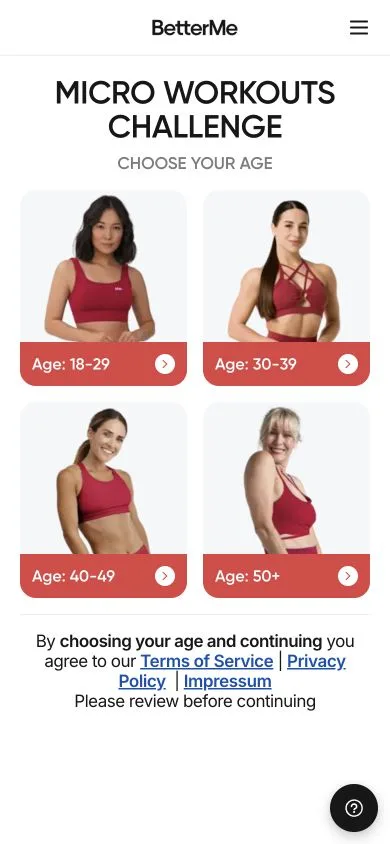
The funnel, screen by screen
Hover to preview. Click a pin to read more.
The top 5 tactics
- 01
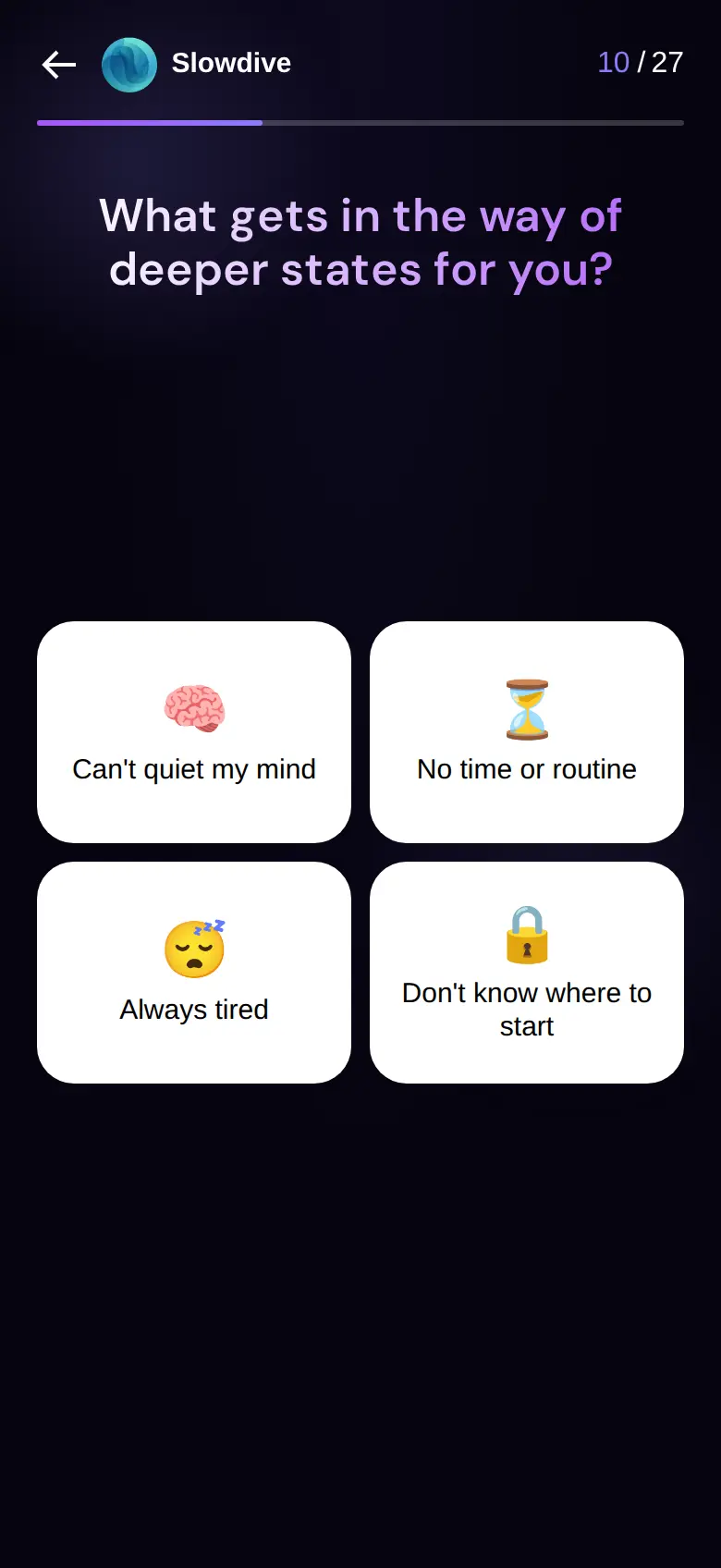
Turn answers into a personal result
Communication worries become a named attachment style, a profile and a plan addressed to the visitor. Repeating their answers makes the offer feel connected to the work they just put in.
- 02
Give value before asking for email
The attachment result, personal summary and future projection all arrive before the email field.
- 03
Show the plan being made
Loading screens name the patterns being analyzed and show the plan taking shape. A testimonial fills the wait.
- 04
Put proof where doubt appears
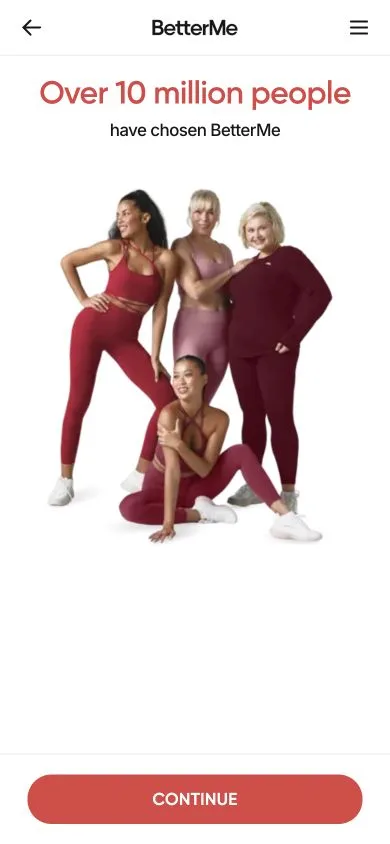
User counts establish familiarity early. Later, outcome claims follow the concerns just raised, and awards return near the offer.
- 05
Make the preferred plan easy to choose
The four-week plan arrives preselected with a Most Popular label. The offer pairs a €0.49 daily price with crossed-out totals.
How to write quiz funnels that convert
A quiz funnel turns a visitor’s answers into a recommendation, then invites them to take the next step. Write the result and offer first. Work backward to the questions you need to make that recommendation useful.
Make the opening promise specific
Tell visitors what they will get and why it is worth answering. “Find a workout plan that fits your schedule” gives someone a reason to start. Match that promise to the ad or page they came from. If you include a completion time, measure it with real people so the expectation matches the task.
Give every question a job
Ask about the goal, constraint or preference that changes your recommendation. Use concrete language: “How much time can you set aside?” is easier to answer than “How committed are you?” Keep answer choices distinct, and include an honest way to say “I’m not sure” where it makes sense. Remove questions whose answers never affect the result, explanation or next step.
Connect the result to their answers
Explain why you recommend this option. If someone selects short sessions and no equipment, show how the plan fits both. Give them a useful takeaway and a clear next action. Personalization should change the recommendation or its explanation; adding a first name to identical copy gives people little to work with.
Make the email request worth accepting
Say exactly what arrives by email: their results, a saved plan or a practical guide. Make the button describe that action, such as “Send my plan.” Test showing a useful result before asking for contact details. Keep optional marketing separate so the visitor can understand what they are signing up for.
Write an offer people can evaluate
Connect the paid product to the result they just received. Explain what is included, what it costs today and when it renews. Place relevant proof beside the concern it answers. If you show a daily price, keep the actual billing total easy to find. Use a deadline only when the offer really expires.
Test the whole journey
Track quiz starts, completion, email submissions and purchases. Compare purchases per quiz start as well as each step’s conversion rate: extra signups are less useful if fewer people buy. Change one part of the copy or sequence at a time, and check which answers or screens precede abandonment.
Use Slicer Competitor Watch to follow competitors’ funnels, ads and email sequences, and see what changes between checks. Turn a specific observation into a test for your audience; a competitor’s screen cannot tell you its conversion rate.