
Map out your product in seconds.
Then let AI audit it.
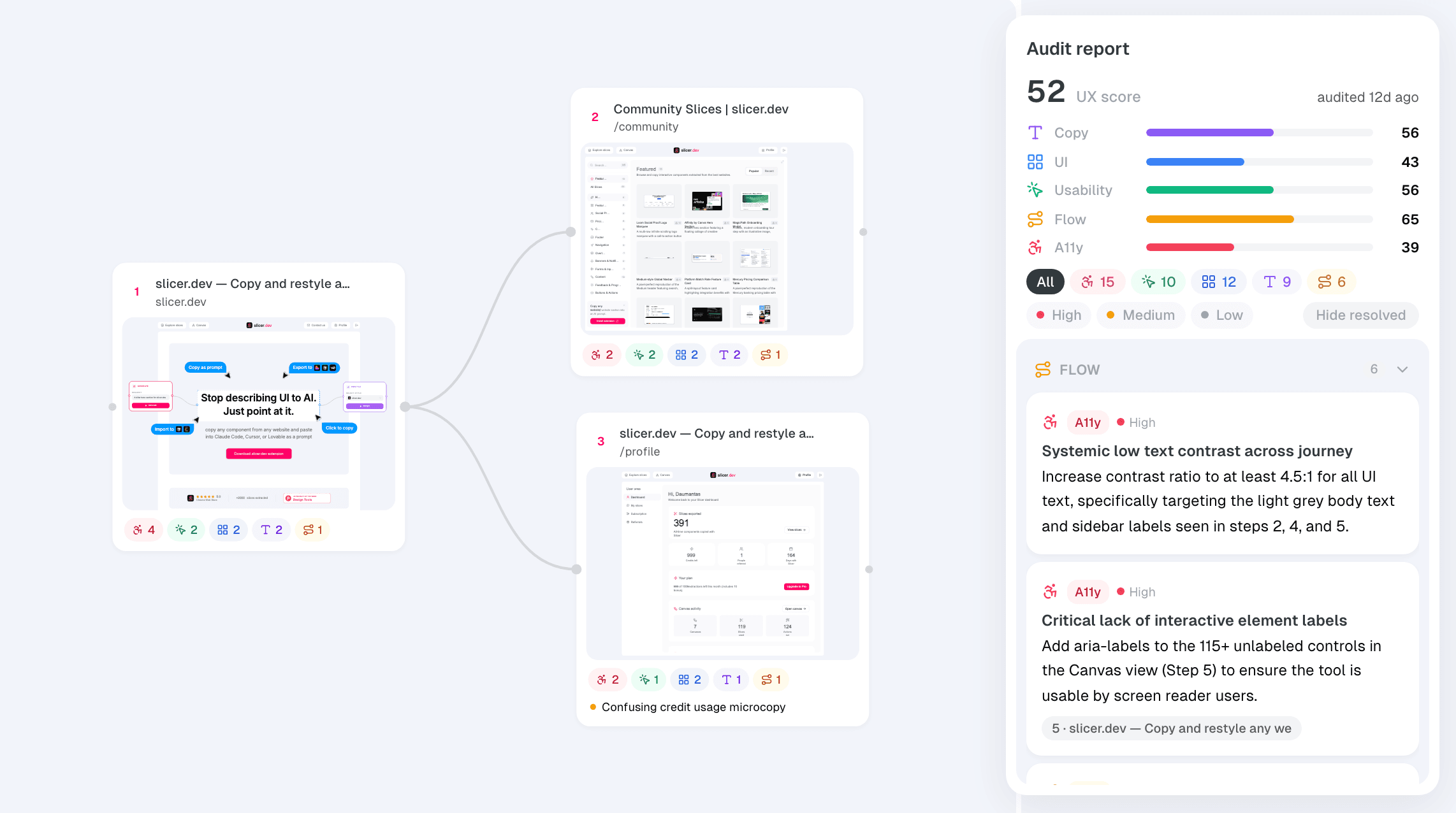
Record any flow as a live, explorable board. Then run an AI UX audit that pins every finding to the exact page.
Example journeys
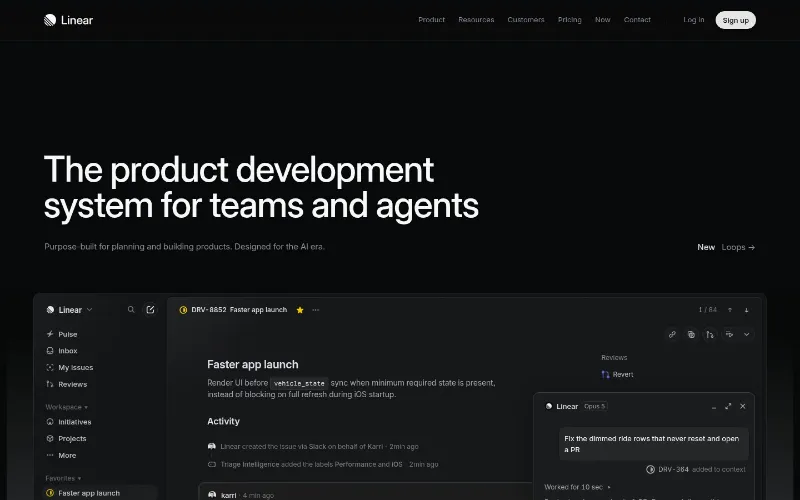
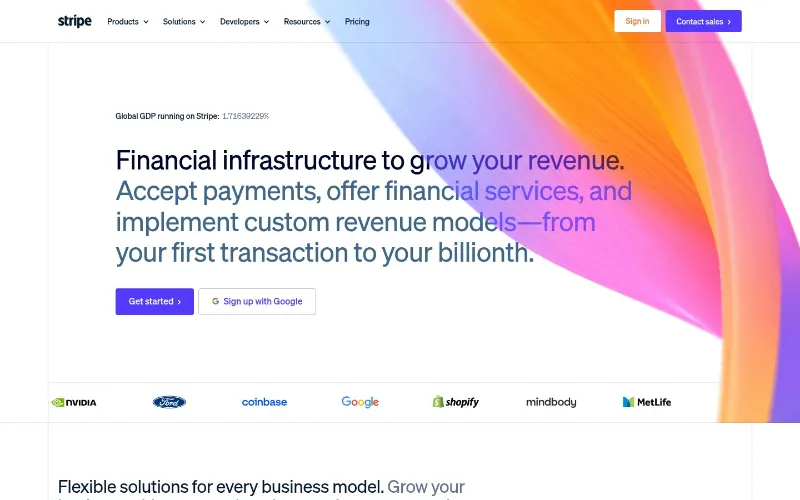
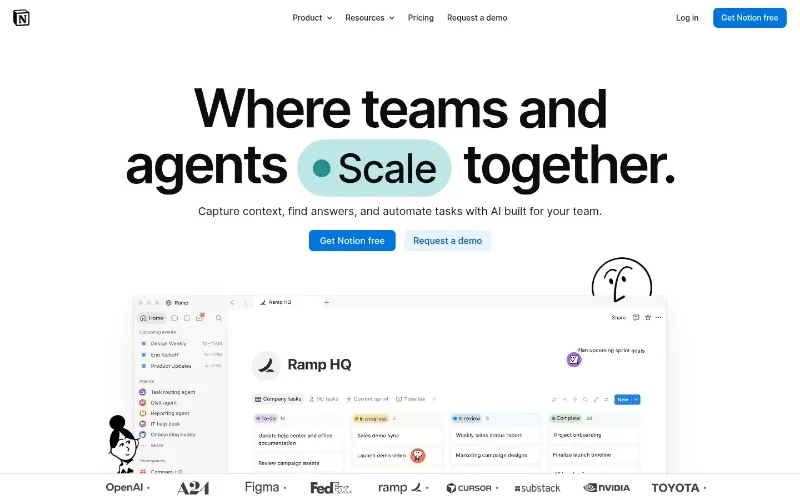
Public pages from products you know, crawled and audited with Slicer.
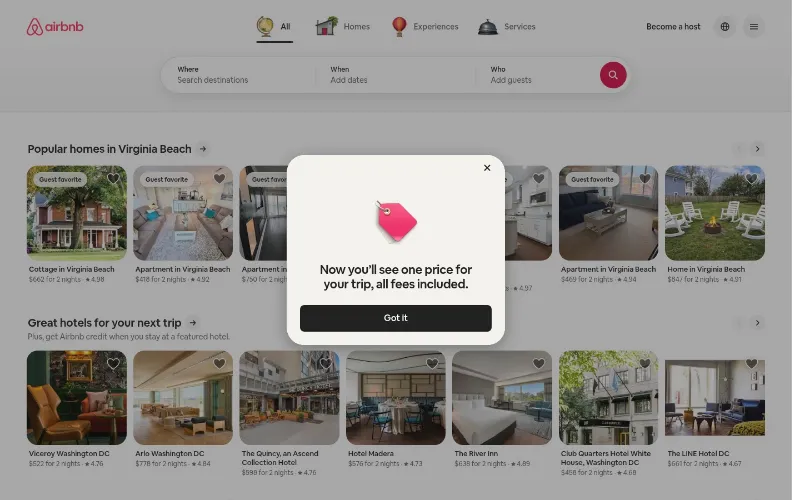
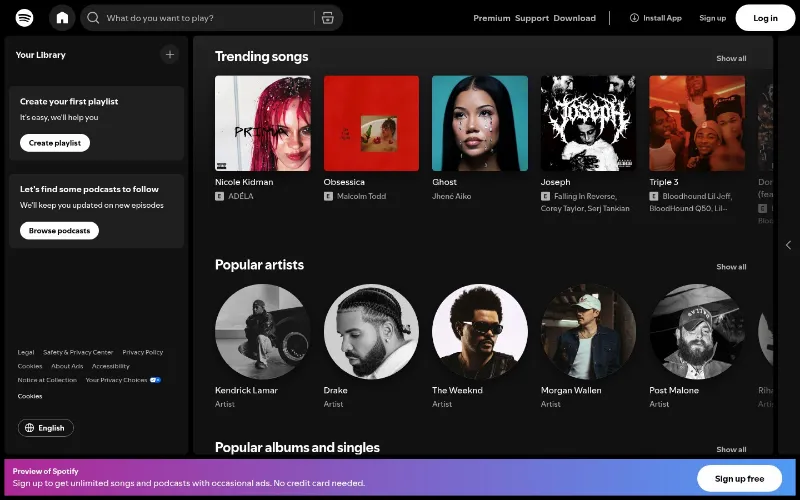
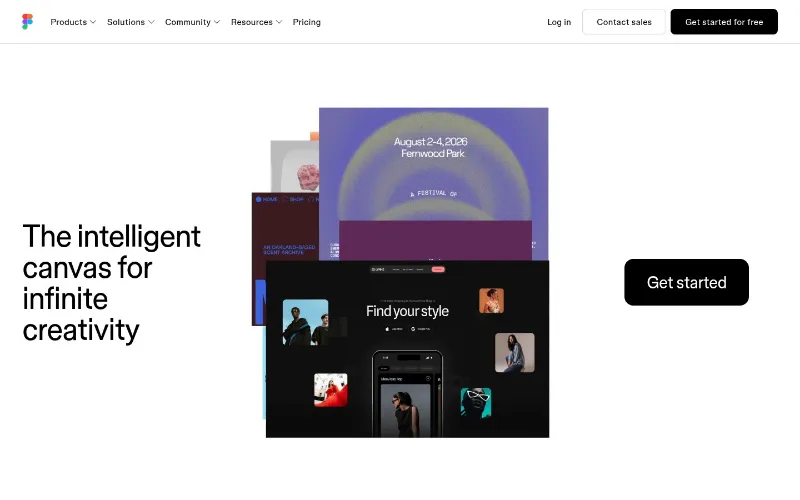
The holistic view of your product nobody drew
Most products today are vibecoded — shipped straight from prompts. There is no Figma file where the flows live anymore. The only source of truth is the product itself.
See the whole product at once
Journey Audit rebuilds the map from the real thing. Record the flows users actually walk — signup, checkout, settings — and get a holistic overview of your product on one board, page by page.
Documentation that can't go stale
Because the board is captured from production, it reflects what shipped — not what was designed months ago. Re-record a flow any time and see what changed.
Watch a flow become a board
Record a real checkout in minutes, then let the AI audit walk the same path.
A UX researcher's board, built while you browse
Everything a flow review needs, assembled as you browse.
Live pages, not screenshots
Every captured page is the real thing — hover it, scroll it, inspect it. The state you saw is the state you keep, even after the site changes.
A map of the whole flow
Pages are connected by the exact buttons you clicked. See the path users actually take — including the modals most tools miss.
Findings pinned in place
The AI audit doesn't hand you a wall of text. Each finding is pinned to the page it's about, with severity — and your own notes live next to them.
Share with one link
Send a read-only board to your team or client. They explore the flow and the findings — no account, no export, no slide deck.
Your holistic product overview,
audited while you work.
Install the extension, browse a flow, run the audit. From first click to shareable insights in minutes.
Frequently asked questions
Quick answers about Journey Audit.
A Slice copies one component and turns it into code you can build with. Journey Audit records a whole flow — many pages — as a live board and runs an AI UX audit on it. One is for building UI, the other is for understanding it. They live in the same extension, but they're separate tools for separate jobs.