


Stop describing UI to AI.
Just point at it.
copy any component from any website and paste into Claude Code, Cursor, or Lovable as a prompt
Stop describing UI to AI.
Just point at it.
copy any component from any website and paste into Claude Code, Cursor, or Lovable as a prompt

 Generate

 Restyle


From any website, in one click
Open Slicer on any site, hover a component, and copy it — styles, animations, and interactions all preserved.
We've been building UI the hard way.
Screenshot, describe, prompt, iterate, fix — over and over. There's a faster path.
Animations lost. Interactions gone. Hover states? Good luck describing those.
Animations, interactions, hover states — all preserved automatically.
Real components,
copied in one click
Every component below was extracted from a live website using slicer.dev browser extension
Slicer Canvas: Restyle extracted components
Combine slices, apply your brand, and restyle with AI — all on an infinite canvas.
Hover, click, copy.
Stop screenshotting UI for reference. Slicer extracts any component from any live site - animations, states, and all - as a ready-to-paste AI prompt.

What developers are saying
Hear from the builders using Slicer every day
I grab UI patterns from competitor sites every week. Slicer cuts what used to take an hour down to a single click.
Finally a tool that bridges browsing for inspiration and actually using what you find. The Canvas remixing is magic.
We build 4–6 client sites a month. Slicer is the first tool that actually speeds up the design-to-build handoff.
How slicer works
From any website to your project in 5 steps
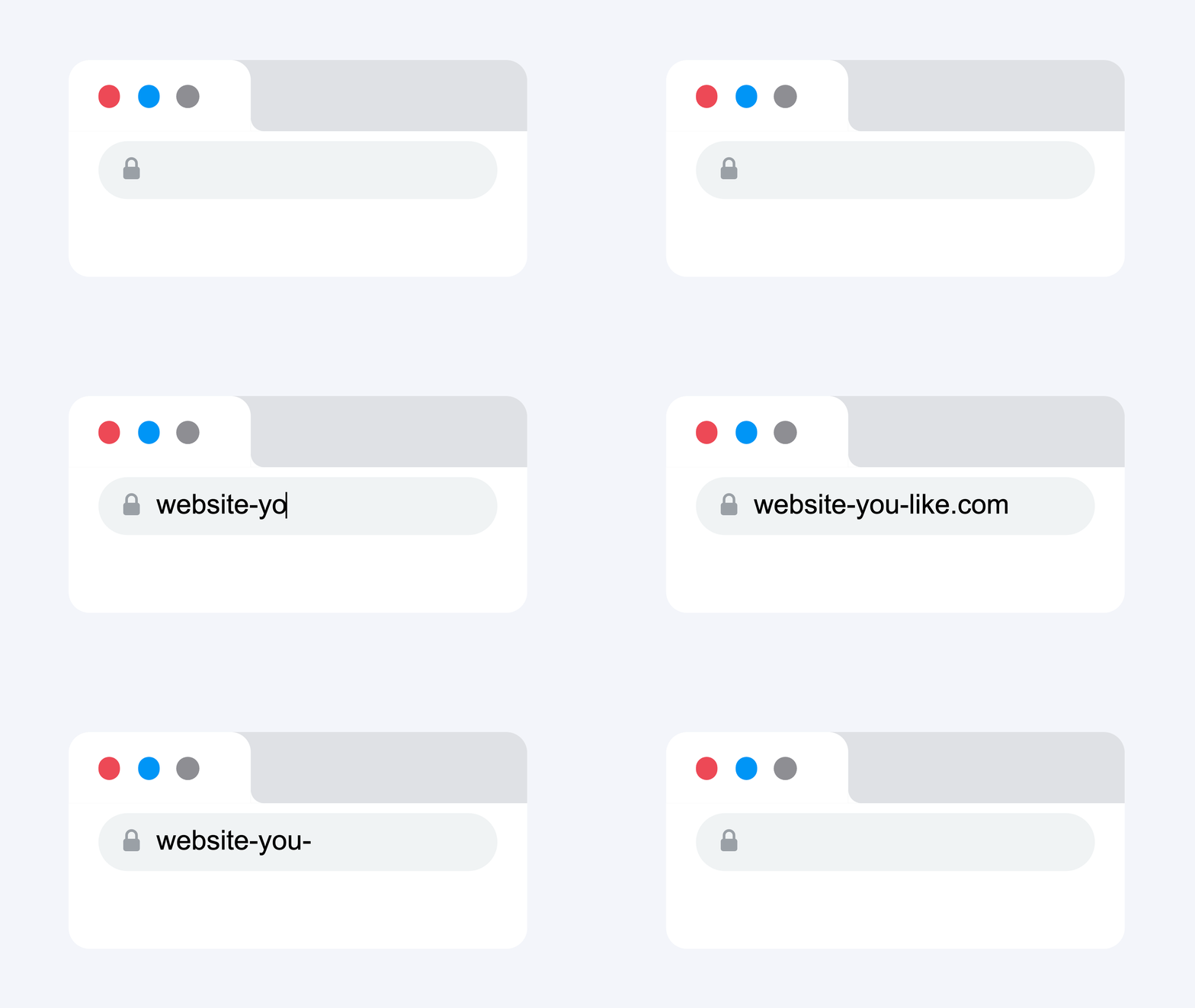
Browse any website
Every page is a source of reusable components.
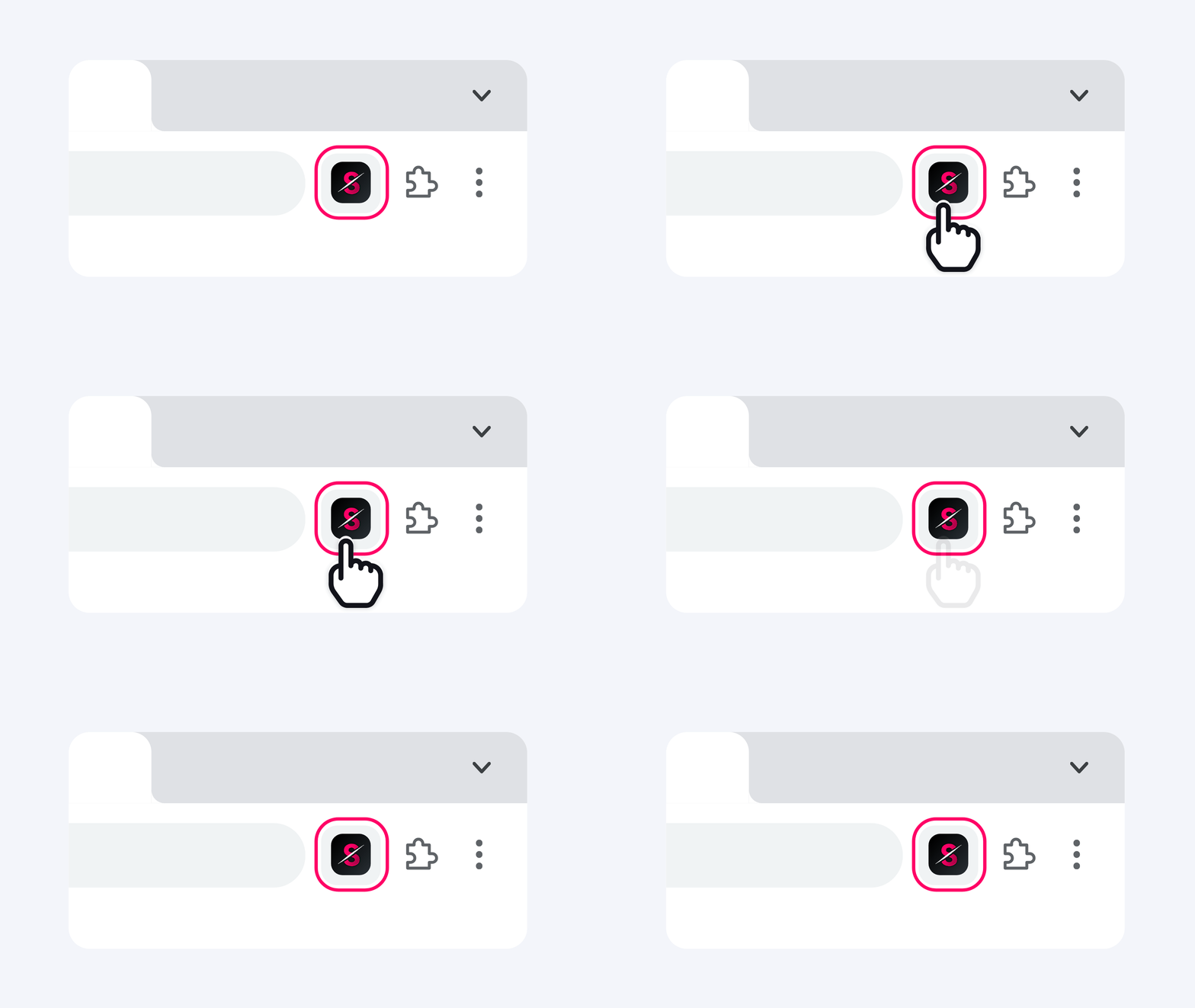
Open Slicer extension
Every component on the page becomes selectable - buttons, heroes, pricing tables, navbars.
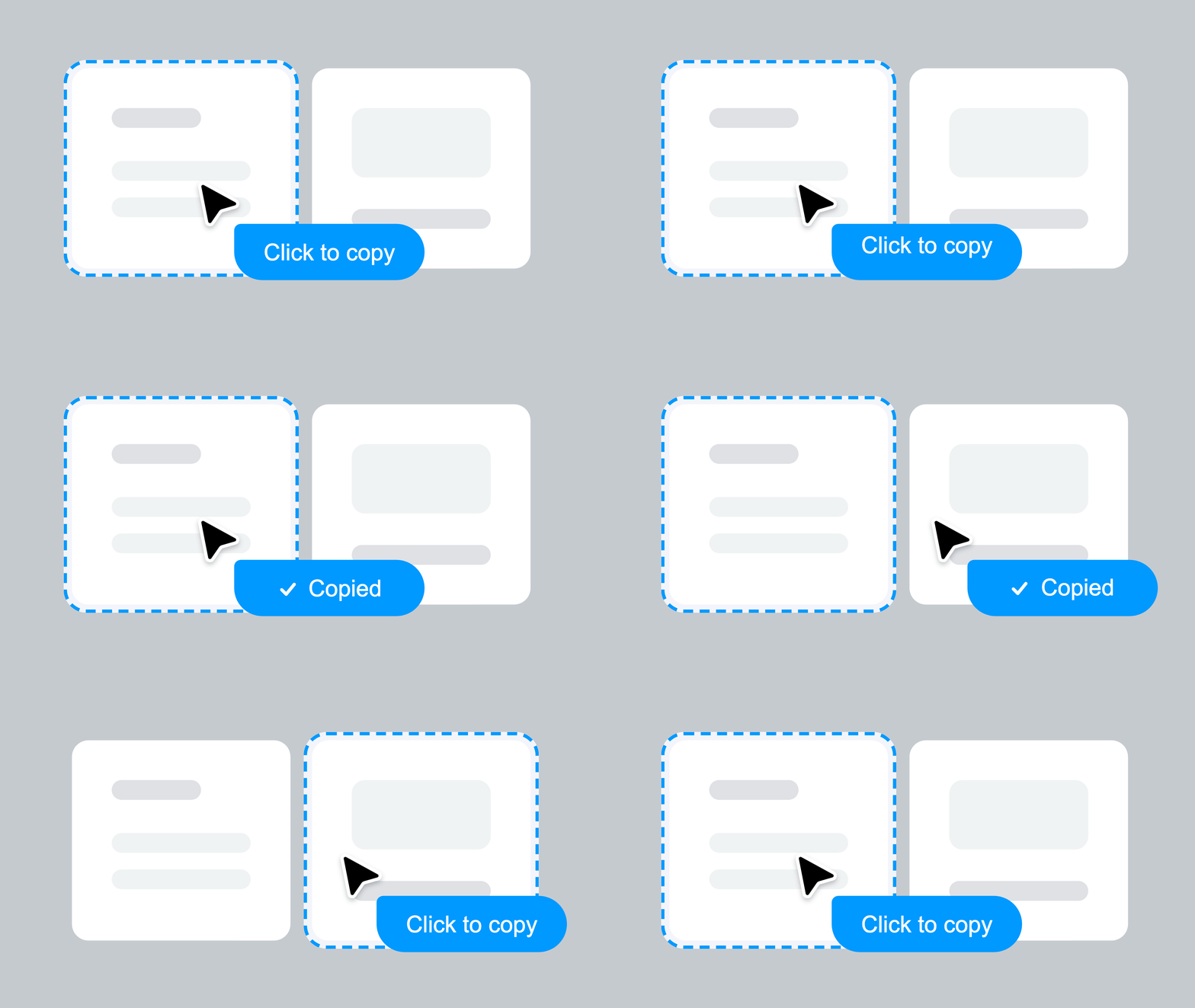
Copy any component
Click on a component to copy. All styles, animations, states, and interactions preserved.
Remix on Canvas
Apply your brand style and design system. Transform components visually before exporting.

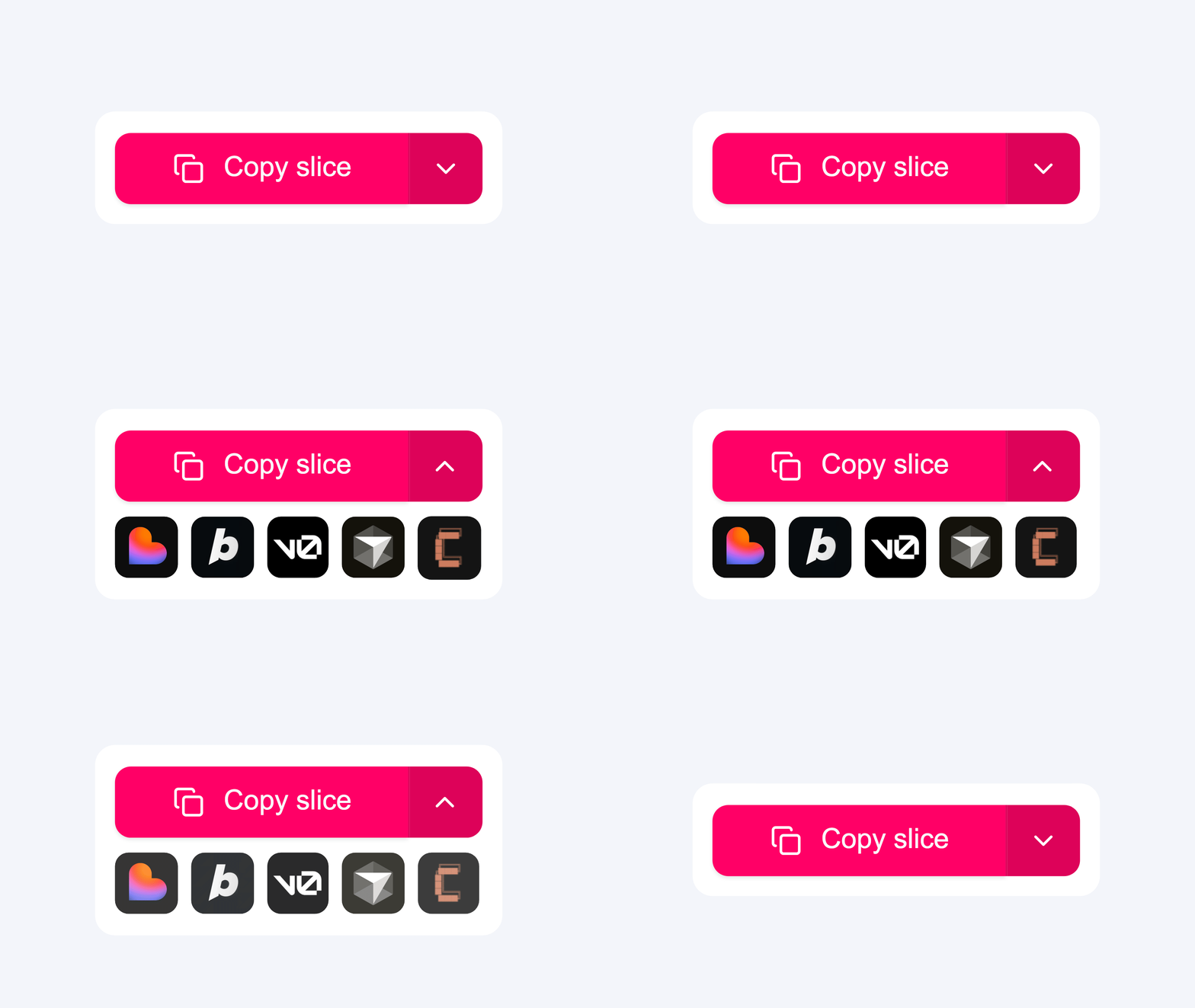
Export as prompt or code
Instantly get an AI-ready prompt or clean React component. Paste directly into Lovable, Bolt, v0, or Cursor.
Everything captured. Nothing left behind.
Every interaction, every animation, every state — captured automatically, works with any tool you already use
Point at any UI.
Make it yours.
Whether you're a developer pasting into Cursor, a designer building design systems, an agency turning client references into components, or a founder shipping an MVP — Slicer gives you the same superpower.
Frequently asked questions
Quick answers about Slicer, exports, and plans.
No. Raw HTML is messy and useless in an AI builder — inline styles, no component structure, no interactions. Slicer processes what it captures into a structured, AI-ready prompt or clean React component. Something you can actually paste and use.