The missing piece in vibe coding: where do your UI components come from?
Vibe coding has changed how fast you can go from idea to working product. Describe what you want, and Lovable, Bolt, or v0 spits out a functional UI in seconds. It's genuinely impressive.
But spend a few weeks in this workflow and a pattern emerges: everything starts to look the same.
The problem nobody talks about
The tools are generating from the same pool of training data. That means the same card layouts, the same rounded corners, the same shadcn/ui primitives, the same muted gray palette. Your app looks like every other app built by someone prompting an AI.
This isn't a criticism of the tools — it's a fundamental constraint. AI generates from patterns it has seen. And the patterns it has seen are, well, average.
The question becomes: how do you inject real design quality into a vibe coding workflow?
The layer nobody adds
Most vibe coding workflows look like this:
Idea → Prompt → AI generates UI → Iterate
The problem is at the start. You're prompting from memory — "make it look like a modern SaaS dashboard" — and the AI interprets that as generically as possible.
The fix is adding a sourcing step before you prompt:
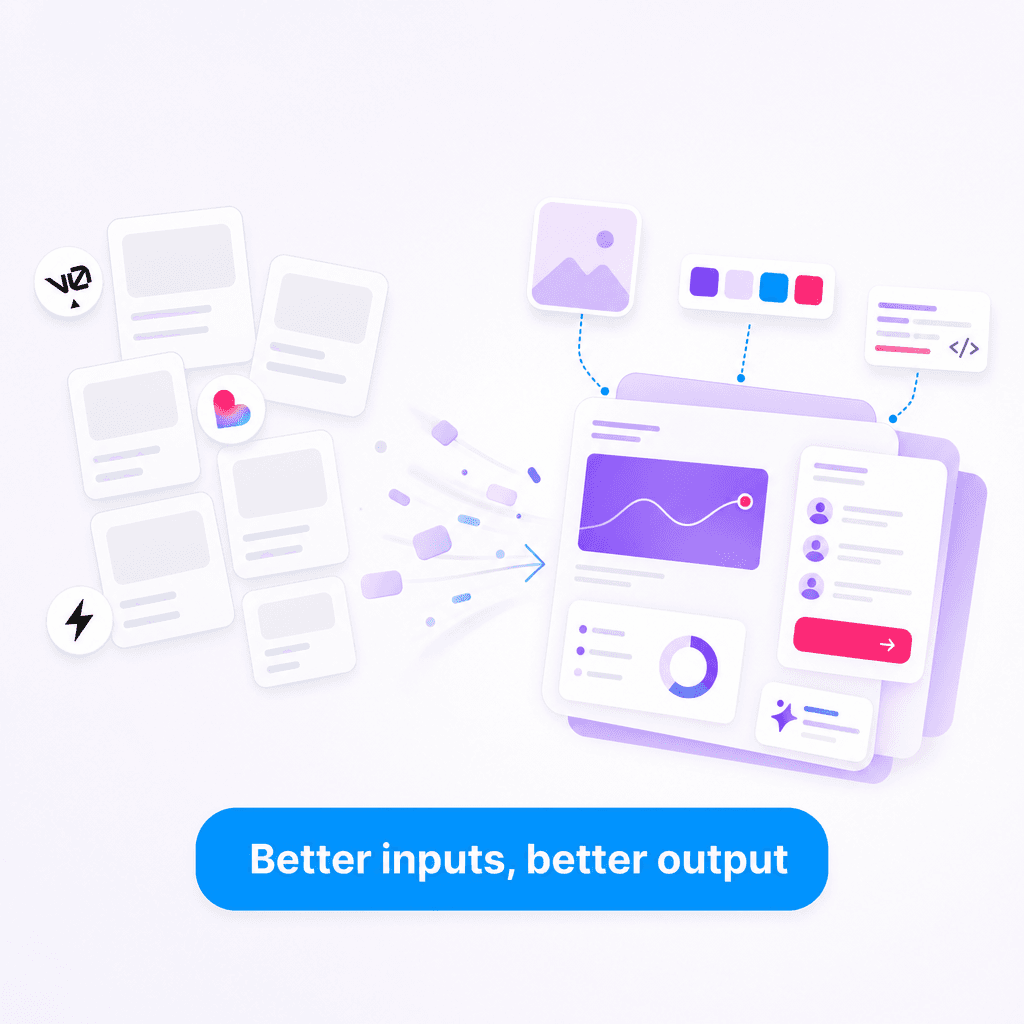
Idea → Find real UI you love → Extract it → Remix on Canvas → Prompt with real component → AI iterates
That sourcing step is where Slicer fits in.
What this looks like in practice
Say you're building a pricing page. Instead of prompting "create a pricing card with a highlighted pro tier," you:
- Find a pricing section you love on a real product
- Open Slicer and extract that component
- Remix it on the Canvas — apply your brand colors
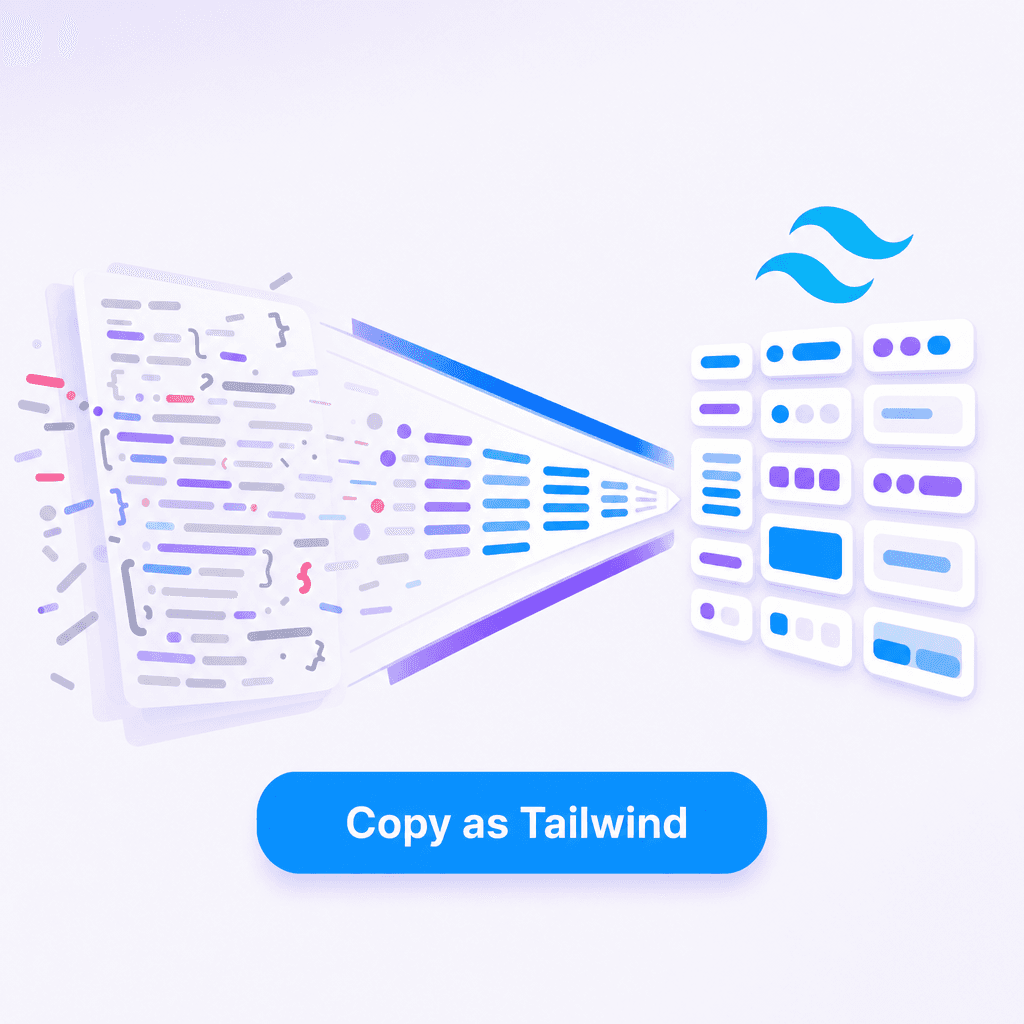
- Export as a React component or AI prompt
- Drop that real implementation into your vibe coding context
The difference in output quality is significant. You're no longer asking the AI to imagine what good looks like — you're showing it.
The AI Prompt export in Slicer generates a precise description of the component — colors, spacing ratios, interaction states, animation timing. Exactly the kind of detail that makes AI-generated UI not look AI-generated.
The three-layer vibe coding stack
The workflow that actually produces differentiated products in 2026:
Layer 1 — Source + Remix (Slicer) Browse real websites. Find components that match the quality bar you're aiming for. Extract them, apply your brand on the Canvas, export as React or AI prompt.
Layer 2 — Build (v0, Lovable, Bolt) Prompt with your extracted component as a reference. The AI adapts it to your data model and content — starting from something real instead of generating from nothing.
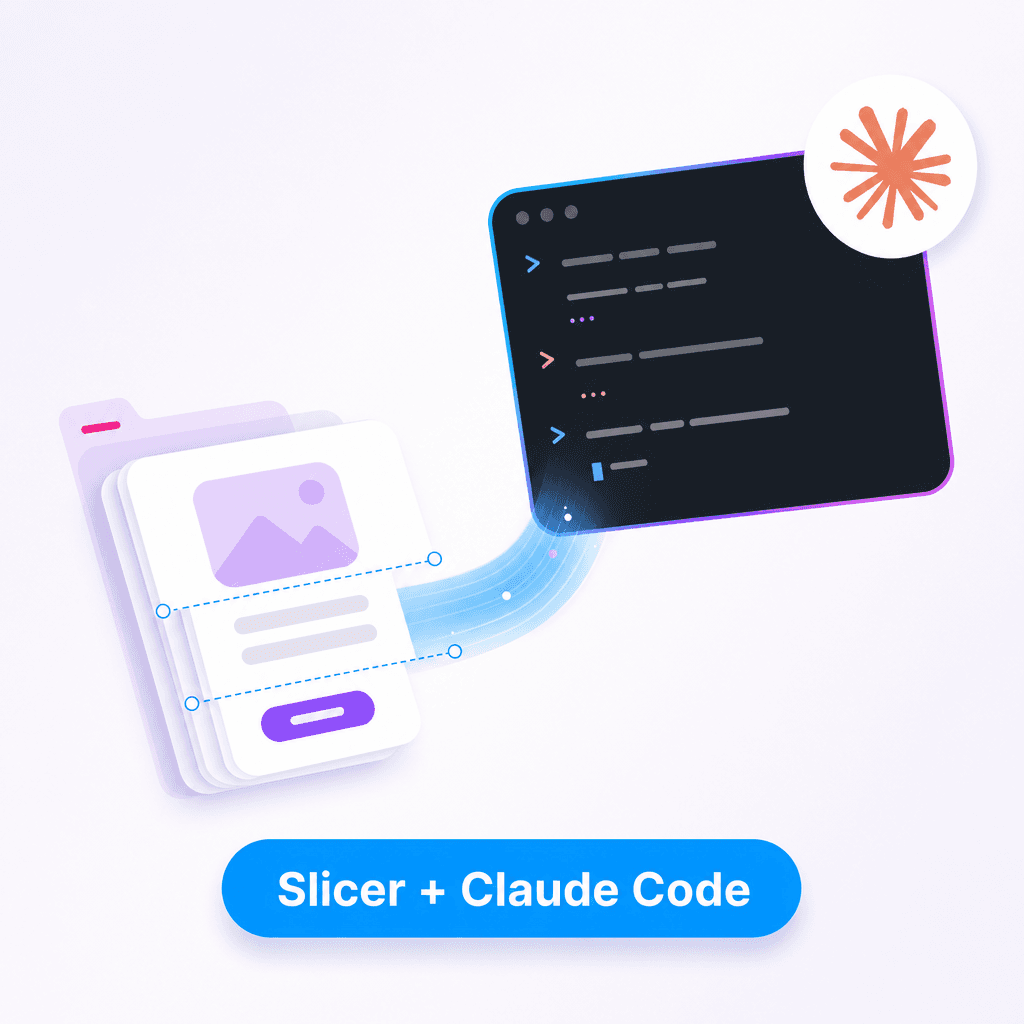
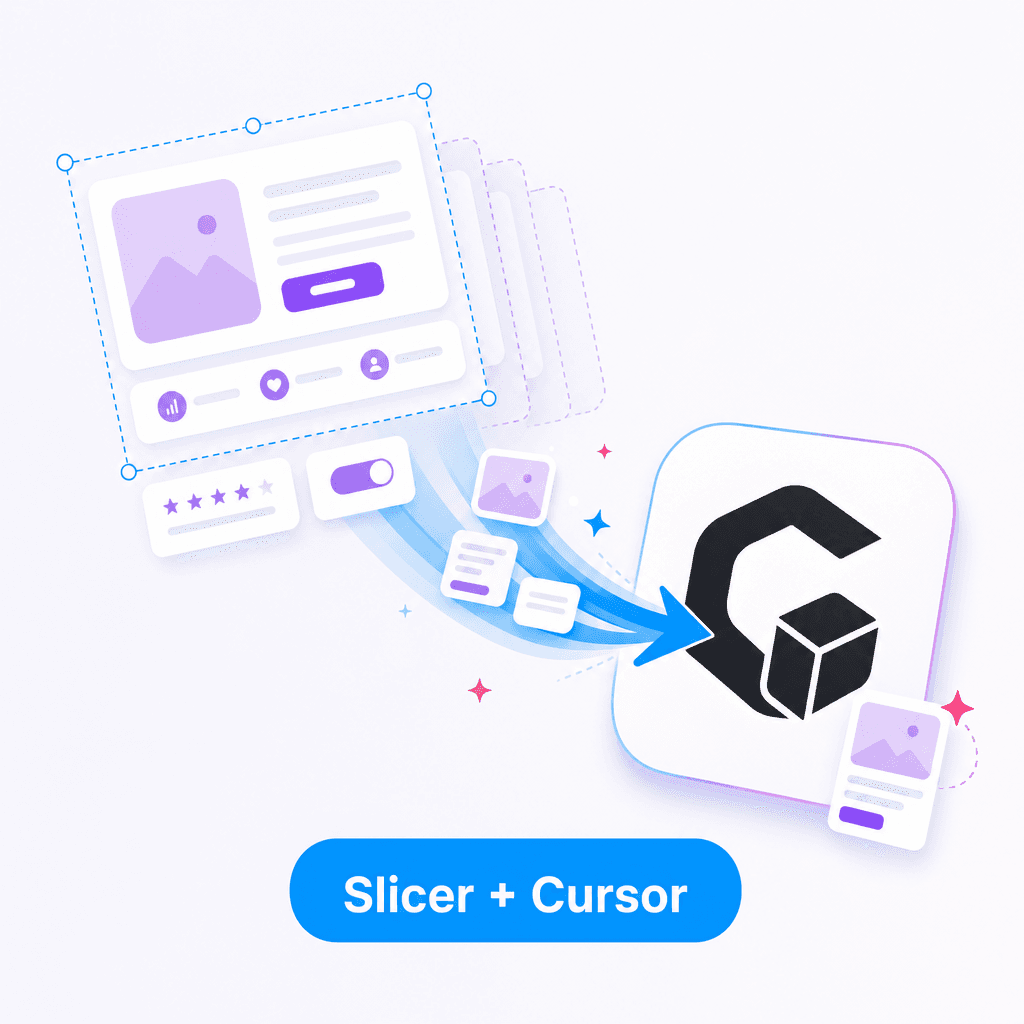
Layer 3 — Refine (Cursor, Claude Code) Clean up the specifics. Adjust breakpoints, fix edge cases, wire up your real data. This is where you ship from.
Why real websites beat prompts
A component that's live on a real product has been through design review, user testing, responsive QA, and browser compatibility testing. It works. The hover states are considered. The mobile layout is intentional.
When you extract that component and use it as a starting point — even if you change every color and most of the layout — you're inheriting all of that invisible quality. The proportions are right. The interaction model is proven. You didnt have to design any of it.
Prompting into thin air gives you something that looks plausible. Starting from something real gives you something that feels right.
Most copy tools — and vibe coding tools — only capture what you can see. Slicer goes further: it extracts hover states, animation keyframes, transitions, and responsive breakpoints. The invisible layer that makes a component feel polished, not just look polished.
Getting started
Install the Slicer Chrome extension and add this step to the start of your next vibe coding session: before you open v0 or Lovable, spend five minutes finding three components you genuinely love on real websites. Extract them, remix on the Canvas, export. Then prompt from those.
The gap between "AI-generated" and "actually good" closes dramatically when you give the AI something real to work with.