
 +
+ Slicer + Lovable
Make your Lovable app look like yours
Lovable builds apps fast. But all Lovable apps share the same visual language. Give it real components from websites you admire — and your app stops blending in.
Free plan · Chrome only · No credit card
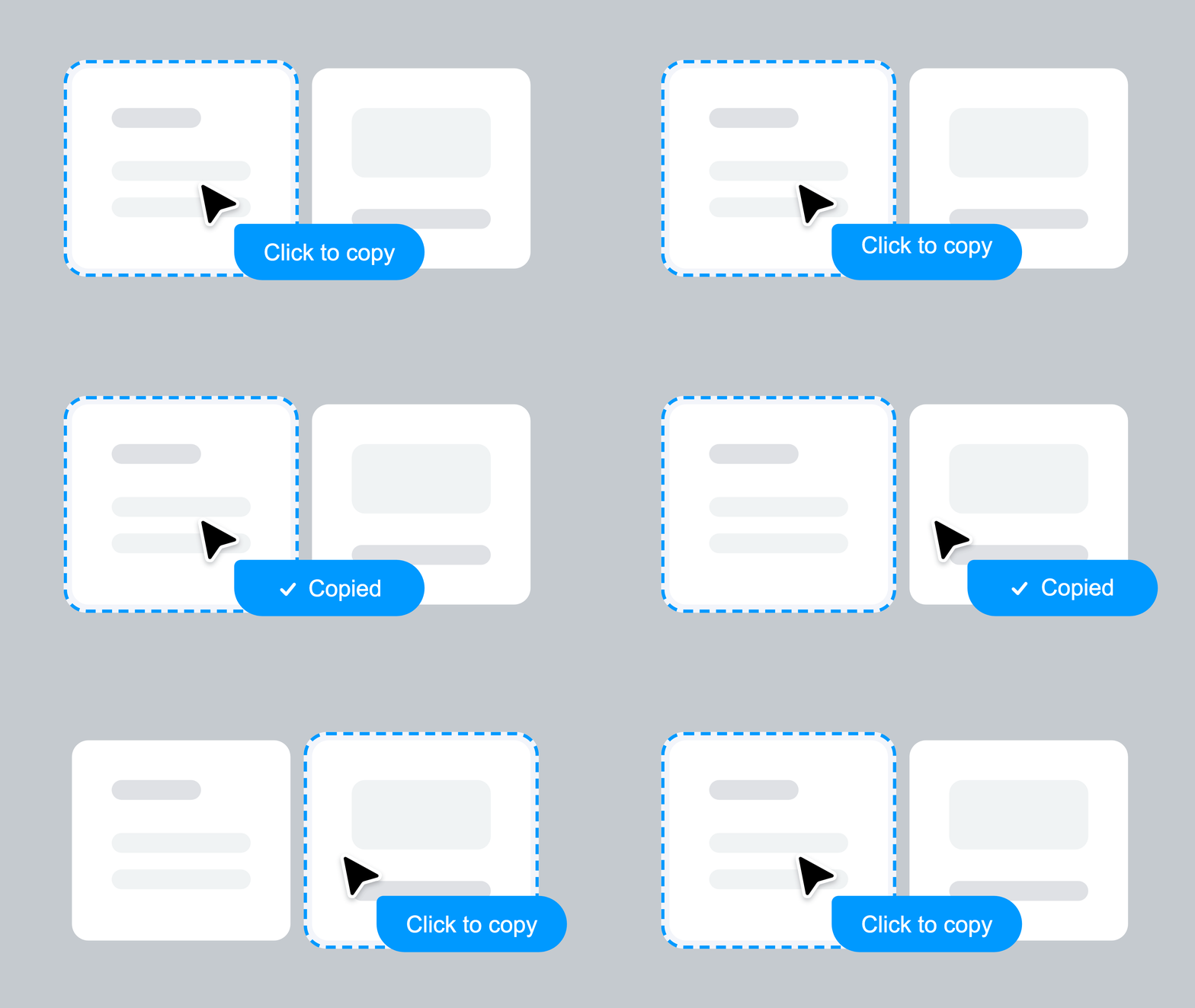
Any website
 Lovable
✓ AI Prompt pasted
Lovable
Slicer extracts any website component and exports a structured AI prompt — with exact colors, spacing, hover states, animations, and responsive rules. Paste it directly into Lovable's chat. No description needed. Lovable builds from something real instead of its training data average.


We've been building UI the hard way.
Screenshot, describe, prompt, iterate, fix — over and over. There's a faster path.
Animations lost. Interactions gone. Hover states? Good luck describing those.
Animations, interactions, hover states — all preserved automatically.
Why every Lovable app looks the same
And what happens when you give Lovable a real reference instead of a description.
- "Make a pricing section with 3 tiers"
- Same card layout as every other Lovable app
- Hover effects that match shadcn defaults
- Spacing that's probably correct but forgettable
- You iterate 4–5 times and it still doesn't look right
- Lovable receives exact colors, spacing, hover timing
- The card proportions come from a real proven design
- Hover states and animations are captured, not imagined
- Your brand is already applied from the Canvas step
- First output is close. One iteration and it's done.
Lovable’s job is to build. Slicer’s job is to source. Separate the two and both tools work better — Lovable isn’t guessing at design, and you’re not stuck describing UI you can barely articulate.
Real components,
copied in one click
Every component below was extracted from a live website using slicer.dev browser extension
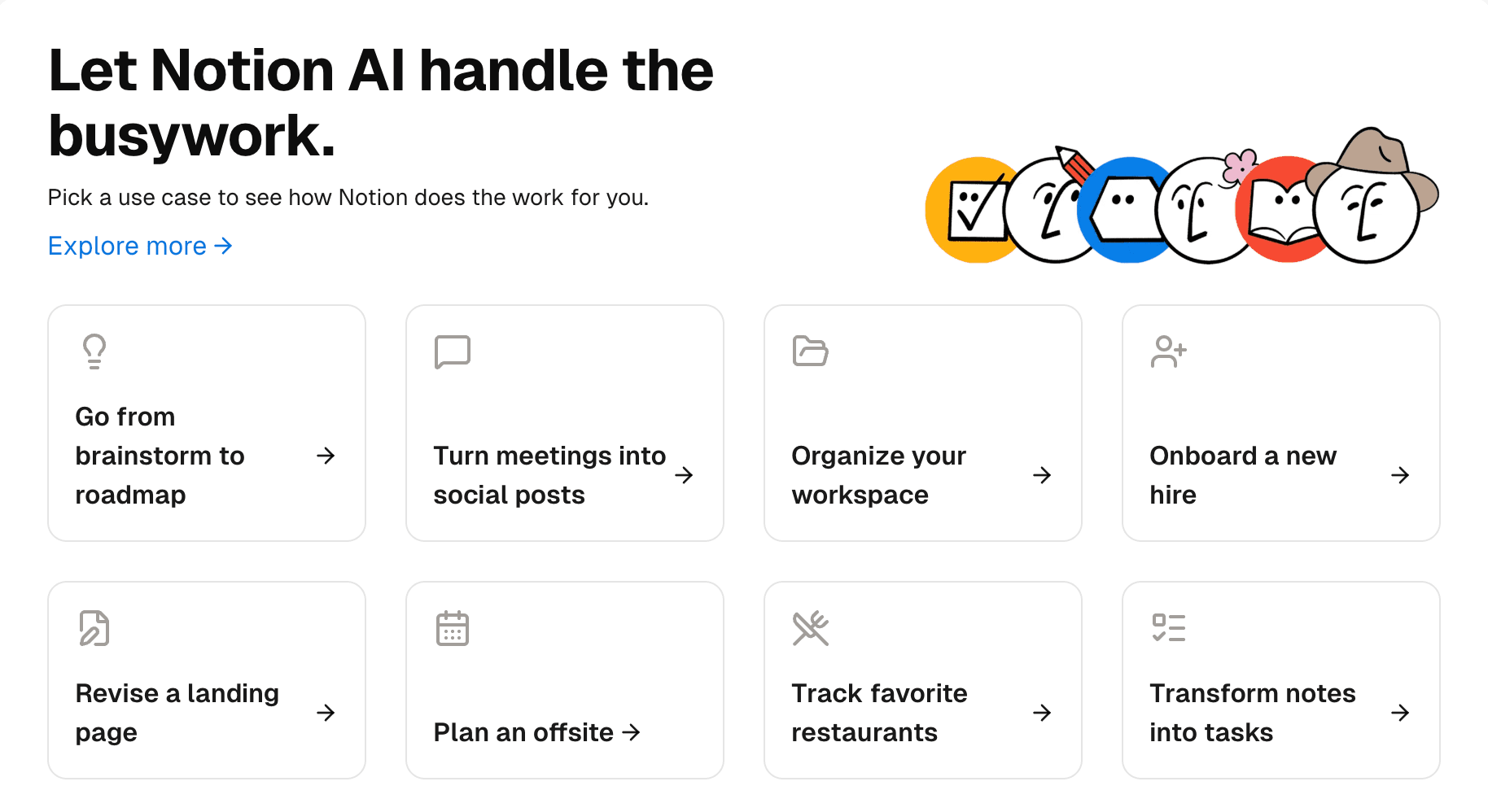
Notion AI use cases
312
Use case grid with icons and links
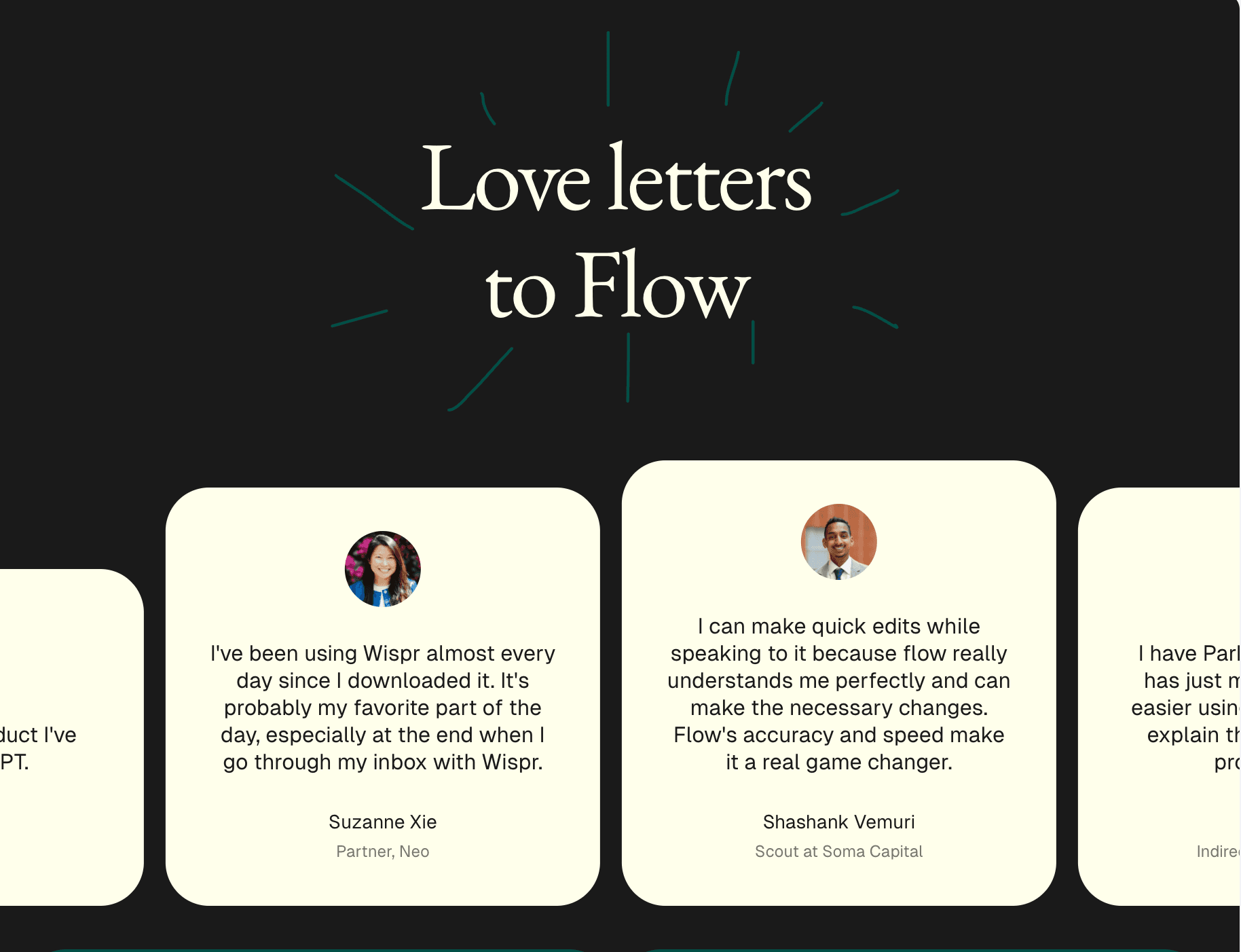
Flow testimonials
189
Testimonial marquee — dark theme
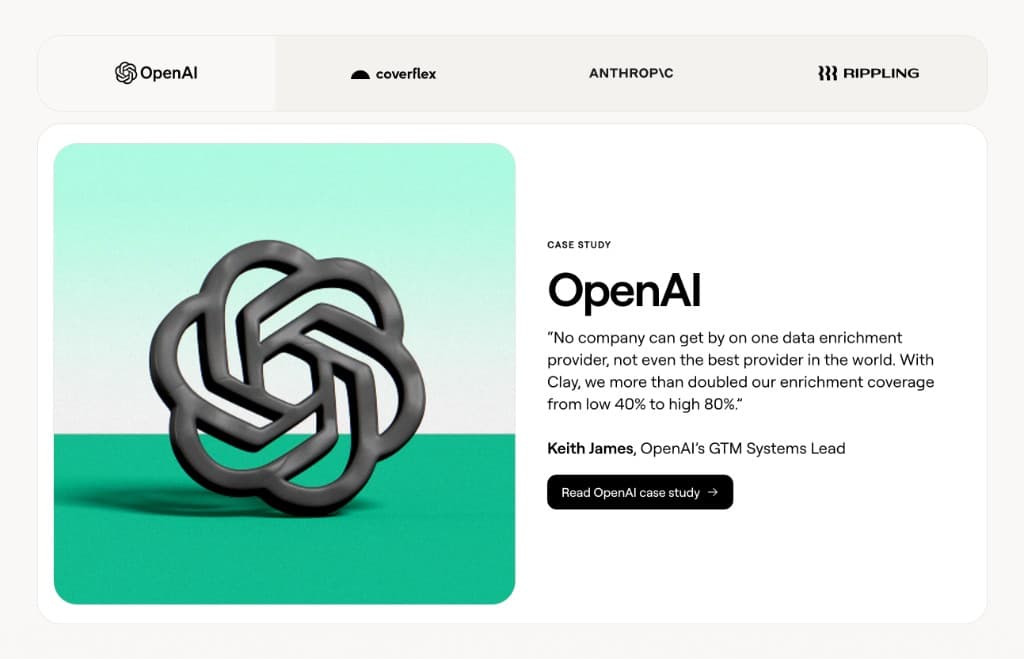
Customer case study tabs
276
Tabbed case studies with logo tabs
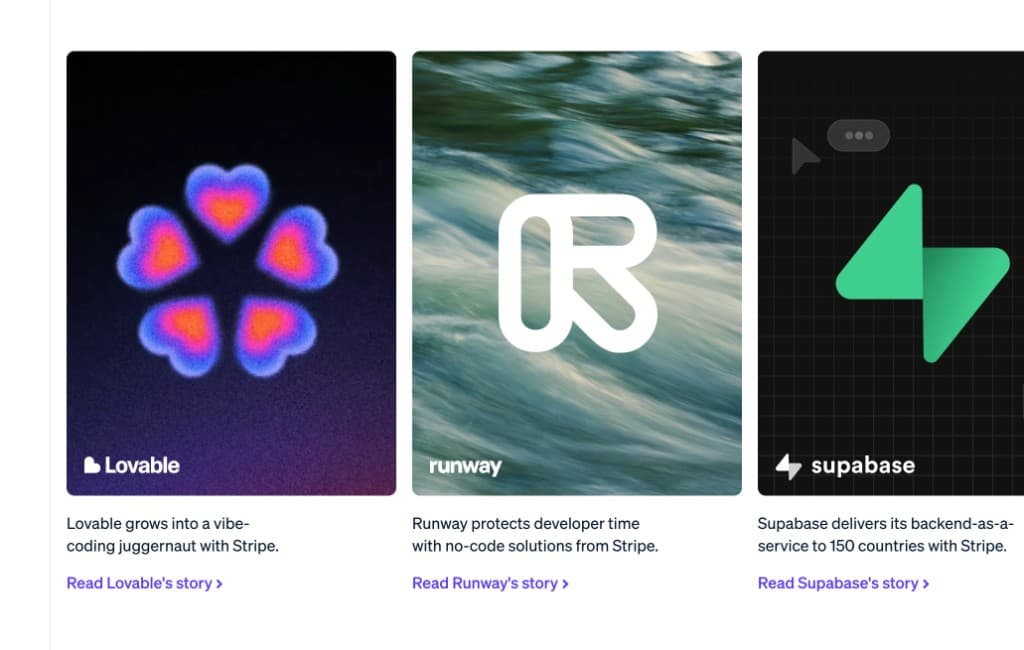
Startup customer carousel
147
Logo overlays — Lovable, Supabase
Notion AI use cases
312
Use case grid with icons and links
Flow testimonials
189
Testimonial marquee — dark theme
Customer case study tabs
276
Tabbed case studies with logo tabs
Startup customer carousel
147
Logo overlays — Lovable, Supabase
Notion AI use cases
312
Use case grid with icons and links
Flow testimonials
189
Testimonial marquee — dark theme
Customer case study tabs
276
Tabbed case studies with logo tabs
Startup customer carousel
147
Logo overlays — Lovable, Supabase
How slicer works
From any website to your project in 5 steps
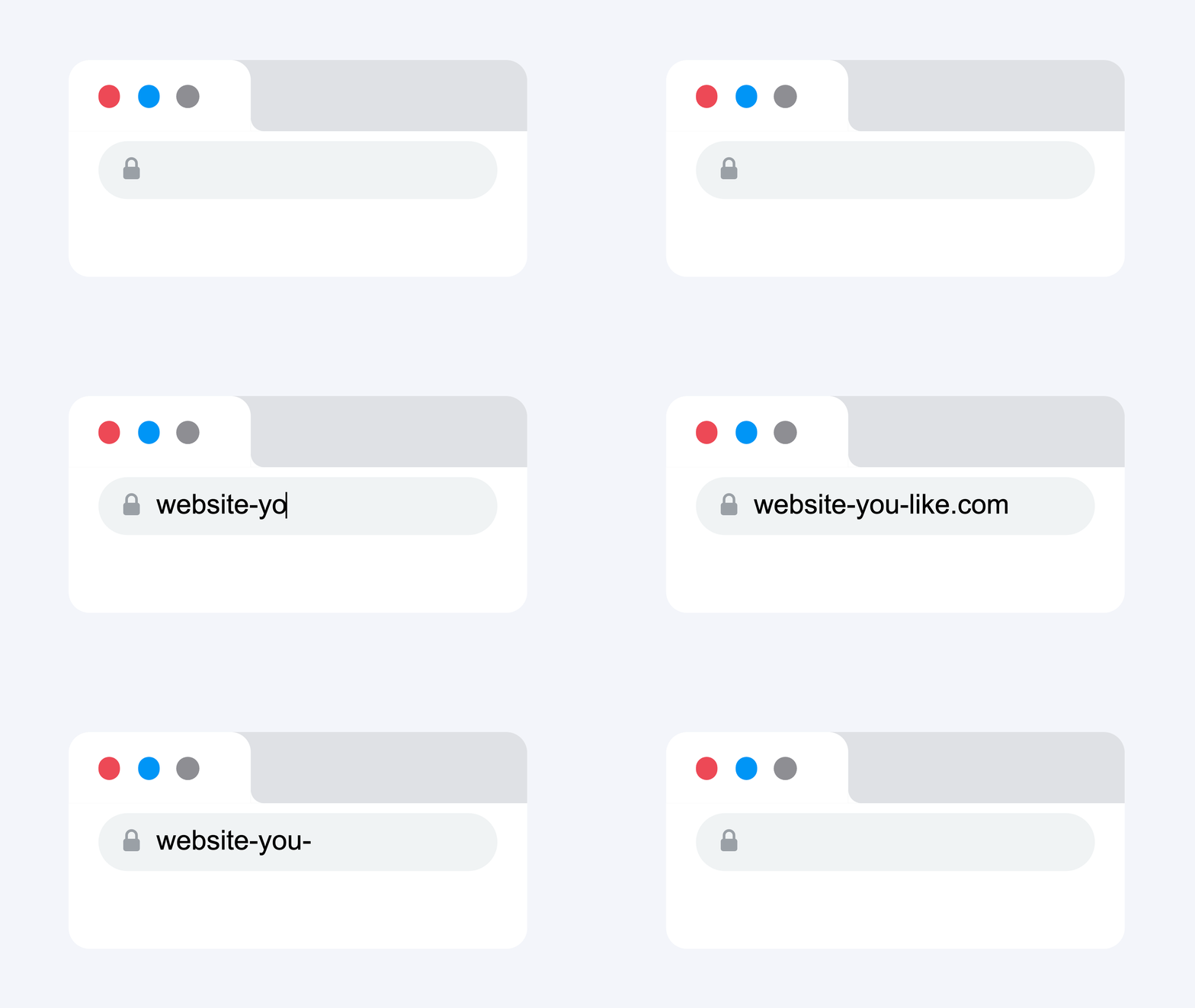
Browse any website
Every page is a source of reusable components.
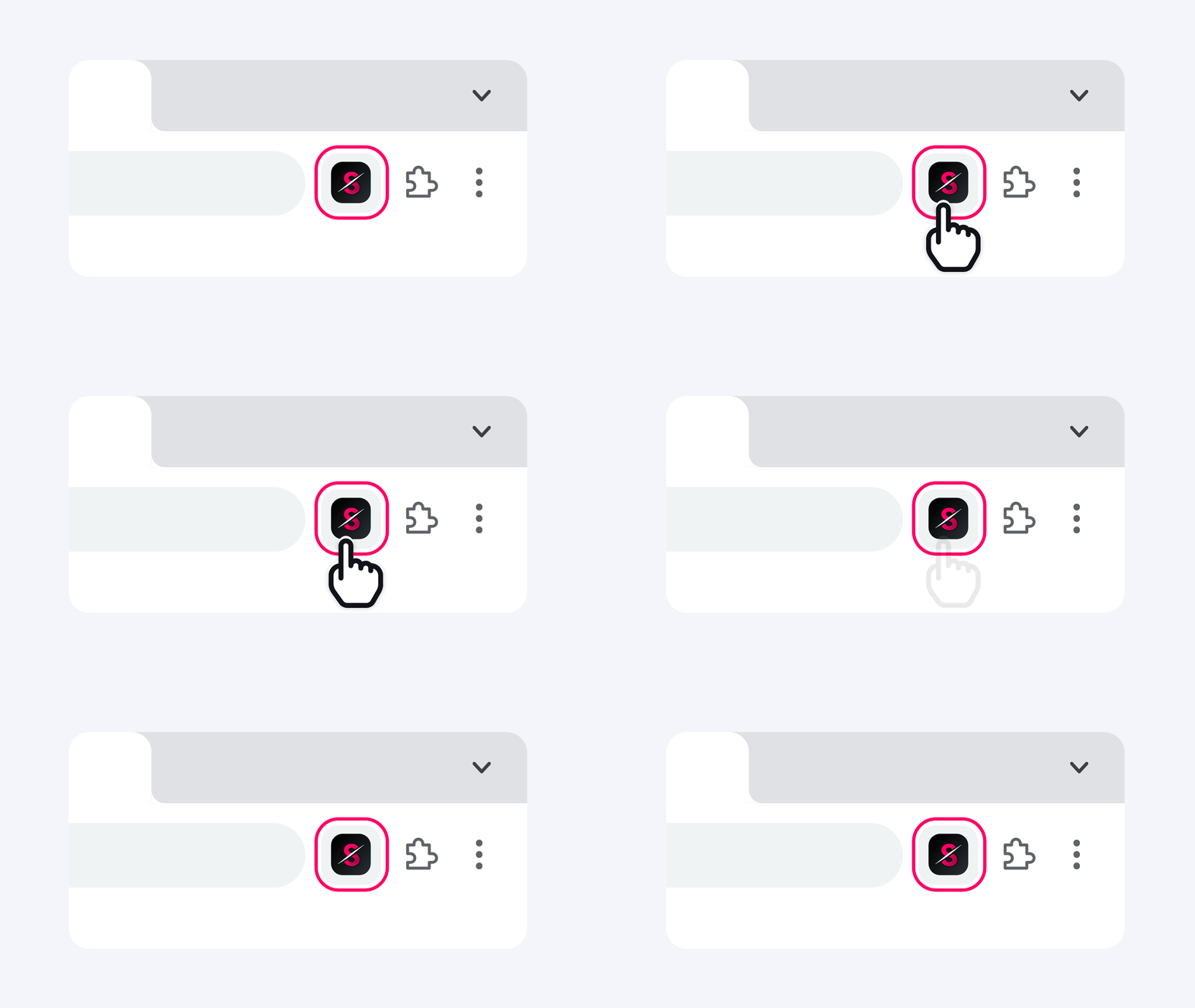
Open Slicer extension
Every component on the page becomes selectable - buttons, heroes, pricing tables, navbars.
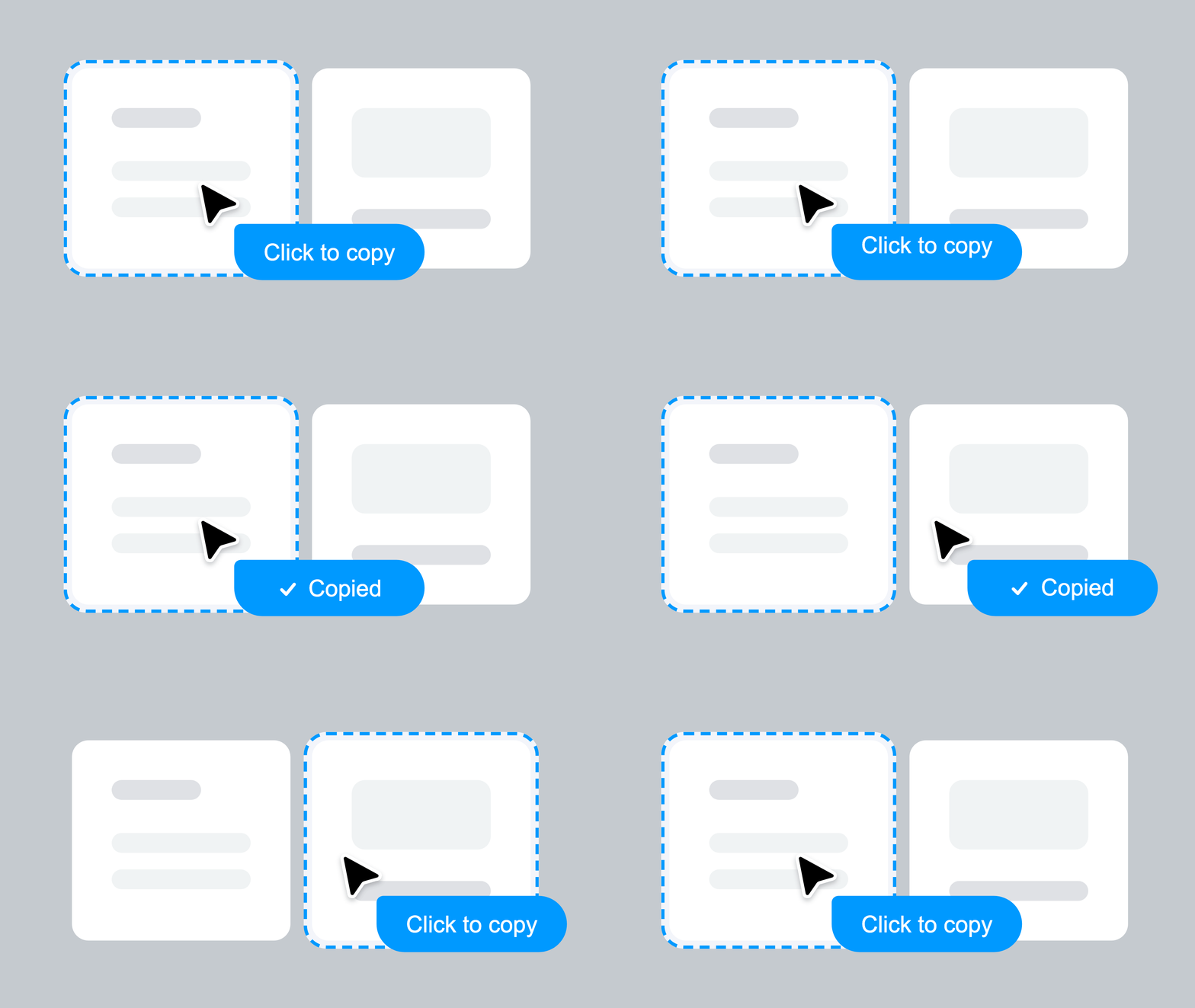
Copy any component
Click on a component to copy. All styles, animations, states, and interactions preserved.
Remix on Canvas
Apply your brand style and design system. Transform components visually before exporting.

Export as prompt or code
Instantly get an AI-ready prompt or clean React component. Paste directly into Lovable, Bolt, v0, or Cursor.
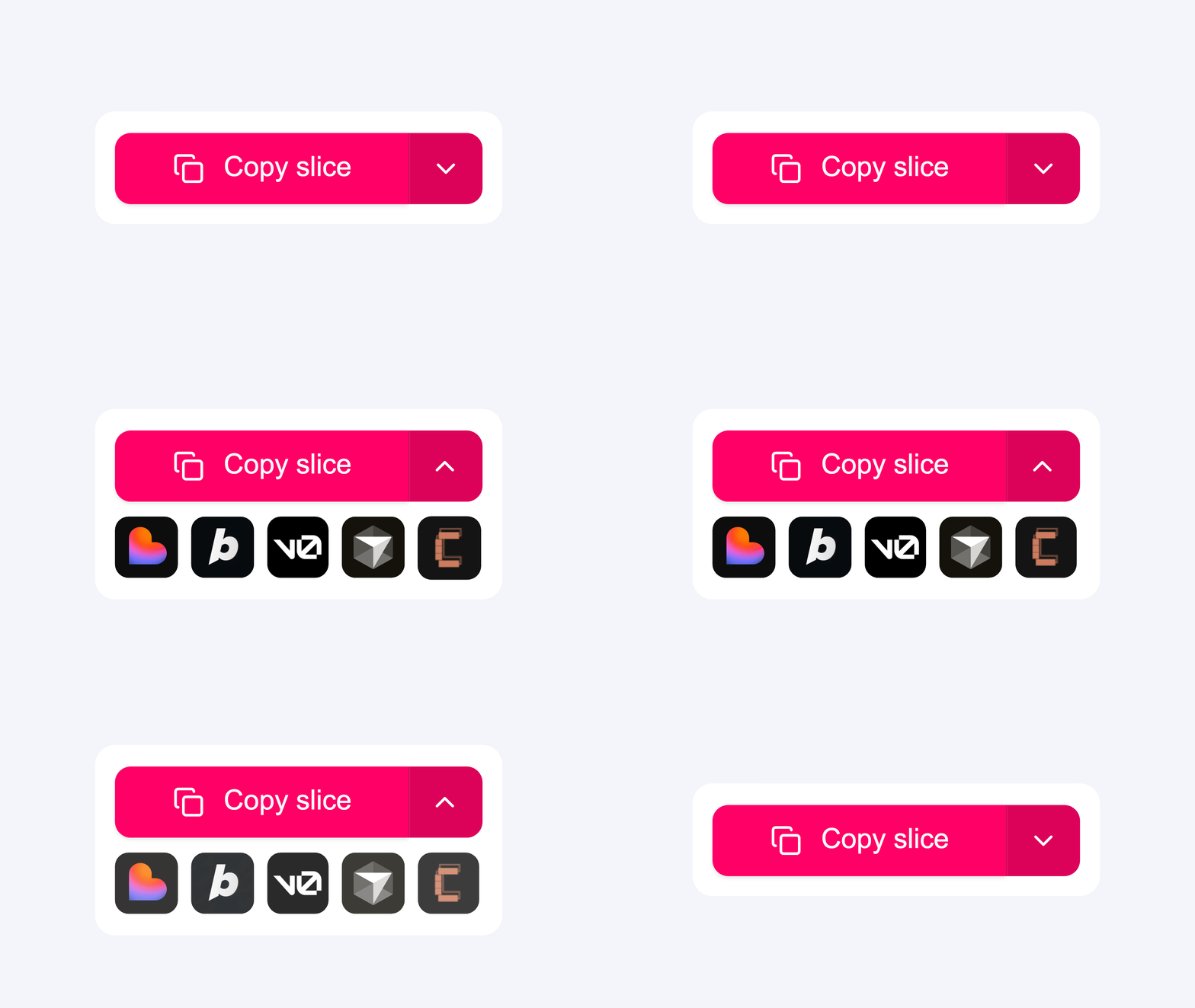
Everything captured. Nothing left behind.
Every interaction, every animation, every state — captured automatically, works with any tool you already use
Slicer Canvas: Restyle extracted components
Combine slices, apply your brand, and restyle with AI — all on an infinite canvas.
Questions about Slicer + Lovable
Extract any website component with Slicer, export as AI Prompt, and paste directly into Lovable's chat. The prompt contains all design specs — colors, layout, hover states, animations — so Lovable builds from a real reference instead of generating from defaults.
Further reading
Simple, transparent pricing
Start immediately. Cancel anytime.
Perfect for trying out Slicer
- 3 component copies / month
- 1 journey audit / month (up to 5 screens)
For occasional building
- 30 component copies / month
- 5 journey audits / month
For designers & developers who ship fast
- Unlimited component copies
- 20 journey audits / month
Everything Slicer does, uncapped
- Unlimited component copies
- Unlimited journey audits
14-day money-back guarantee
Not happy in the first 14 days? We'll refund you in full, no questions asked.
Start using Slicer with Lovable today
Install the Chrome extension and paste your first real component into Lovable in under a minute.