Why AI-generated UI all looks the same (and how to fix it)
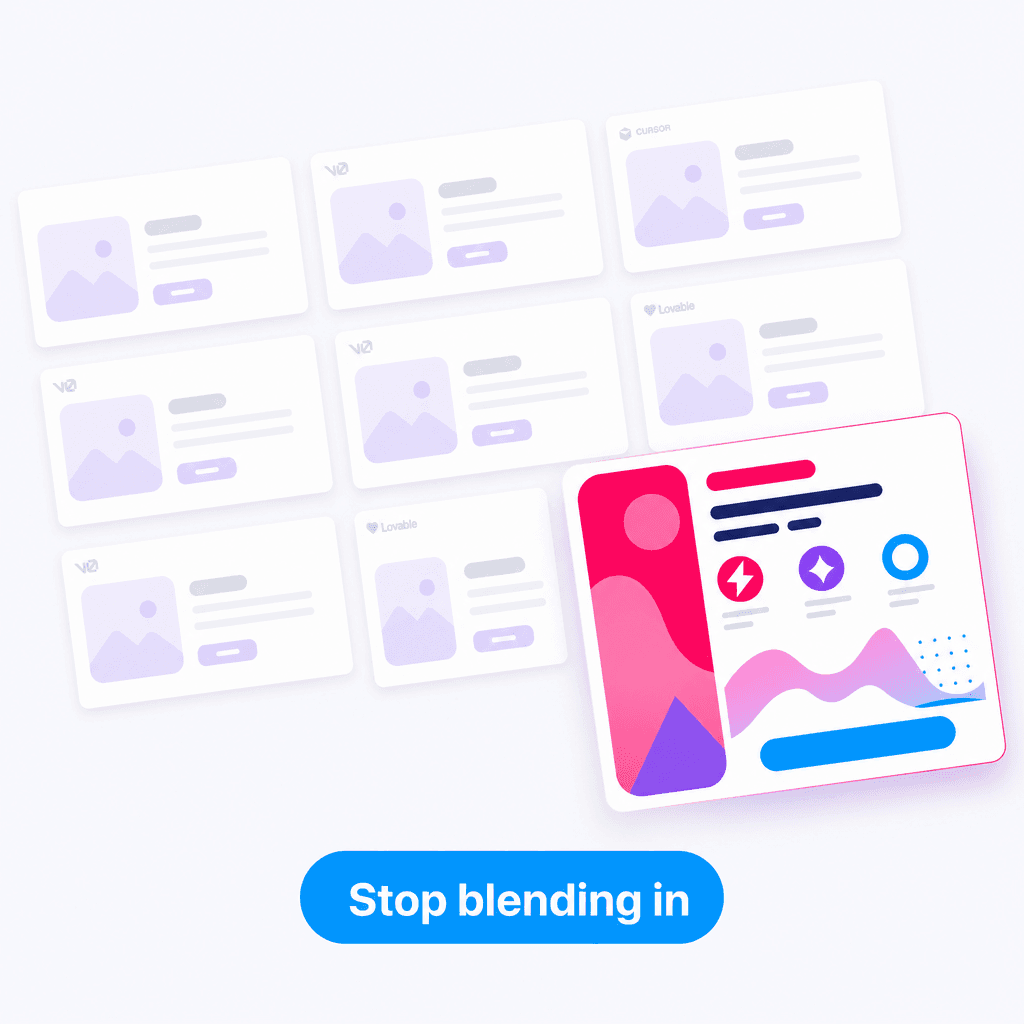
Open any indie product launched in the last twelve months that was built primarily with AI coding tools. v0 sites, Lovable apps, Cursor-generated dashboards, Bolt-built MVPs. They share a visual language so consistent you can spot it from the URL.
Soft white backgrounds. Muted gray text. Cards with rounded-xl and a 1px ring. Subtle shadows. A single saturated brand accent for primary buttons. Lucide icons. A header with a logo on the left, three nav links in the middle, "Sign in" on the right. A hero with a centered headline and gradient text.
Every one of them looks pretty good. None of them look distinct.
This isn't a small problem. Differentiation is what makes a product memorable. If your startup's UI looks like every other AI-generated indie SaaS, you're starting your launch from behind.
Here's why it happens, and what actually fixes it.
Why AI converges on a single aesthetic
LLMs generate from probability distributions over their training data. When you ask v0 or Cursor for "a modern SaaS hero section," the model averages over thousands of examples it has seen. The most likely output is the most common one.
What's been most common in training data over the last 18 months?
- shadcn/ui's default theme
- Vercel's marketing site aesthetic
- Tailwind UI's spacing and color choices
- Linear's app shell patterns
These are all excellent designs. But when every AI tool defaults to the same aesthetic baseline, you get an entire generation of products that look identical.
It's not a bug. It's the math working as intended.
The "AI taste" problem
There's also a second-order effect. AI tools tend to hedge. They produce designs that are unlikely to look bad. That means restrained color palettes, conservative spacing, predictable layouts. The result is a competent average.
A great designer breaks rules deliberately. They use unusual proportions because the content demands it. They pick a saturated background because it makes the brand feel alive. They use type 30% larger than seems appropriate because the brand is loud. AI tools dont do this — they regress to the mean.
You can't prompt your way out of this with "be more creative" or "make it look like Stripe." The model doesn't know how to deliberately violate norms. It only knows averages.
What actually fixes it
The fix is structural, not stylistic. You need to give the AI a non-average input to work from. There are three approaches that actually work.
1. Reference real components
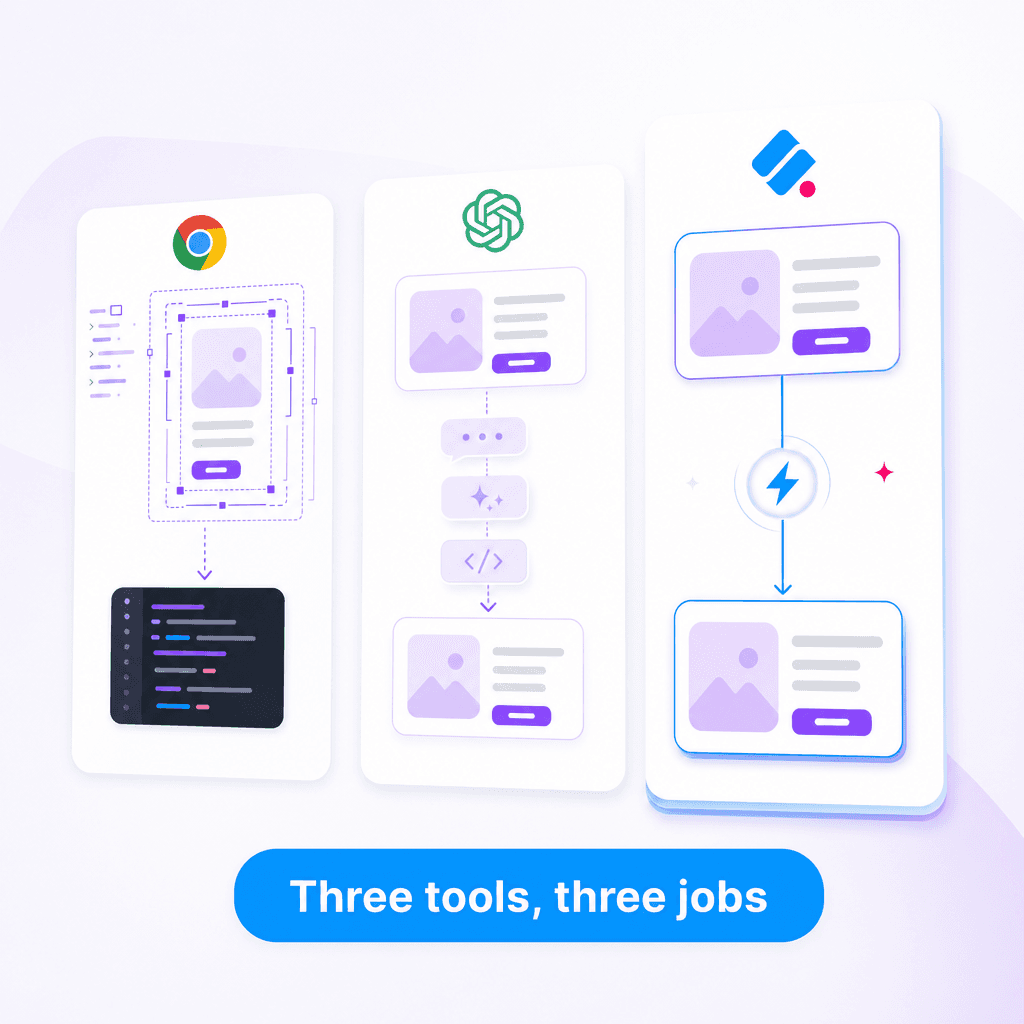
Instead of describing what you want, paste an actual component the AI can adapt. Real components from real products carry years of design iteration that the AI can't generate from scratch.
This is what tools like Slicer are for. Browse to a product whose UI you genuinely admire, click the component you want, and you get clean React code or an AI-ready prompt that captures every detail — colors, spacing, hover states, animations, responsive behavior.
When you paste that into Cursor or v0 with "adapt this to my project," the AI is no longer inventing — it's translating. The output inherits the design quality of the source.
2. Pre-define your aesthetic axioms
Before you start prompting, decide on a few non-default choices that define your visual identity:
- Spacing density. Is your product spacious (Stripe) or dense (Linear)? Pick one.
- Border radius. Sharp (Vercel) or soft (Notion) or pill-heavy (Cron)?
- Type scale ratio. Conservative 1.125x or aggressive 1.333x?
- Color saturation. Muted slate-grays or saturated brand-forward?
- Motion. Snappy 150ms transitions or slow 400ms ease-out?
Set these before you generate anything. Reinforce them in every prompt. The AI will still drift toward defaults, but it'll drift less.
3. Build from a personal reference library
The best designers don't start every project from scratch. They have a private reference folder full of screenshots, components, and patterns from work they admire.
You can do the same with AI tooling. Spend 30 minutes building a reference library:
- Browse 5–10 products whose UI you'd want yours to feel like
- Extract the components you'd actually use (hero, pricing, cards, navigation, footer, CTA, testimonial, FAQ)
- Save them in a
references/folder in your repo or notes app - Drag them into Cursor / v0 / Lovable as context whenever you build a new component
The first time you ship UI built this way, the difference is immediate. You stop seeing your work in every other AI-generated product on the internet.
A sample prompt that works
Here's a Cursor prompt that produces dramatically different output depending on whether you give it a reference:
Without reference:
"Build a pricing section with three tiers, the middle one highlighted, with hover effects and our brand colors."
You get a generic shadcn-style pricing section.
With reference (Slicer-extracted from Linear, then pasted in):
"Build a pricing section based on this reference. Adapt to use our shadcn primitives and design tokens. Keep the highlight treatment, hover behavior, and proportions. [paste extracted component]"
You get a pricing section that looks intentional. Because it is.
The honest take
The "all AI sites look the same" problem isn't going to fix itself. As more people use these tools, the training data they generate gets more homogenous, which makes the next generation of models even more biased toward the same aesthetic. The default keeps converging.
The way out is to stop treating AI as the source of design and start treating it as the implementer of design you've sourced elsewhere. Pull from real products. Build a reference library. Force the AI to translate, not invent.
Your product will stop looking like everyone else's. That's worth thirty seconds per component.
Try Slicer on the next component you'd ask Cursor or v0 to generate. Pick a real product you admire. Extract. Paste. Notice the difference.