
How to make shadcn/ui look unique to your product
shadcn/ui is genuinely one of the best things to happen to frontend development in recent years. Copy-paste components, full ownership of your code, built on solid Radix UI primitives, styled with Tailwind. No dependency hell, no version mismatches, no waiting for maintainers.
It's great. Use it.
But here's what it doesn't give you: a product that looks like yours.
The shadcn aesthetic
Open any indie SaaS launched in the last 18 months. You'll recognize the UI immediately — muted grays, clean cards, subtle borders, a hint of slate. It's the shadcn/ui aesthetic, and it's everywhere.
This isn't shadcn's fault. The library provides primitives, not personality. It gives you the correct raw materials, not the finished design. The assumption is that you'll bring your own visual language.
The problem is most teams don't. They take the defaults, tweak the brand color, ship it, and move on.
shadcn/ui is a foundation, not a design system. A design system has opinions about how things should look. shadcn/ui explicitly leaves those opinions to you.
Why customization stalls out
Designing from a blank slate is hard. You know you want something that "feels premium" or "looks like a modern AI tool" but translating that into specific spacing, border radius values, and typography scales is a different skill than building features and shipping.
So most solo founders and small teams get 80% of the way there and launch. The result is a product that looks competent but not memorable.
The shortcut: copy from what already works
There are thousands of products out there that have already solved this problem. Products that look genuinely great, with UI that feels considered and intentional. Someone already did the hard design work. It's all sitting there in the browser, inspectable.
The traditional approach is tedious: open DevTools, dig through the Elements panel, copy-paste CSS, figure out what class names do what, reconstruct the component by hand. An hour of work to extract someting that took the original designer five minutes to build.
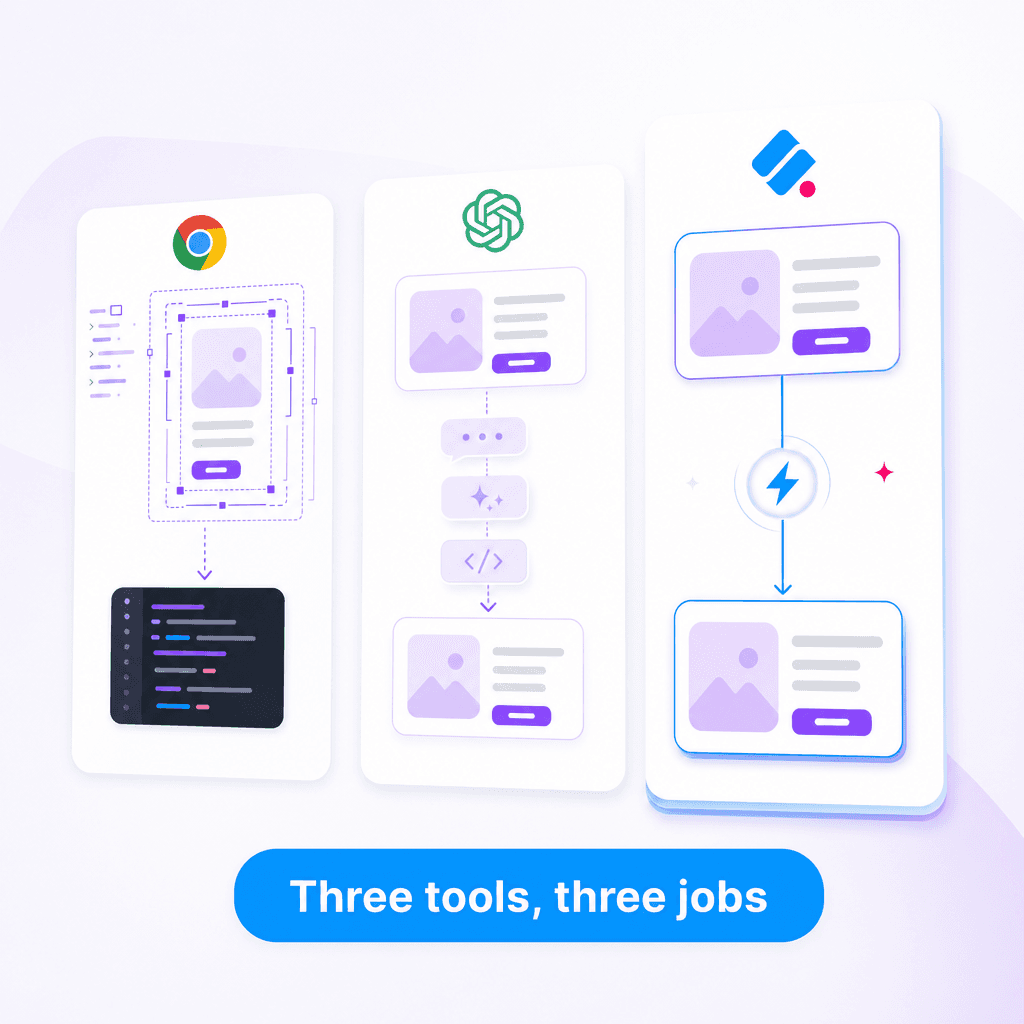
Slicer changes this. You click the component you like, land on the Canvas, apply your brand colors and style system, then export as clean React code or an AI prompt. And unlike other copy tools, Slicer doesn't stop at the visual layer: it captures hover states, animations, and transitions too — the parts that make a component feel alive, not just look good.
A better workflow
Instead of customizing shadcn until it looks unique (an uphill battle against defaults), try this:
- Browse products in your category that have UI you genuinely admire
- Identify 5–10 components that feel right for your product
- Extract them with Slicer and apply your brand on the Canvas
- Export as React — use those as your reference implementations instead of raw shadcn defaults
You're still writing your own code. You still own everything. But you're starting from something that already looks good instead of something that looks like everything else.
This works especially well for the components that define your product's personality — hero sections, pricing cards, empty states, onboarding flows. These are the moments where generic defaults cost you the most.
What shadcn/ui is actually for
Use shadcn/ui for what it's genuinely good at: form elements, dialogs, dropdowns, tooltips, command palettes. The functional plumbing. These components don't need to be unique — they need to be accessible, reliable, and consistent.
Save your design energy for the components that represent your product. The ones users screenshot and share. Those are worth sourcing from places that have already figured them out.
The practical split
| Component type | Source from |
|---|---|
| Buttons, inputs, selects | shadcn/ui |
| Modals, tooltips, popovers | shadcn/ui |
| Hero sections, pricing cards | Real websites via Slicer → Canvas → React |
| Feature highlights, testimonials | Real websites via Slicer → Canvas → React |
| Navigation, footers | Real websites via Slicer → Canvas → React |
| Empty states, error pages | Real websites via Slicer → Canvas → React |
The combination gives you the reliability of well-tested primitives plus the visual quality of designs that are already proven in production.