Slicer vs Anima vs html.to.design: which one should you use?
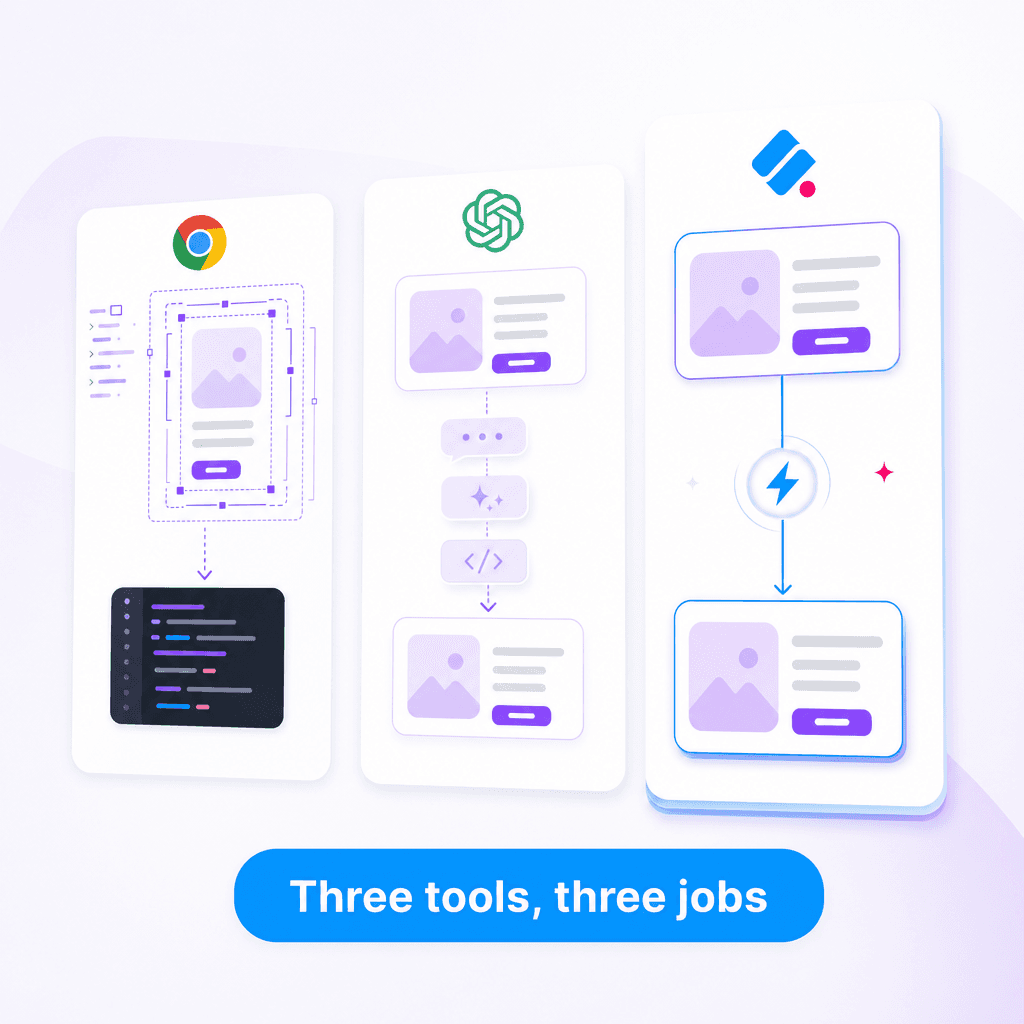
If you've searched for "copy a website to Figma" or "extract UI from web," you've probably found three tools: Slicer, Anima, and html.to.design. They look similar from the outside. They're not.
Here's what each one actually does, and when to pick which.
Quick verdict
| Tool | What it does | Best for |
|---|---|---|
| Slicer | Web → React code or AI prompt | Solo founders and vibe coders using Cursor / Claude Code / v0 / Lovable |
| Anima | Figma ↔ React/HTML, plus web capture to Figma | Designers shipping code from Figma |
| html.to.design | Web → Figma | Designers who want websites as editable Figma files |
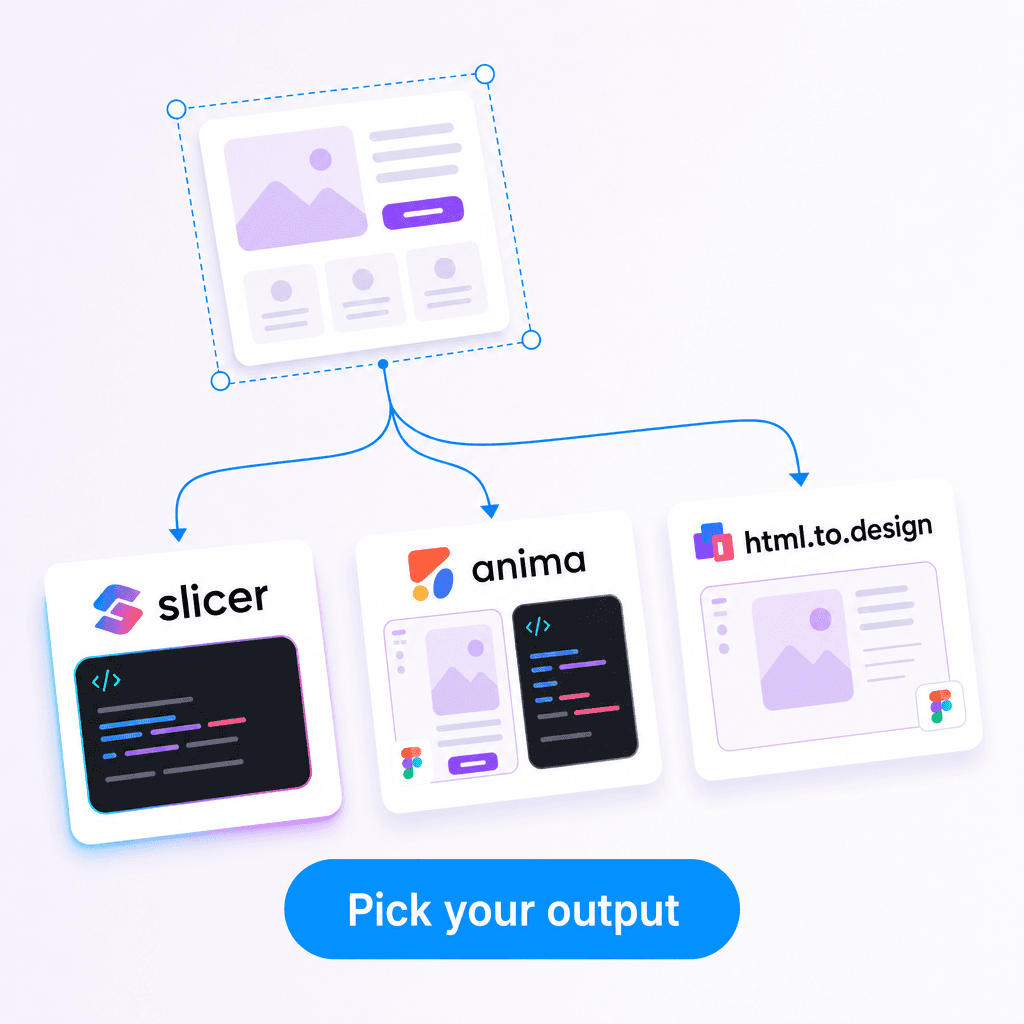
You're picking based on what you want as output, not what you input.
Slicer
Direction: Web → code (React + Tailwind) or AI prompt Format of output: Editor-ready code, AI-ready prompt Audience: Developers building with AI coding tools
Slicer is a Chrome extension. Click a component on any website, optionally remix it on the Canvas with your brand colors, export as React or AI prompt. The output is designed to be pasted directly into Cursor, Claude Code, v0, or Lovable.
It captures hover states, animations, transitions, and responsive breakpoints — not just the static visual. The AI prompt format is structured for AI coding tools to parse without losing fidelity.
Pick Slicer if: You're shipping a product, landing page, or app. Your endpoint is code. You use AI coding tools and want better prompts than you'd write from memory.
Anima
Direction: Bidirectional — Figma ↔ code, plus web capture to Figma Format of output: Figma files, React/Vue/HTML code Audience: Designers and design-engineering teams
Anima started as a Figma-to-code plugin and grew in both directions. Its web capture feature lets you bring a website into Figma, edit it, then export back to code. The code output is more designer-shaped (closer to Figma's structure) than developer-shaped.
It's a heavier, more comprehensive tool. Strong for teams where designers ship production code via Figma. Less ideal for solo builders who just want a component in their codebase fast.
Pick Anima if: You're a designer or design-engineer. You live in Figma. You want a tool that round-trips between Figma and code.
html.to.design
Direction: Web → Figma only Format of output: Editable Figma files Audience: Designers who use websites as references
html.to.design is a Figma plugin (and Chrome extension). It captures a webpage and imports it into Figma as editable layers — auto-layout, real text, proper component structure. It does this one thing very well.
It doesn't generate code. It doesn't have an AI prompt format. It's purely a "get this website into Figma so I can study and remix it" tool.
Pick html.to.design if: You're a designer building a Figma library or moodboard. Your endpoint is Figma. You don't need code output.
How to choose
Start from your endpoint, not your input:
- Endpoint is React code in a codebase → Slicer
- Endpoint is a Figma file → html.to.design (or Anima)
- Endpoint is "I want both, with round-trips" → Anima
- Endpoint is a Cursor / Claude Code / v0 prompt → Slicer
The mistake people make is picking based on input ("I want to copy this website") instead of ouput ("I want React code"). All three tools take a website as input. Only one of them gives you what you actually want next.
Honest disclosure
I built Slicer. So this comparison has a bias — but the framing above is genuinely how I think about it. Anima and html.to.design are good tools for their use cases. They just have different use cases.
If you're shipping a startup or landing page with AI coding tools, try Slicer. If you're a designer building a Figma library, html.to.design is probably what you want. If you live in Figma and ship code from there, Anima is the heavier-weight option that handles the round-trip.
Pick based on where the work actually ends up.