
 +
+ Slicer + Cursor
Copy any website component into Cursor
Cursor is great at writing code. It's not great at inventing design. Give it real components from real websites — and stop shipping generic AI-generated UI.
Free plan · Chrome only · No credit card
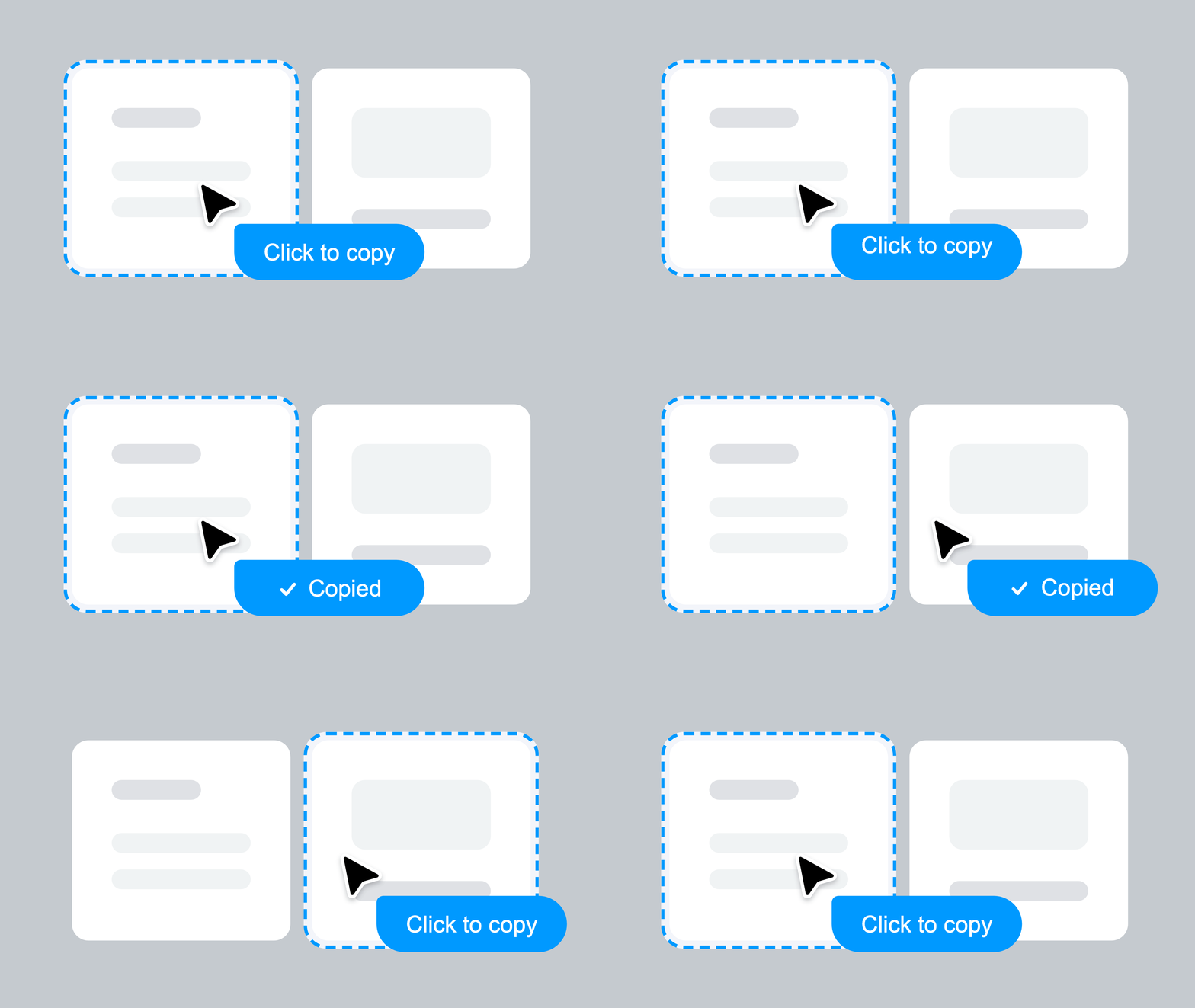
Any website
 Cursor
✓ AI Prompt pasted
Cursor
Slicer extracts any website component — styles, hover states, animations, responsive rules — and exports a structured AI prompt. Paste it directly into Cursor's composer. No manual description needed. Cursor adapts a real component rather than imagining one.

We've been building UI the hard way.
Screenshot, describe, prompt, iterate, fix — over and over. There's a faster path.
Animations lost. Interactions gone. Hover states? Good luck describing those.
Animations, interactions, hover states — all preserved automatically.
Real components,
copied in one click
Every component below was extracted from a live website using slicer.dev browser extension
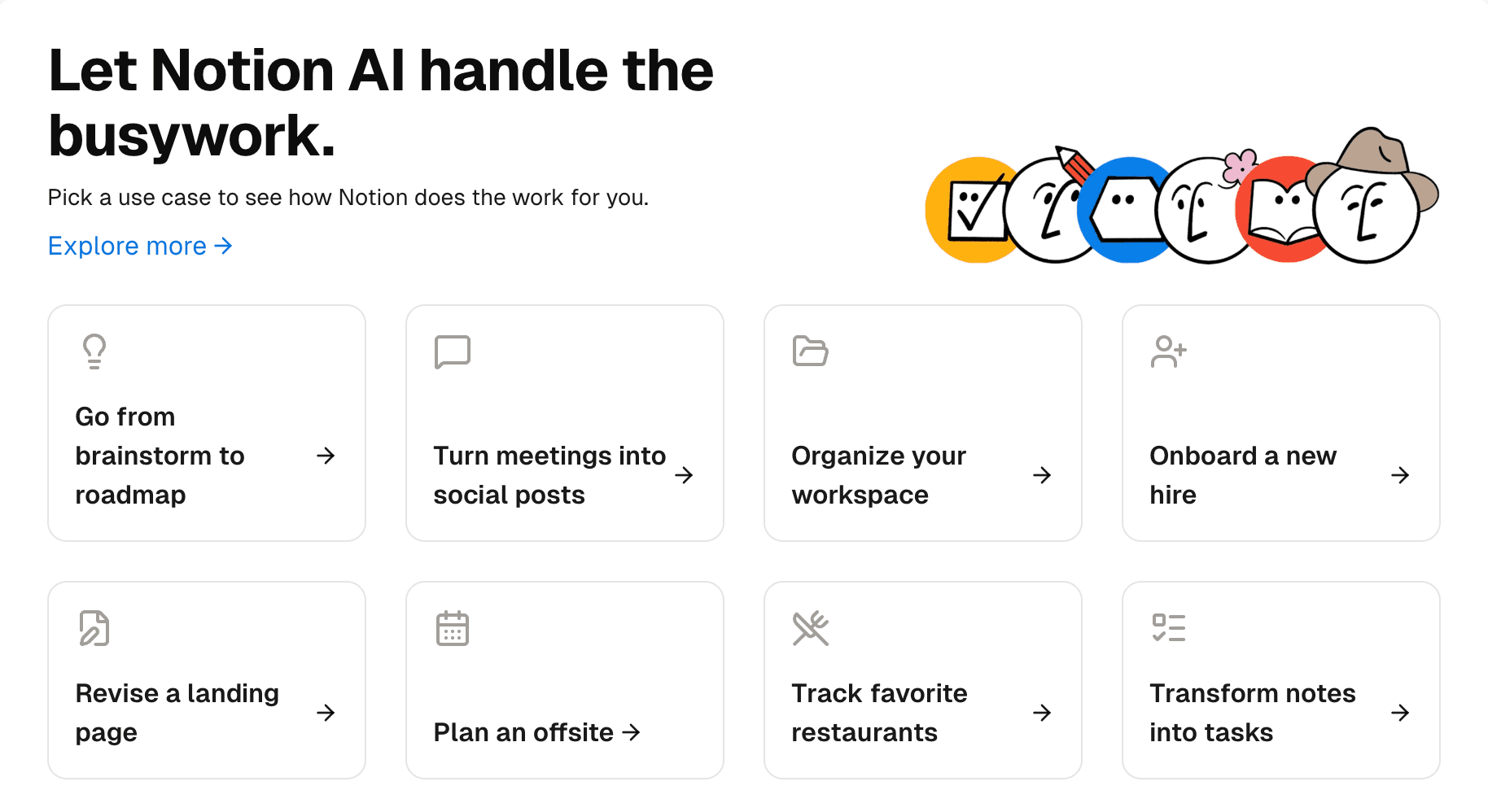
Notion AI use cases
312
Use case grid with icons and links
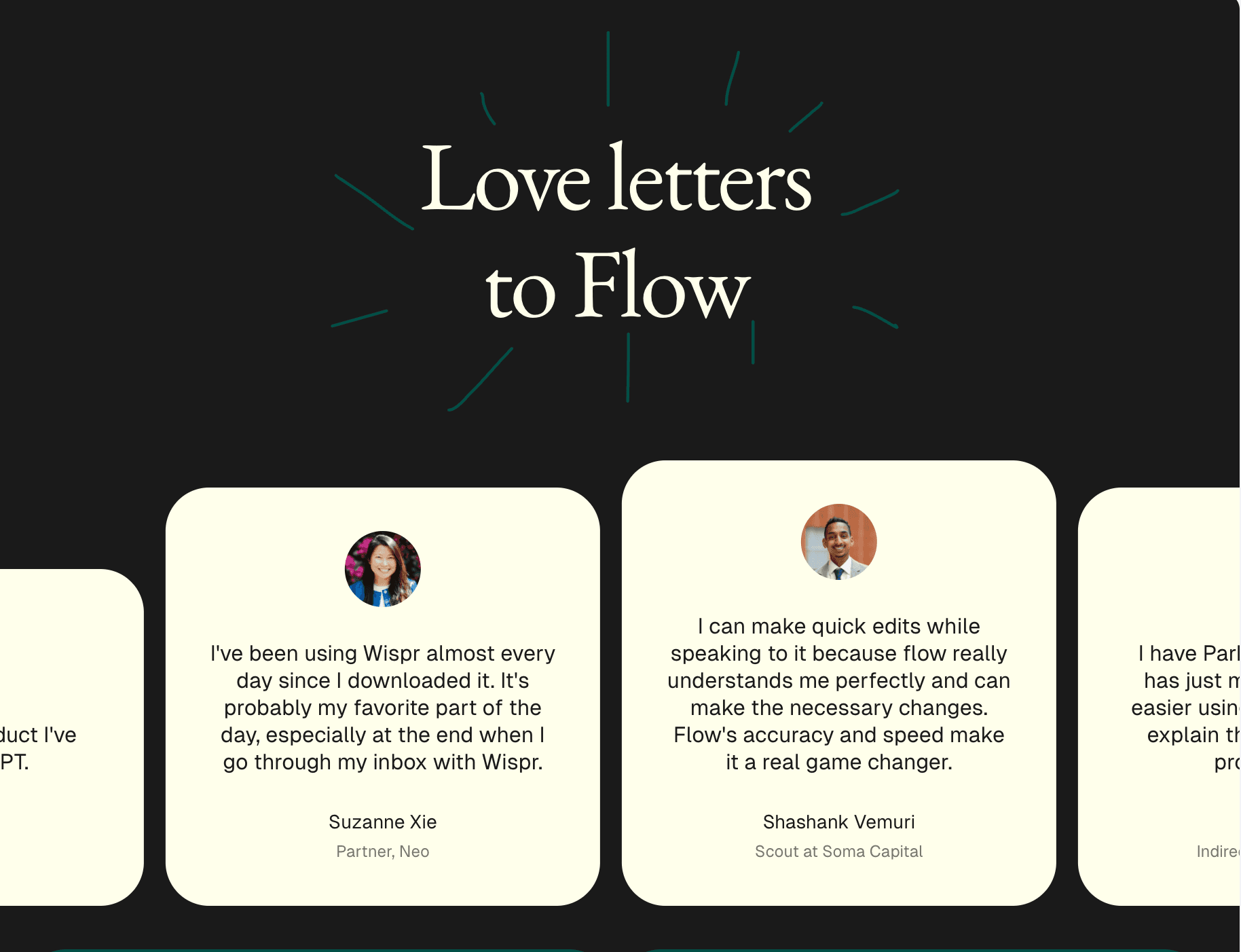
Flow testimonials
189
Testimonial marquee — dark theme
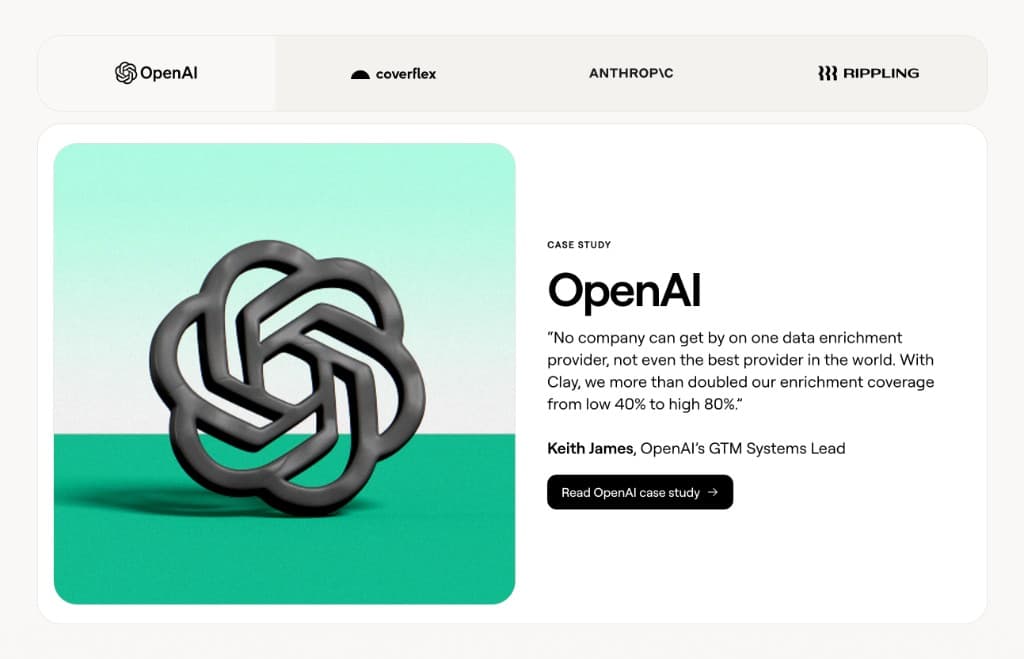
Customer case study tabs
276
Tabbed case studies with logo tabs
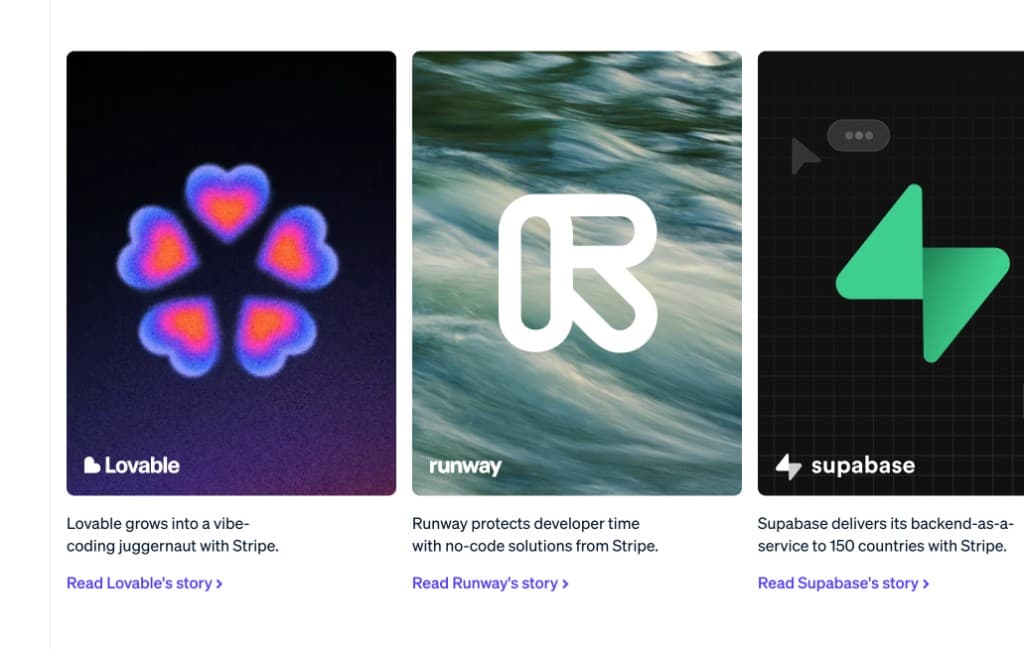
Startup customer carousel
147
Logo overlays — Lovable, Supabase
Notion AI use cases
312
Use case grid with icons and links
Flow testimonials
189
Testimonial marquee — dark theme
Customer case study tabs
276
Tabbed case studies with logo tabs
Startup customer carousel
147
Logo overlays — Lovable, Supabase
Notion AI use cases
312
Use case grid with icons and links
Flow testimonials
189
Testimonial marquee — dark theme
Customer case study tabs
276
Tabbed case studies with logo tabs
Startup customer carousel
147
Logo overlays — Lovable, Supabase
How slicer works
From any website to your project in 5 steps
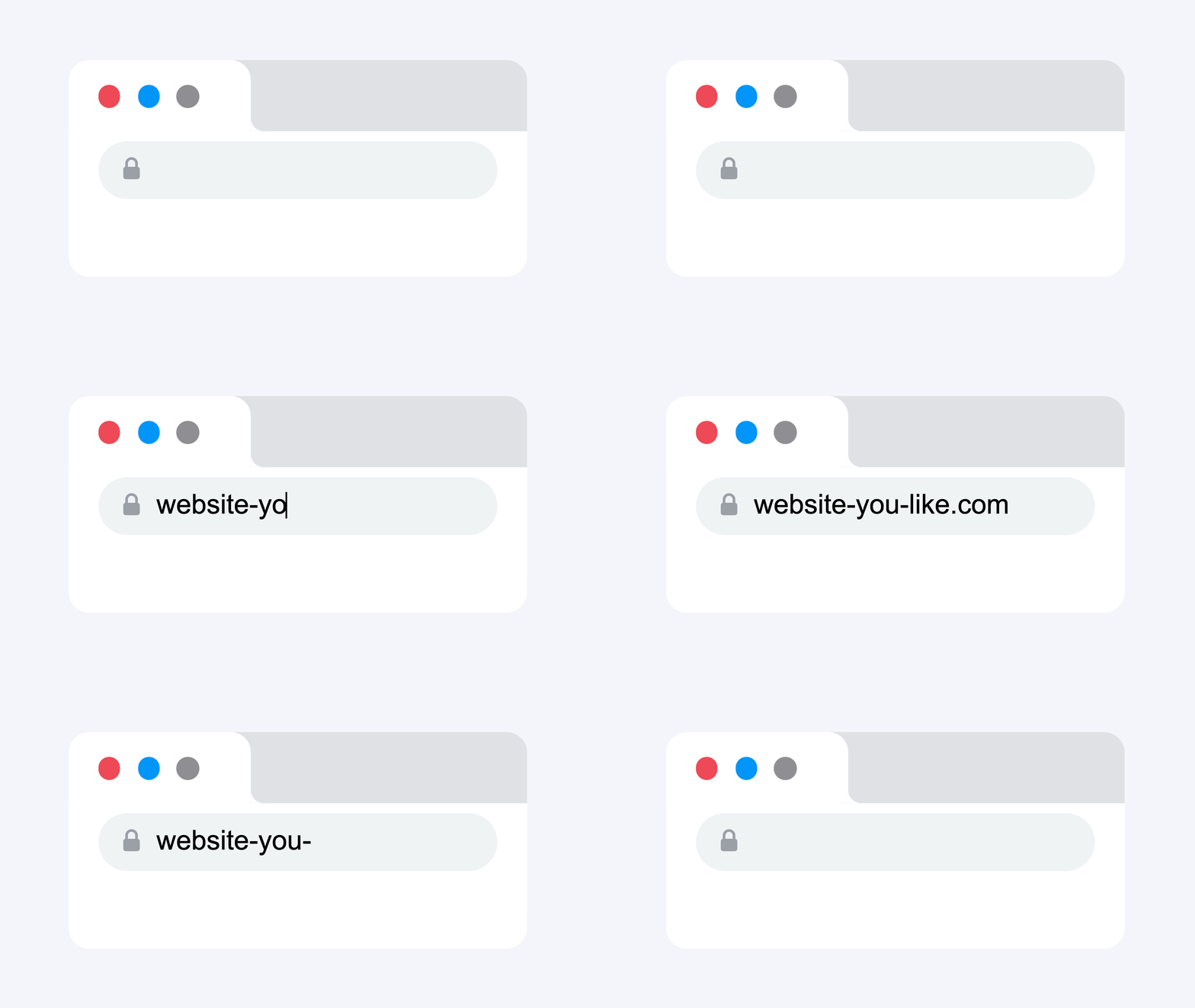
Browse any website
Every page is a source of reusable components.
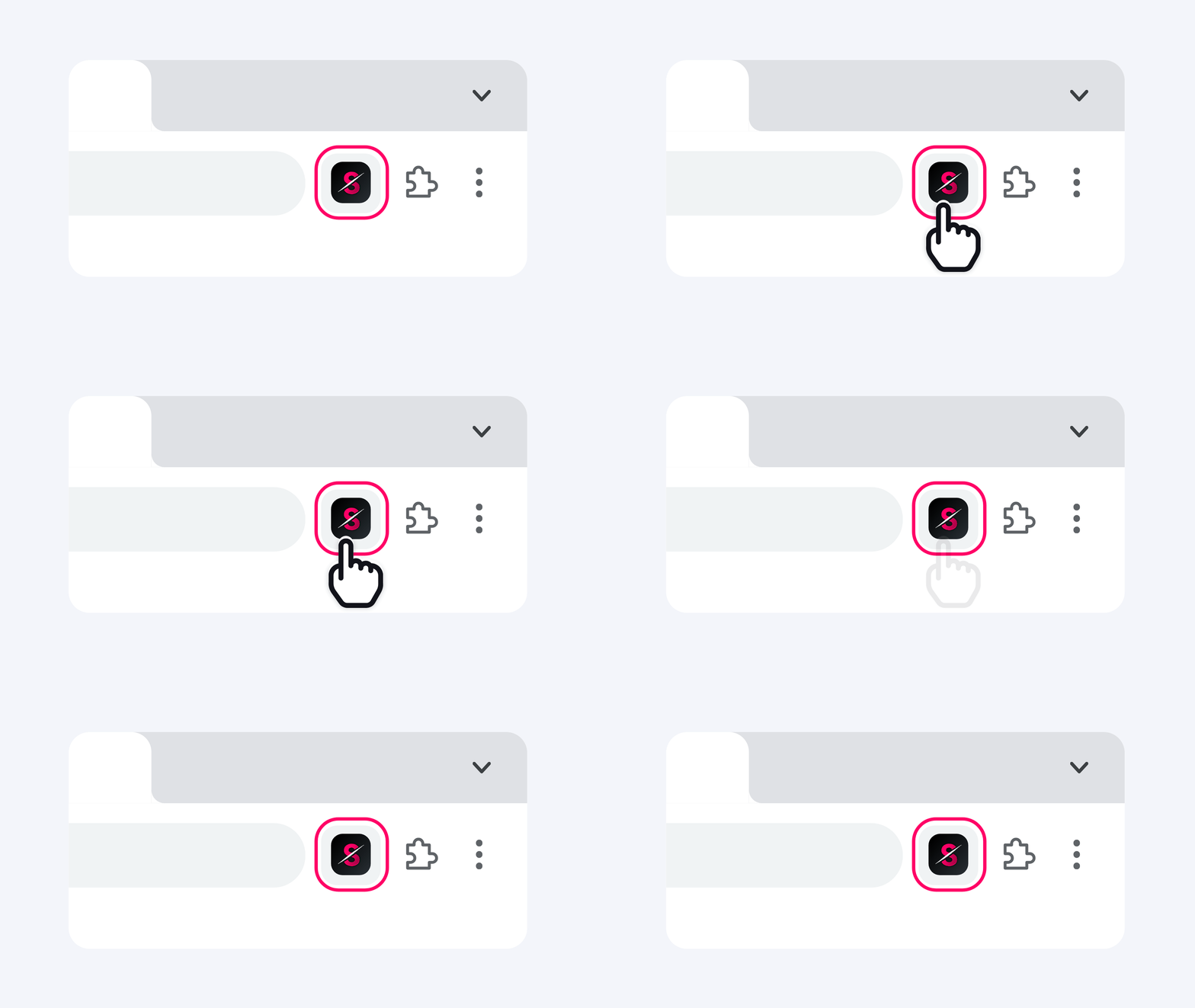
Open Slicer extension
Every component on the page becomes selectable - buttons, heroes, pricing tables, navbars.
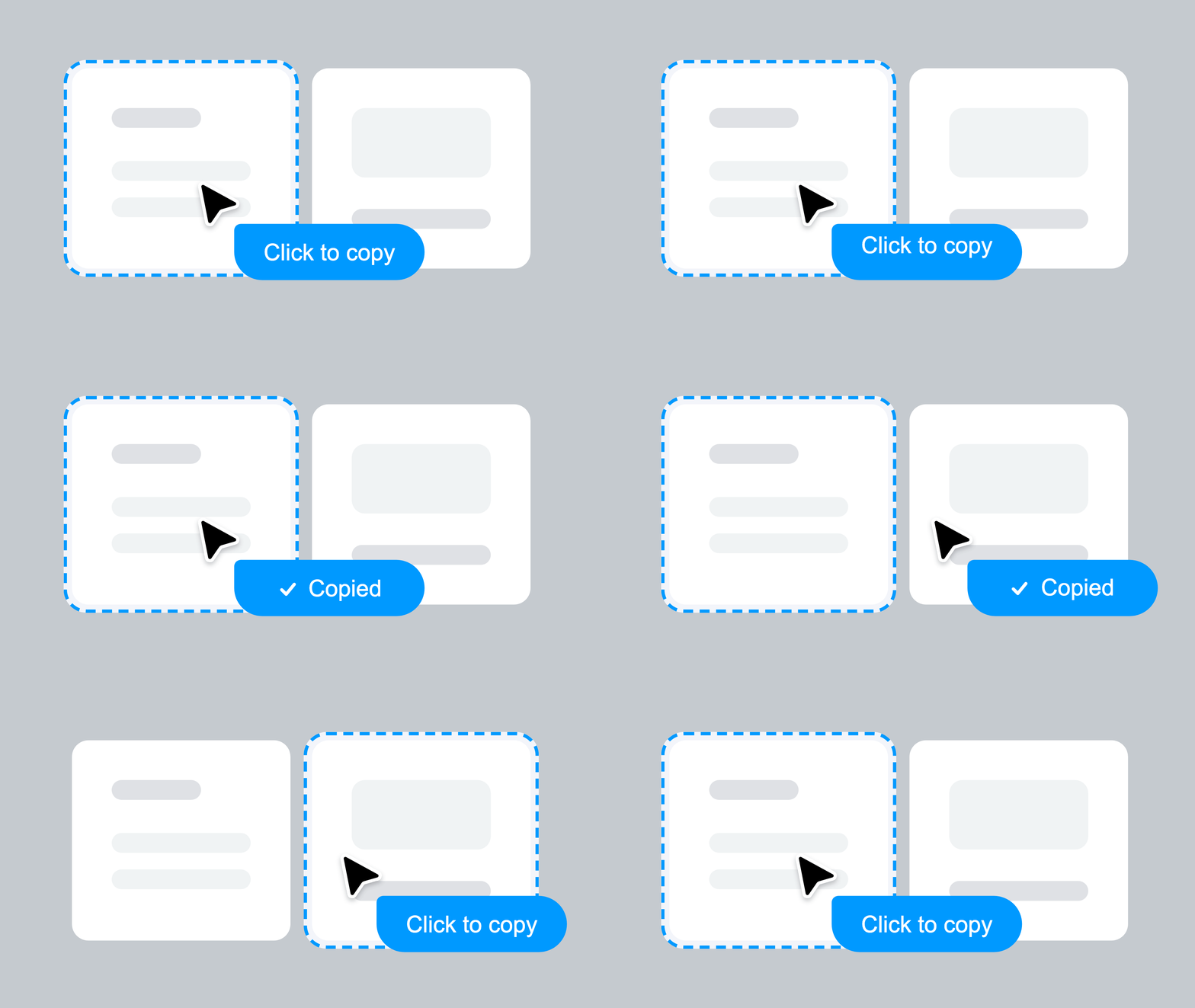
Copy any component
Click on a component to copy. All styles, animations, states, and interactions preserved.
Remix on Canvas
Apply your brand style and design system. Transform components visually before exporting.

Export as prompt or code
Instantly get an AI-ready prompt or clean React component. Paste directly into Lovable, Bolt, v0, or Cursor.
Everything captured. Nothing left behind.
Every interaction, every animation, every state — captured automatically, works with any tool you already use
Slicer Canvas: Restyle extracted components
Combine slices, apply your brand, and restyle with AI — all on an infinite canvas.
Questions about Slicer + Cursor
Further reading
Simple, transparent pricing
Start immediately. Cancel anytime.
Perfect for trying out Slicer
- 5 extractions per month
- AI code generation
- Prompt & React export
- Screenshot capture
- Interactive component capture
- Priority AI models
For designers & developers who ship fast
- Unlimited extractions
- AI code generation
- Prompt & React export
- Screenshot capture
- Interactive component capture
- Priority AI models
Collaborate with your team
- Everything in Pro
- Shared Canvas files
- Team slice library
- Collaboration features
- Priority support
7-day money-back guarantee
Not happy in the first 7 days? We'll refund you in full, no questions asked.
Start using Slicer with Cursor today
Install the Chrome extension and paste your first real component into Cursor in under a minute.