
 +
+ Slicer + v0
Generate v0 prompts from real website components
v0 generates from training data — which skews toward shadcn defaults. Give it a real component from a real website instead of a description from memory.
Free plan · Chrome only · No credit card
Any website
 v0
v0✓ AI Prompt pasted
v0
Slicer extracts any website component and exports a structured AI prompt with exact colors, spacing, hover states, animations, and responsive rules. Paste it directly into v0.dev. No manual description needed — v0 builds from something that already exists and already works.


We've been building UI the hard way.
Screenshot, describe, prompt, iterate, fix — over and over. There's a faster path.
Animations lost. Interactions gone. Hover states? Good luck describing those.
Animations, interactions, hover states — all preserved automatically.
The difference between describing and showing
When you prompt v0 with a description, it fills in what you didn’t specify with defaults. A Slicer export fills in everything.
v0 from description
Same output as every v0 component
v0 from Slicer export
From a component that already ships on production
v0 defaults to the statistical average of its training data. Slicer gives it a specific, real component to adapt — and v0 produces specific, real output.
Real components,
copied in one click
Every component below was extracted from a live website using slicer.dev browser extension
How slicer works
From any website to your project in 5 steps
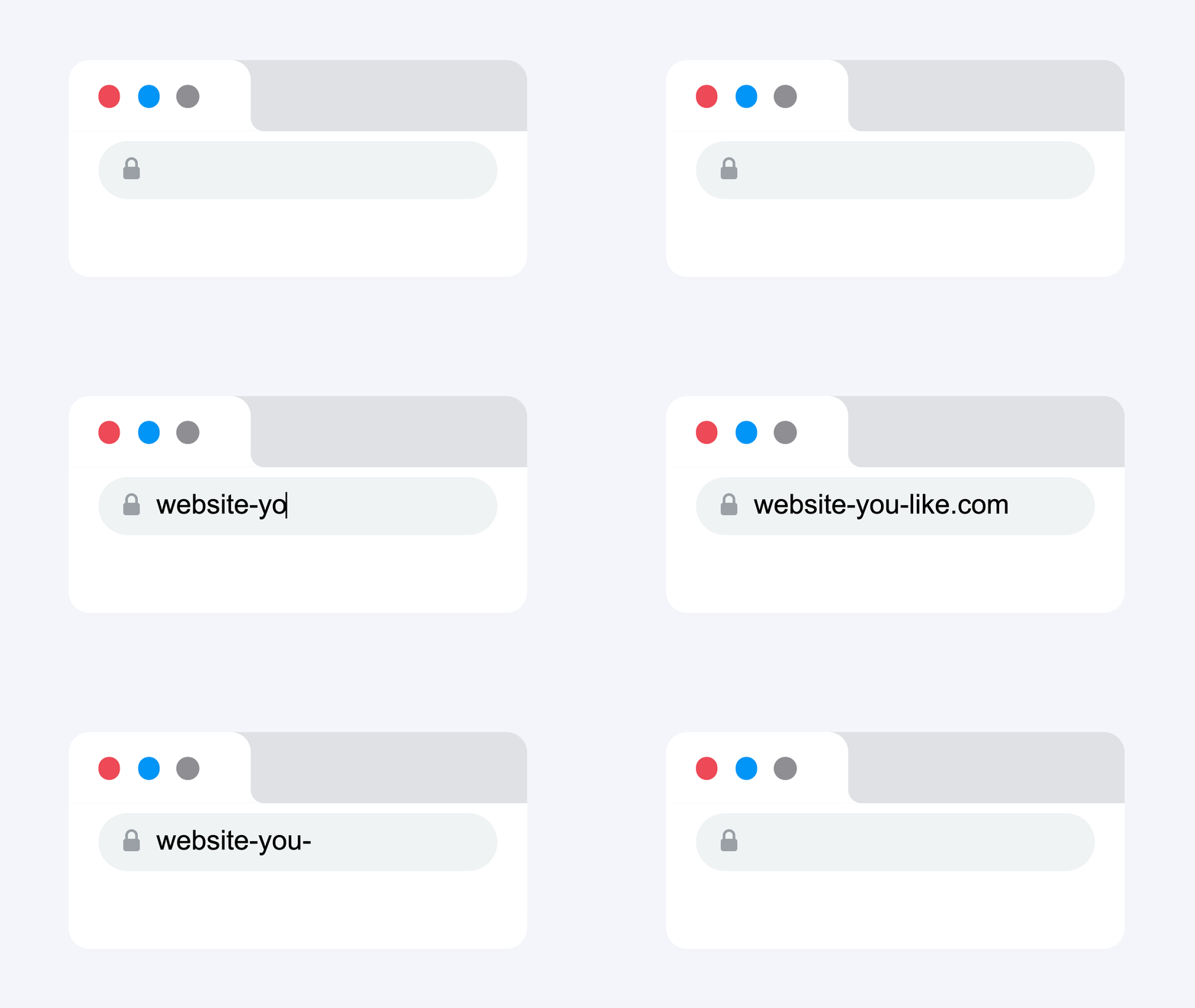
Browse any website
Every page is a source of reusable components.
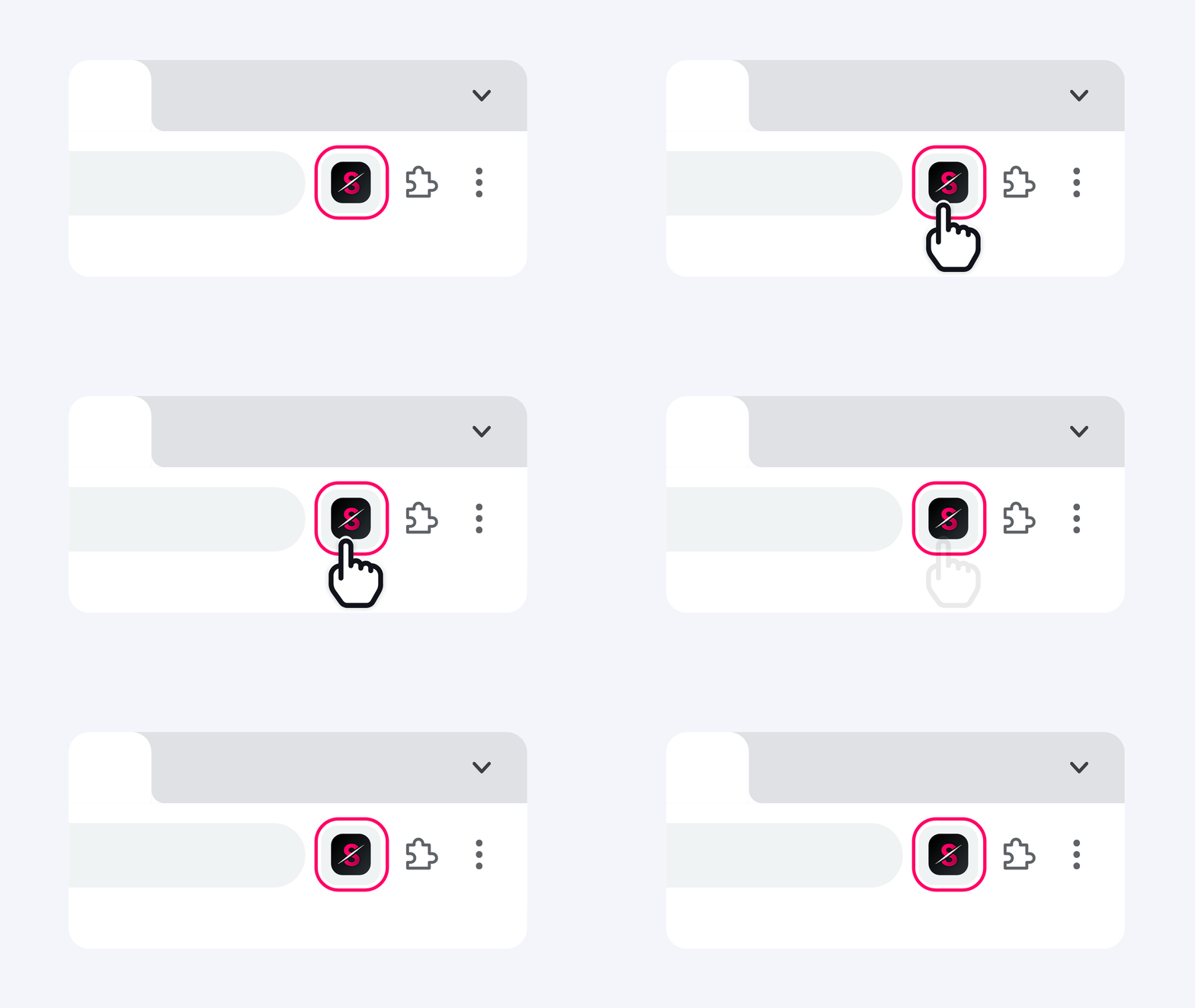
Open Slicer extension
Every component on the page becomes selectable - buttons, heroes, pricing tables, navbars.
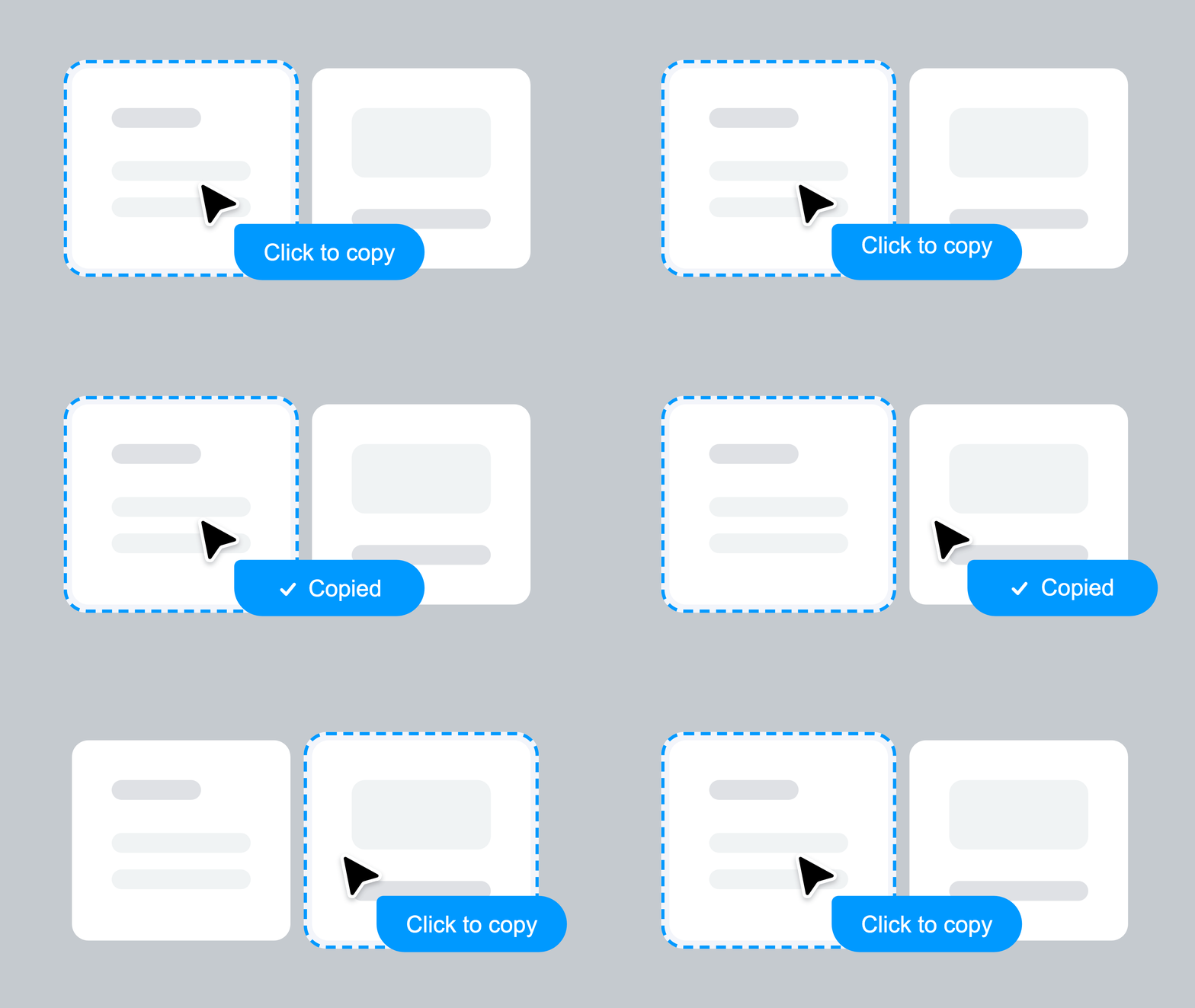
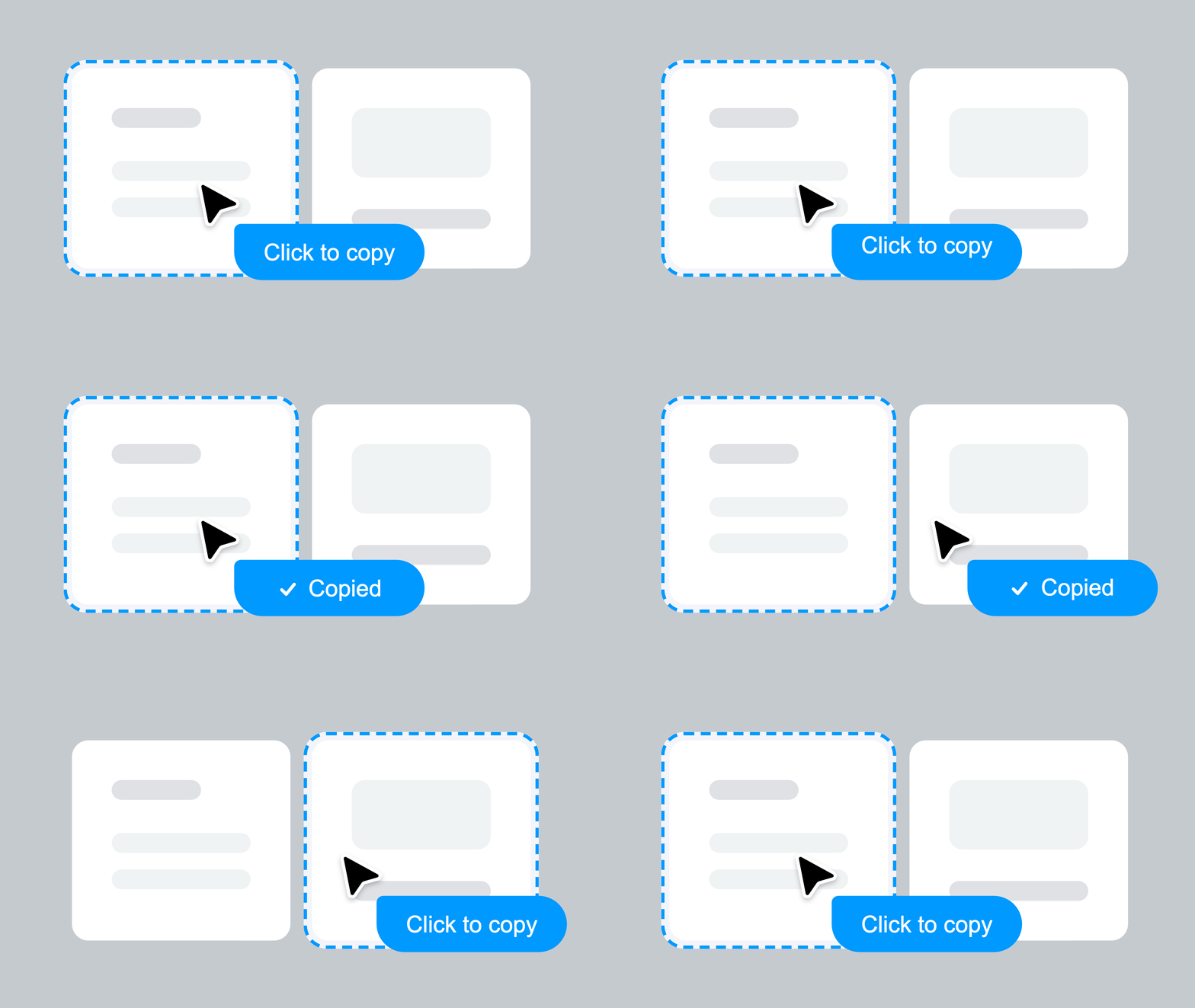
Copy any component
Click on a component to copy. All styles, animations, states, and interactions preserved.
Remix on Canvas
Apply your brand style and design system. Transform components visually before exporting.

Export as prompt or code
Instantly get an AI-ready prompt or clean React component. Paste directly into Lovable, Bolt, v0, or Cursor.
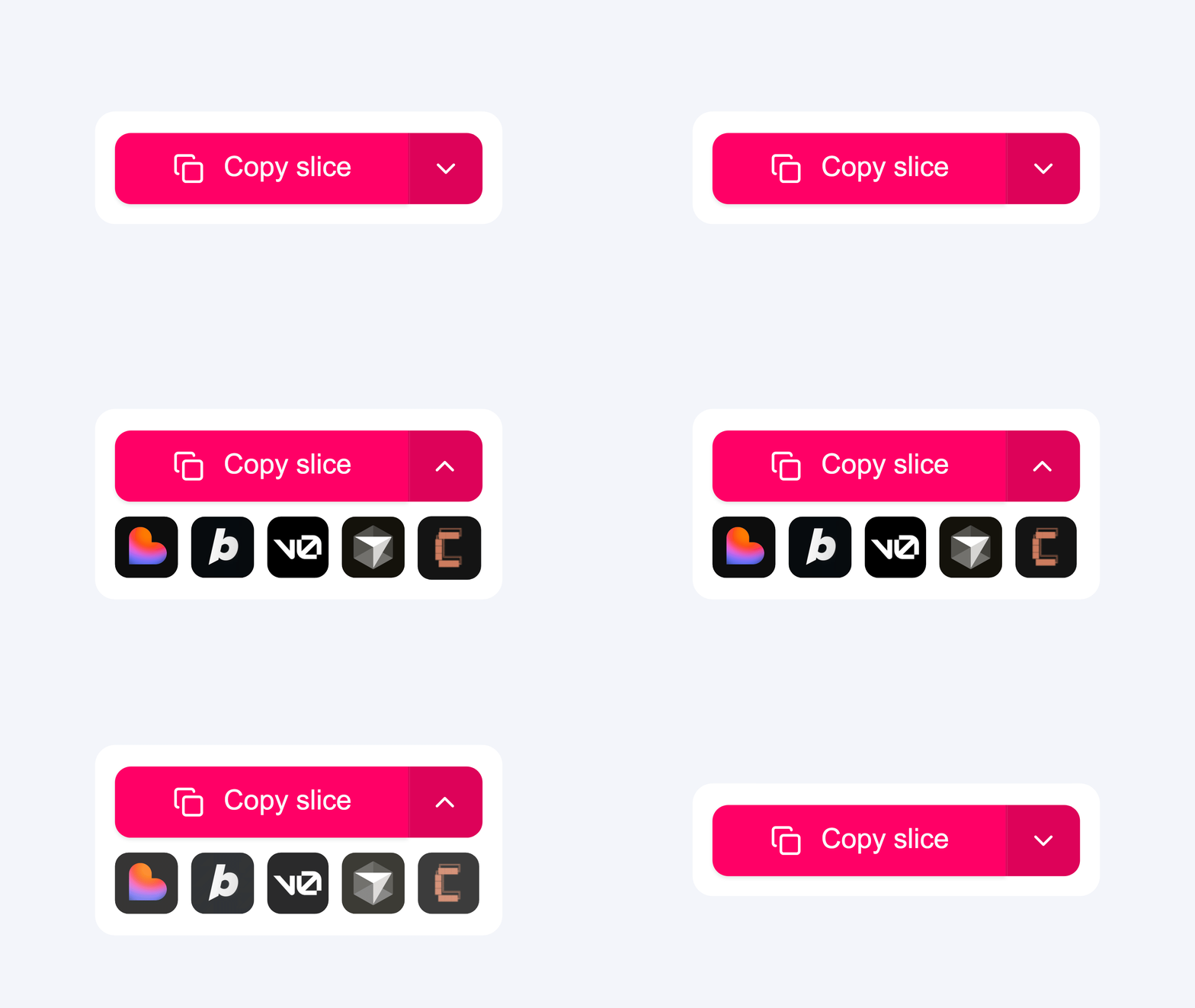
Everything captured. Nothing left behind.
Every interaction, every animation, every state — captured automatically, works with any tool you already use
Slicer Canvas: Restyle extracted components
Combine slices, apply your brand, and restyle with AI — all on an infinite canvas.
Questions about Slicer + v0
Use Slicer to extract the component from any website. Export as AI Prompt and paste directly into v0.dev. Slicer's prompt has all the design specs — no manual description needed.
Further reading
Simple, transparent pricing
Start immediately. Cancel anytime.
For occasional building
- 30 component copies / month
- 5 UX audits / month
For designers & developers who ship fast
- Unlimited component copies
- 20 UX audits / month
Everything Slicer does, uncapped
- Unlimited component copies
- Unlimited UX audits
14-day money-back guarantee
Not happy in the first 14 days? We'll refund you in full, no questions asked.
Start using Slicer with v0 today
Install the Chrome extension and paste your first real component into v0 in under a minute.