
Tools for copying website components and UI
Slicer, Anima, html.to.design, DevTools. They all take a website as input — but they produce very different outputs. Choose based on where your work ends up.
Quick answer: if your endpoint is a codebase or AI tool (Cursor, Lovable, Bolt, v0) — use Slicer. If your endpoint is Figma — use html.to.design or Anima. If you want to understand how something works — use DevTools.

Side-by-side comparison
Pick based on your output, not your input.
| Feature |  Slicer Slicer | A Anima | h html.to.design |  DevTools DevTools | ||||
|---|---|---|---|---|---|---|---|---|
| Best for | Developers, founders, designers | Design-engineering teams | Designers | Developers (debugging) | ||||
| Output | AI prompt + React code | Figma files + React/HTML | Figma file | Raw computed CSS | ||||
| Output: AI prompt for Cursor / Lovable / v0 | ||||||||
| Output: React + Tailwind code | ||||||||
| Captures hover states + animations | ||||||||
| Canvas — restyle before exporting | ||||||||
| Output: Figma file |
Real components,
copied in one click
Every component below was extracted from a live website using slicer.dev browser extension
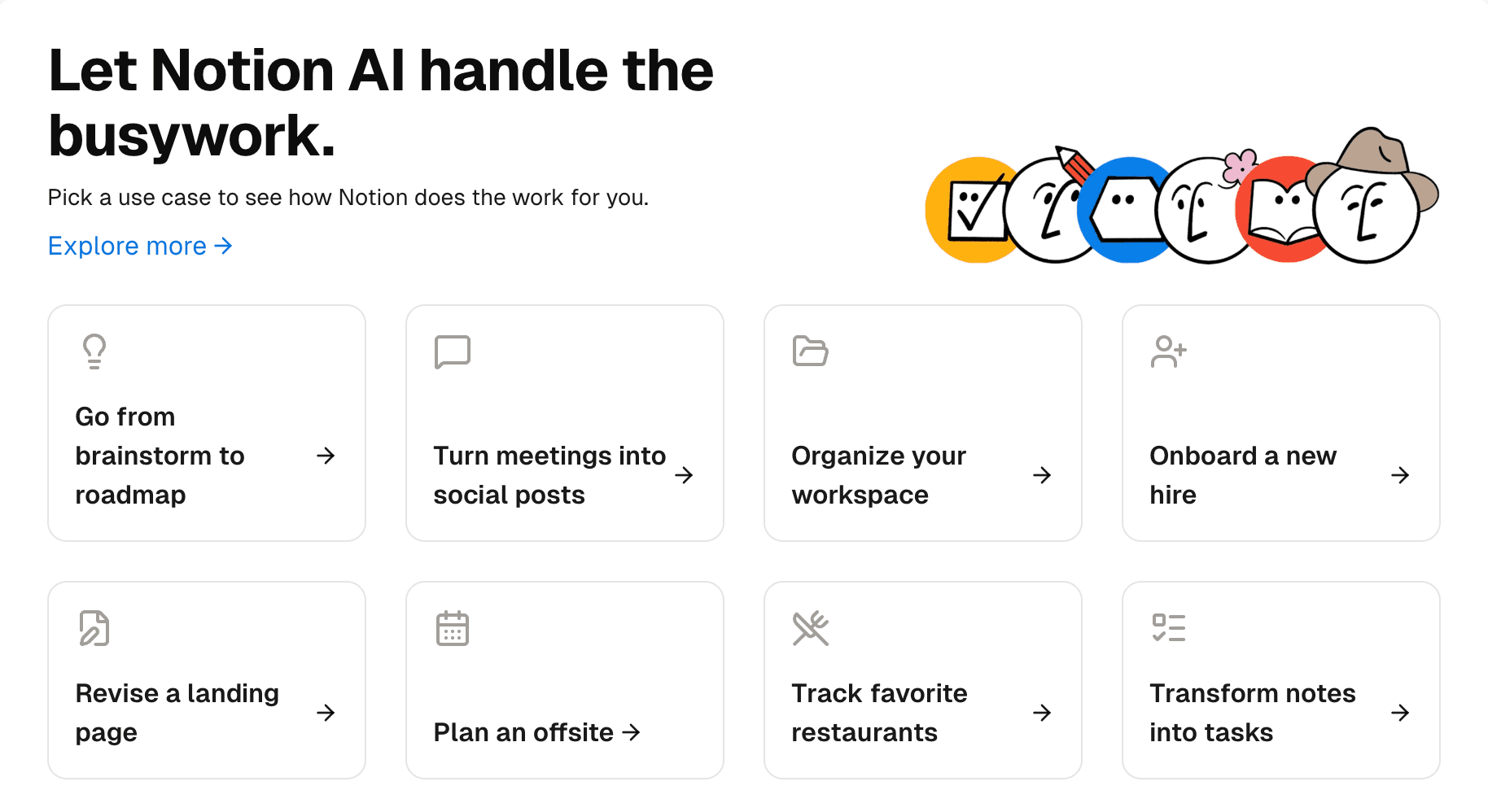
Notion AI use cases
312
Use case grid with icons and links
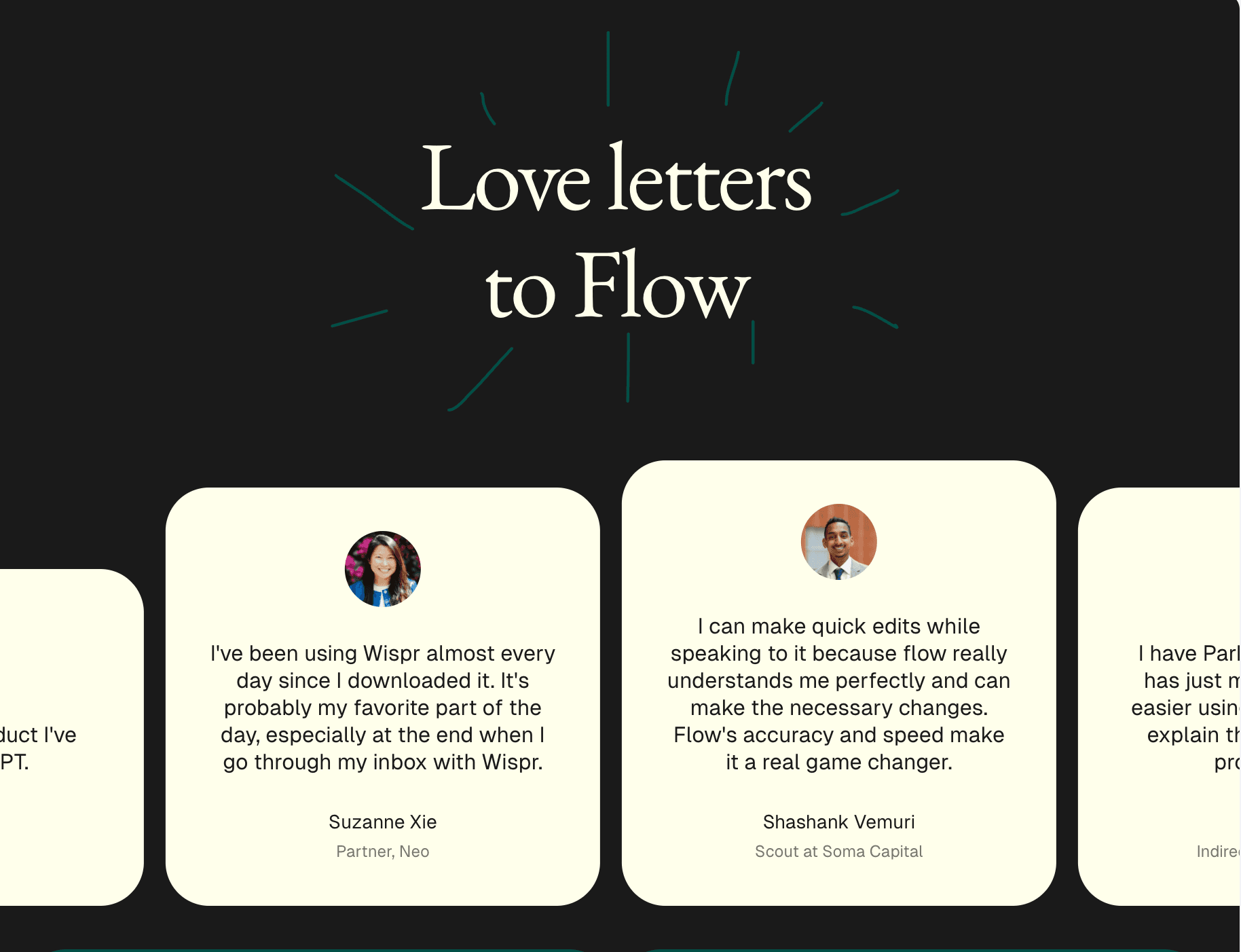
Flow testimonials
189
Testimonial marquee — dark theme
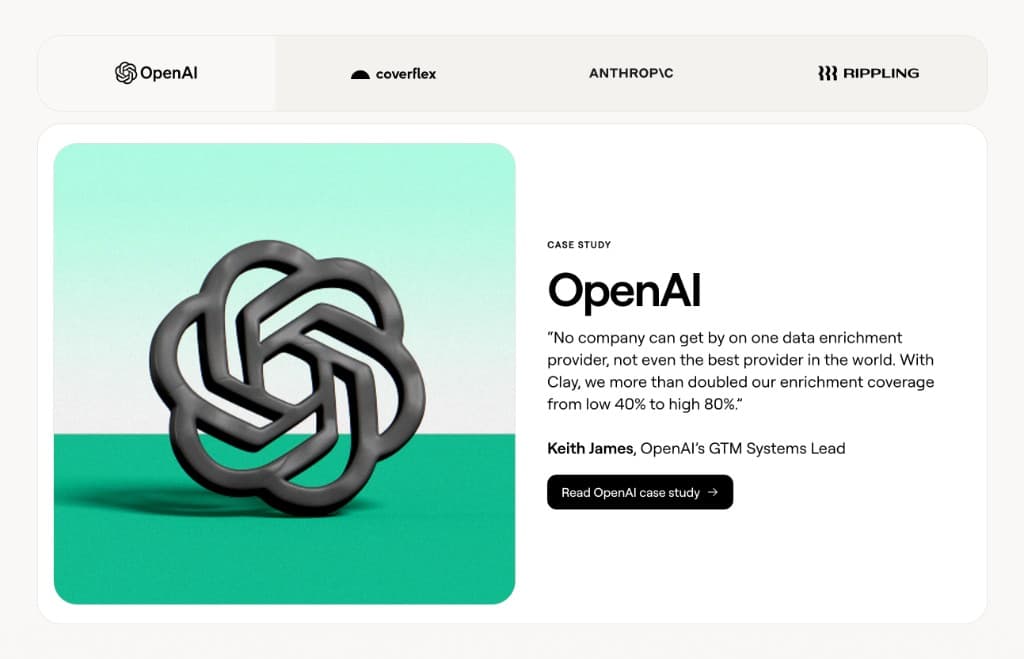
Customer case study tabs
276
Tabbed case studies with logo tabs
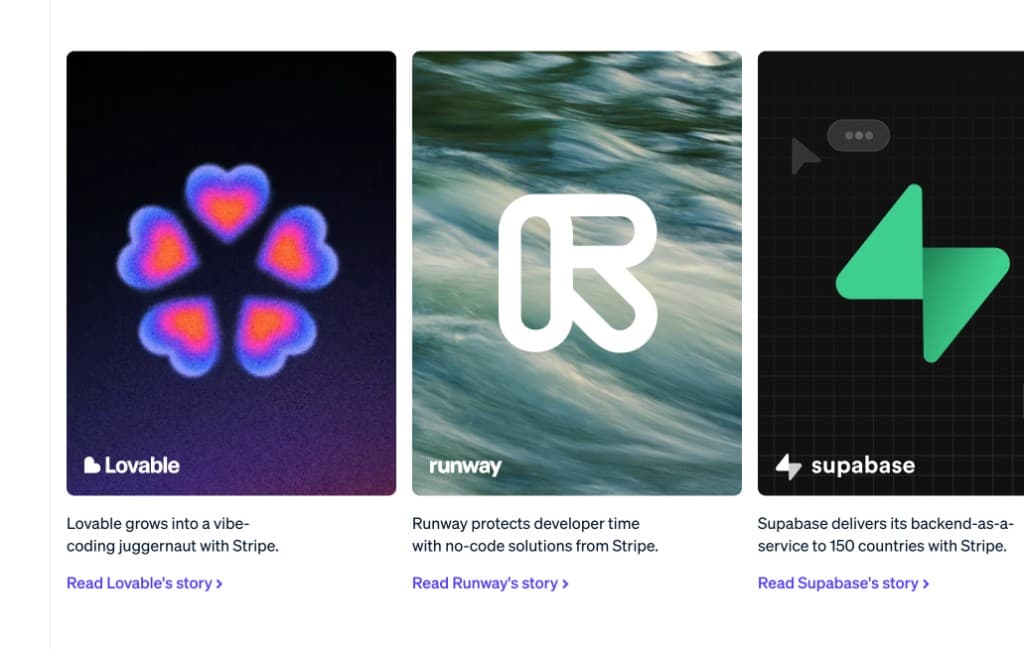
Startup customer carousel
147
Logo overlays — Lovable, Supabase
Notion AI use cases
312
Use case grid with icons and links
Flow testimonials
189
Testimonial marquee — dark theme
Customer case study tabs
276
Tabbed case studies with logo tabs
Startup customer carousel
147
Logo overlays — Lovable, Supabase
Notion AI use cases
312
Use case grid with icons and links
Flow testimonials
189
Testimonial marquee — dark theme
Customer case study tabs
276
Tabbed case studies with logo tabs
Startup customer carousel
147
Logo overlays — Lovable, Supabase
What each tool actually does
Slicer
A Chrome extension for developers, founders, and designers. Click any component on any website, restyle it on the Canvas with your brand, and export as an AI prompt or React component. The AI prompt is structured specifically for Cursor, Claude Code, Lovable, Bolt, and v0 — exact colors, spacing, hover states, and animations included. No manual description needed.
Pick this if: Your endpoint is a codebase or AI tool. You want to stop describing UI from memory.
Anima
A bidirectional Figma-to-code tool that also captures websites into Figma. Strong for teams where designers control the design system and ship code directly from Figma. The code output is structured around Figma components rather than developer conventions.
Pick this if: You're a designer or design-engineering team who lives in Figma and wants round-trip Figma ↔ code.
html.to.design
A Figma plugin and Chrome extension that captures any webpage as editable Figma layers — real text, auto-layout, proper component structure. Does this one thing very well. Does not output code or AI prompts.
Pick this if: You're a designer building a Figma library or moodboard and your endpoint is Figma, not code.
DevTools
Built into every browser. The right tool for understanding why something looks the way it does — debugging, learning, or making surgical changes. Not designed for extracting components to reuse: you copy CSS one rule at a time, hover states require manual triggering, and CSS-in-JS class names are often hashed.
Pick this if: You want to understand or debug, not extract and reuse.
Slicer integrations


Common questions
Further reading
Simple, transparent pricing
Start immediately. Cancel anytime.
Perfect for trying out Slicer
- 5 extractions per month
- AI code generation
- Prompt & React export
- Screenshot capture
- Interactive component capture
- Priority AI models
- Figma export (coming soon)
For designers & developers who ship fast
- Unlimited extractions
- AI code generation
- Prompt & React export
- Screenshot capture
- Interactive component capture
- Priority AI models
- Figma export (coming soon)
Collaborate with your team
- Everything in Pro
- Shared Canvas files
- Team slice library
- Collaboration features
- Priority support
7-day money-back guarantee
Not happy in the first 7 days? We'll refund you in full, no questions asked.
Try Slicer for free
Install the Chrome extension and extract your first real component in under a minute.